|
VOOZH | about |
|
VOOZH | about |
The onclick event attribute in HTML triggers when the user clicks on an element. It executes a script or function upon a click event and is commonly used for interactive elements like buttons and links.
<element onclick = "script">This attribute contains a single value script that works when the mouse clicks on the element.
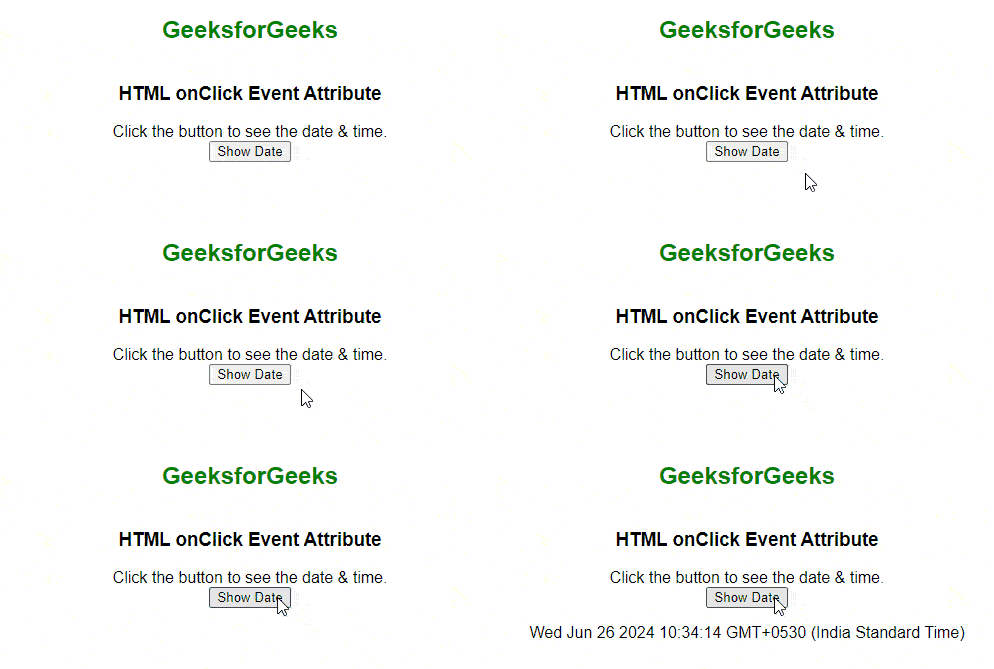
This example shows a simple onclick event where clicking the button displays the current date and time.
Output:
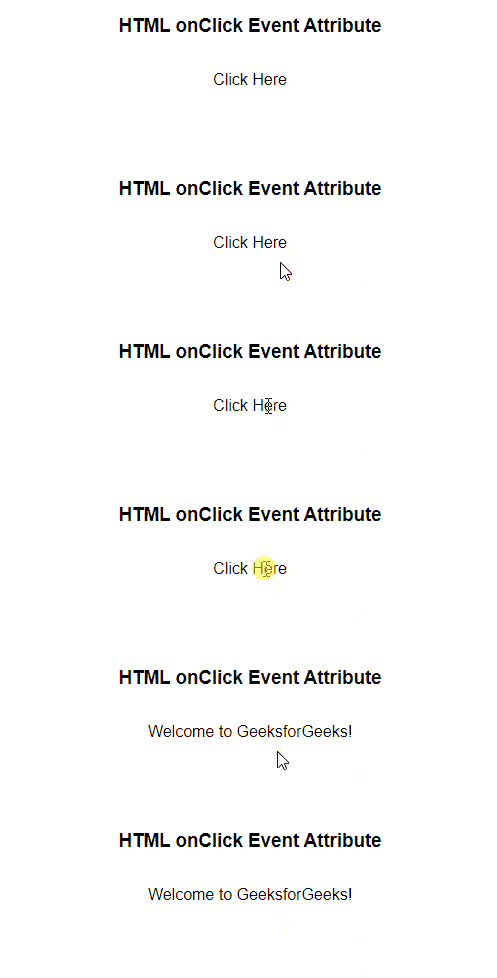
In this example, when the "Click Here" will be clicked then the text "Welcome to GeeksforGeeks" will be displayed.
Output:
The onclick event attribute is a powerful tool for adding interactivity to web pages. By attaching scripts to click events on various elements, developers can create dynamic and responsive user interfaces that enhance the user experience.