|
VOOZH | about |
|
VOOZH | about |
The HTML readonly attribute, when applied to input fields or text areas, prevents users from editing the content, allowing it only for viewing purposes.
<input readonly>This attribute is used with two elements which are listed below:
| Element | Description |
|---|---|
<input> | Used with the readonly attribute for read-only input fields. |
<textarea> | Utilized with the readonly attribute for read-only text areas. |
Example1: In this example we demonstrates the use of the readonly attribute in an input element, making the "Country" input field read-only, while allowing editing for the "Email" field.
Output:
Example2:
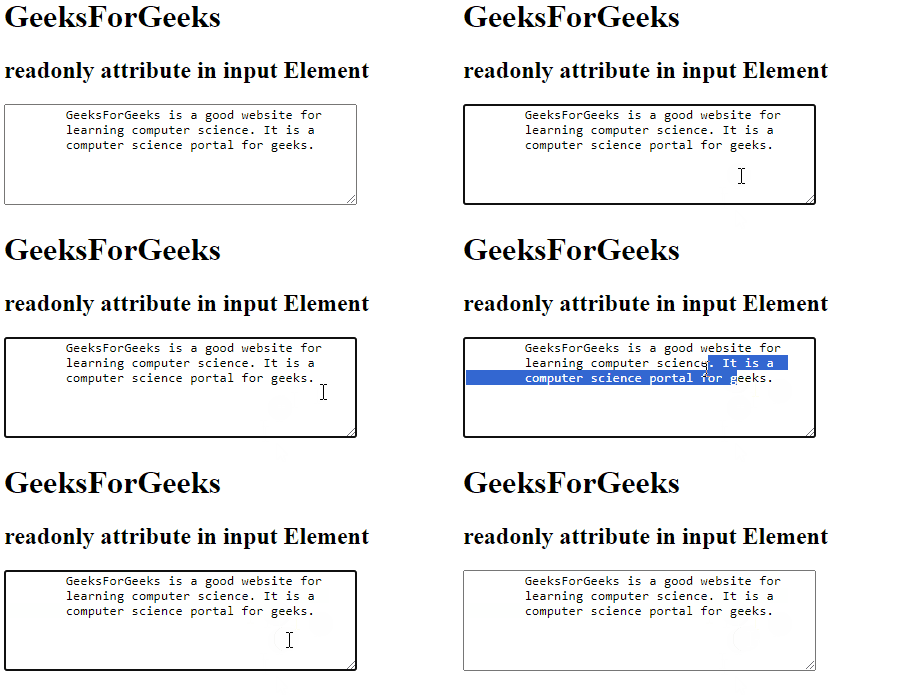
In this example we are using the readonly attribute in a <textarea>, preventing user editing and allowing viewing of pre-filled content about GeeksForGeeks.
Output:
The browsers supported by readonly attribute are listed below: