|
VOOZH | about |
|
VOOZH | about |
An inline attribute in HTML refers to the style attribute, which allows you to apply CSS directly to a specific element. This provides quick, element-specific styling without affecting other elements or requiring external stylesheets. It is defined directly within the HTML tag.
The style attribute is an inline attribute used in HTML to apply CSS styles directly to an individual element. Unlike external or internal stylesheets, which apply to multiple elements across a page or site, the style attribute allows you to define unique styling for a specific element.
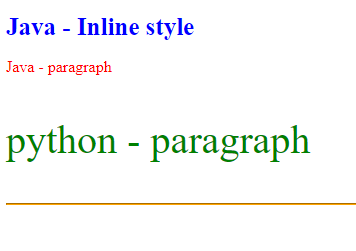
<p style="color: red; font-size: 18px;">This is a styled paragraph.</p>Example 1: Here the inline CSS to style elements directly within the tags. Each element has specific styles applied, such as color and font size
Output:
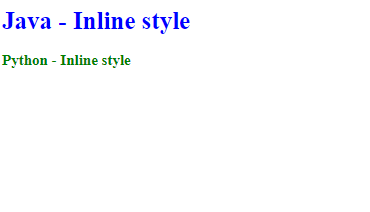
Example 2: In this example, we use inline CSS styling by directly applying color and font size to headings. Each heading features unique styles for Java and Python,
Output: