|
VOOZH | about |
|
VOOZH | about |
Servlets are Java programs that run on a web server and are used to handle client requests, process data, and generate dynamic responses for web applications. They act as a bridge between client requests and server-side processing.
- Download JDK
- Download Eclipse IDE.
- Install Apache Tomcat – 9.x or 10.x (configured in Eclipse)
- Downloaded and installed PostgreSQL
- JDBC Driver – postgresql-42.2.18.jar (placed in WEB-INF/lib)
In this example, we will be creating a simple "Student Database Management system" in which, we can insert, update, delete and view the student details.
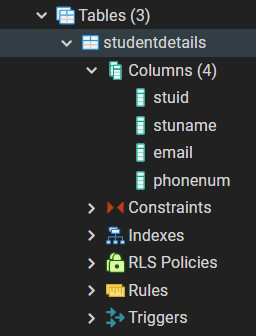
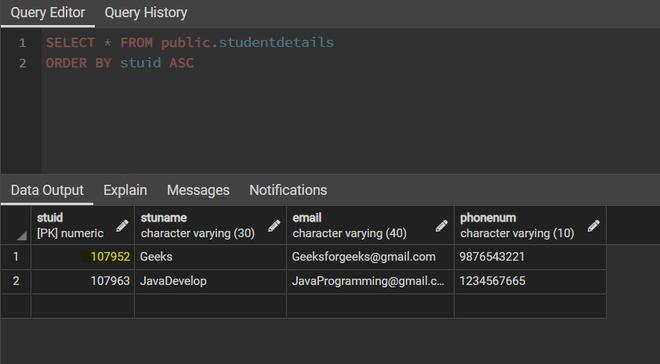
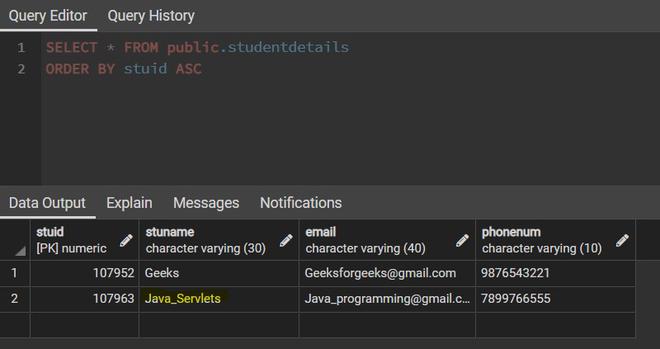
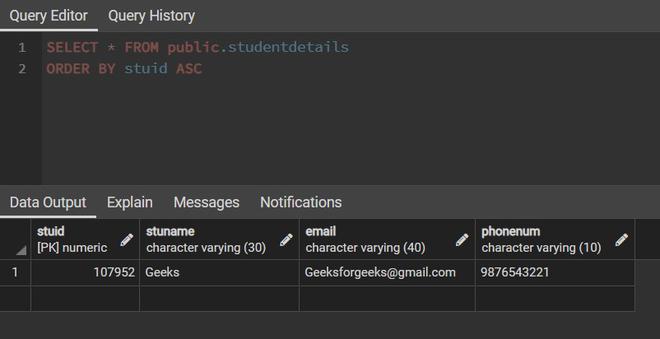
Below image describe the structure of table:
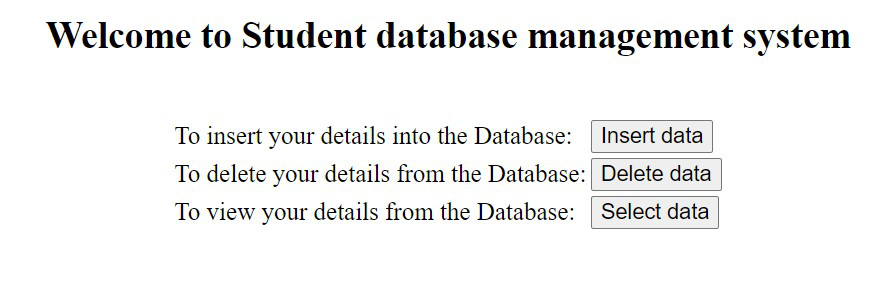
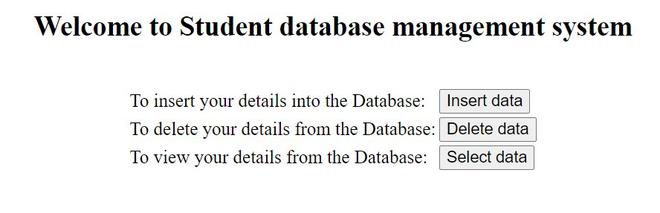
This is the welcome page of the project. On this page, we will be displaying the different types of operations such as Insert, Delete and Select data on the Student details.
Based on the student selection, the respective JSP page will be displayed.
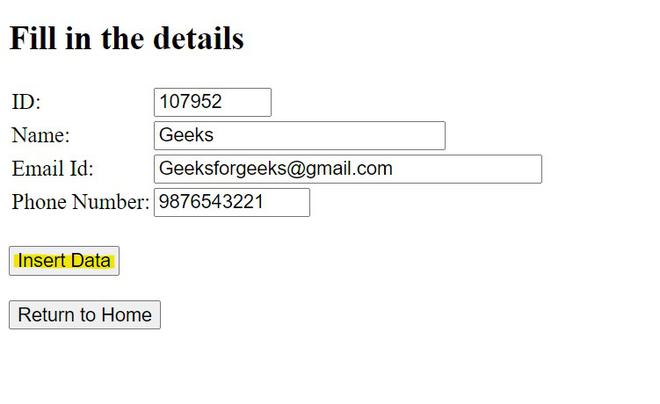
This page takes the required values from the student - Student Id, Student Name, Email Id, and Phone number and submits the page to Insert servlet to store the values in DB.
Based on the action and method specified, it will map the respective servlet and go to the doPost method() in that servlet.
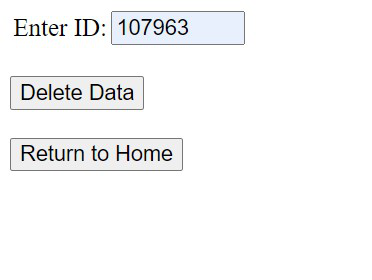
To delete the student information from DB, we need the ID of the student. This page takes the id from the student and submits the value to the Delete servlet.
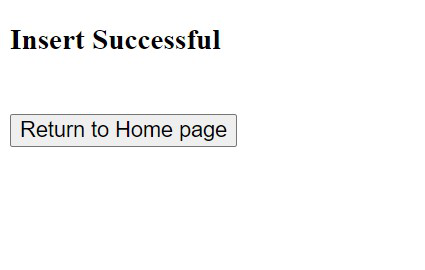
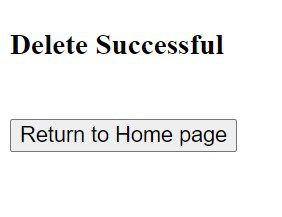
To display the success message after insert, update and delete operations.
After successful insertion or deletion of the values, this page will display the success message to the UI.
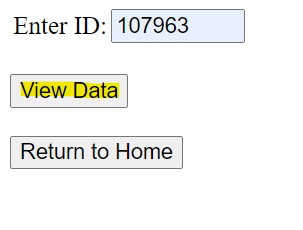
To populate the student information from DB, we need the ID of the student. This page takes the id provided and submits it to the Select servlet to fetch the details.
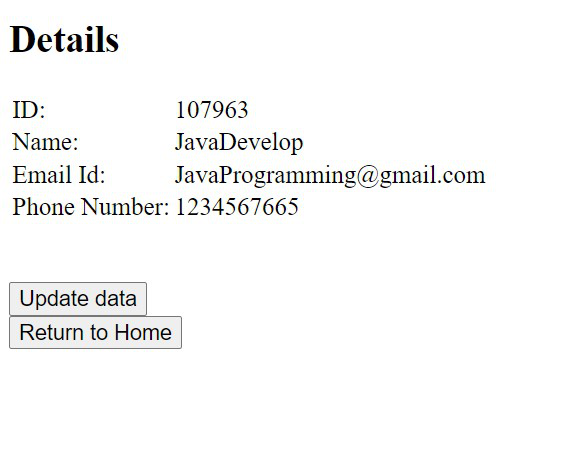
This page is to populate the student information in the UI. To display the result set of the student details based on the given id.
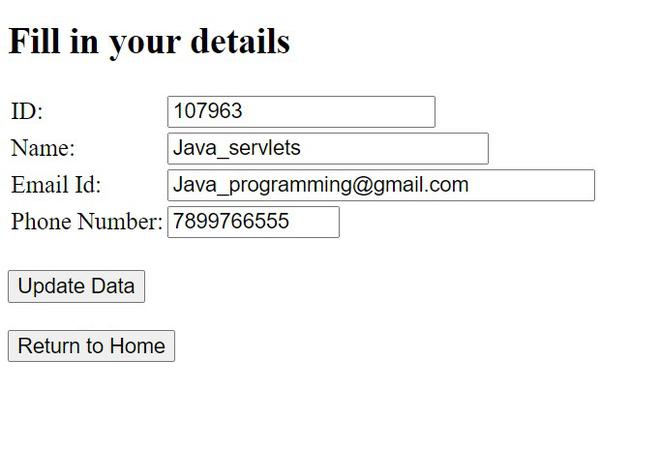
Once the information is populated, if the student wants to update their details, this page takes the updated information from the student and submits it to the Update servlet.
We are making the ID value as read-only so that it won't be changed and the information will be updated with respect to the ID value.
To establish a JDBC connection with PostgreSQL, we need to specify the driver, URL, username, and password objects of the PostgreSQL. In order to reuse these objects in all the servlets to make a connection with the DB, we can provide these values in separate class like below.
Instead of using a java class, we can specify these values in the properties file also.
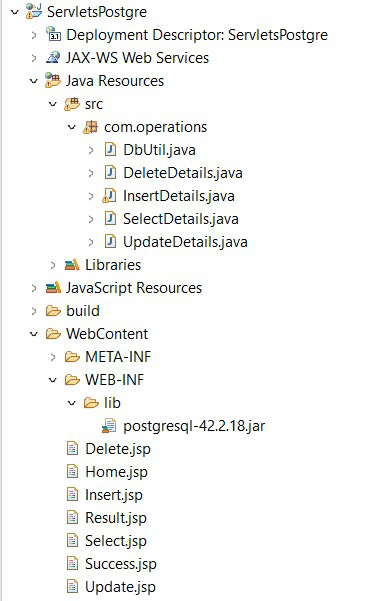
Servlet classes and JSP pages can be mapped through the web.xml(deployment descriptor) or by using annotations. In this example, we are using @WebServlet annotation to map the jsp pages to their respective servlets. To work with servlets, we need to extend the java class from HttpServlet.
When the student enters the data through Insert.jsp and submits the page to insert the details into DB, based on the URL "/InsertDetails" in JSP page, InsertDetails.java servlet class will be mapped and executed.
Explanation:
Same as the insert operation delete servlet also will be mapped based on the URL specified. When a student enters the ID value to delete the student information, DeleteDetails.java servlet class will be mapped and executed.
Explanation:
To populate the student information based on the ID submitted.
Explanation:
If the student wants to update any information, then we need to get the respective ID and perform the operation.
Explanation:
Now, run the application using Run As -> Run on Server. The application will be deployed on the Tomcat server. Run the URL,
http://localhost:8081/ServletsPostgre/Home.jsp
in the browser to get the home page of the application.
In this way, we can perform all the insert, update, delete and select operations using Servlets with JDBC.