|
VOOZH | about |
|
VOOZH | about |
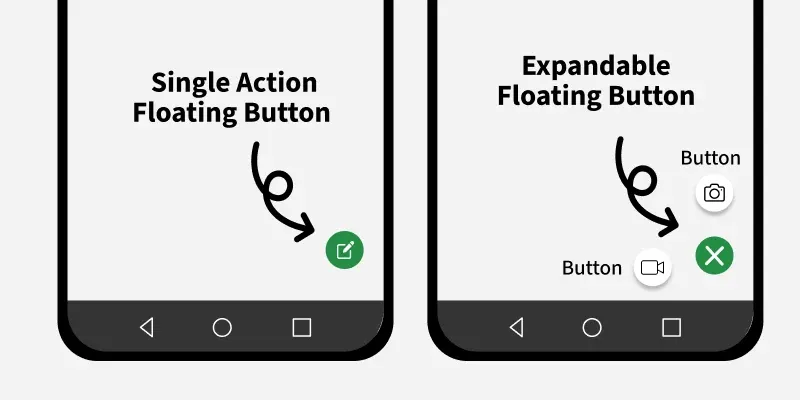
Floating Action Button is added to the android application to perform some important within the android application. These are implemented in the android application UI for some primary actions within the application. There are different types of floating action buttons such as simple, square and extended floating action buttons.
To create a new project in the Android Studio, please refer to How to Create a new Project in Android Studio with Jetpack Compose.
Navigate to app > java > {package-name} > ui.theme > Color.kt file and add the below code to it. Comments are added in the code to get to know in detail.
Color.kt:
Go to the MainActivity.kt file and refer to the following code. Below is the code for the MainActivity.kt file. Comments are added inside the code to understand the code in more detail.
MainActivity.kt:
In real-world applications, Floating Action Buttons are generally used inside a Scaffold, which provides a dedicated slot for FAB placement as per Material Design guidelines.
Note: The video output corresponds to the initial Floating Action Button examples without Scaffold. For production-level applications, refer to the Scaffold-based implementation discussed above.