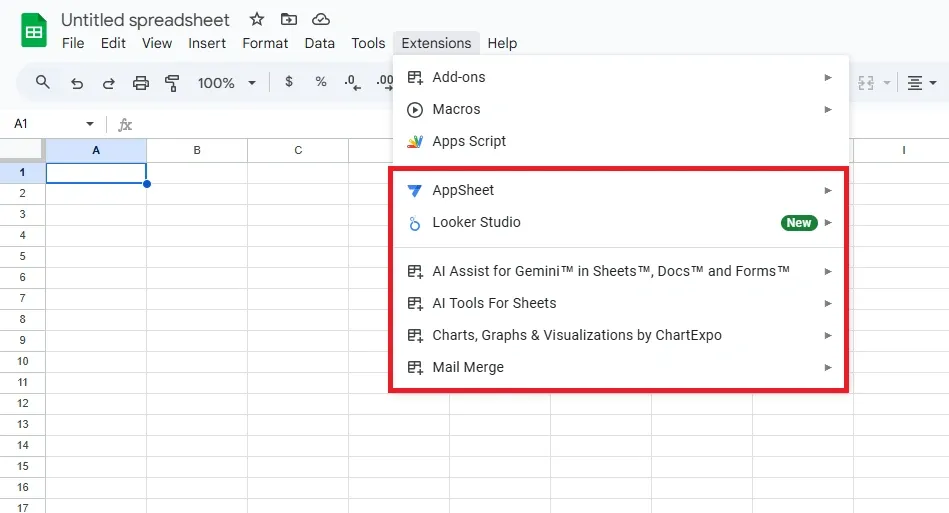
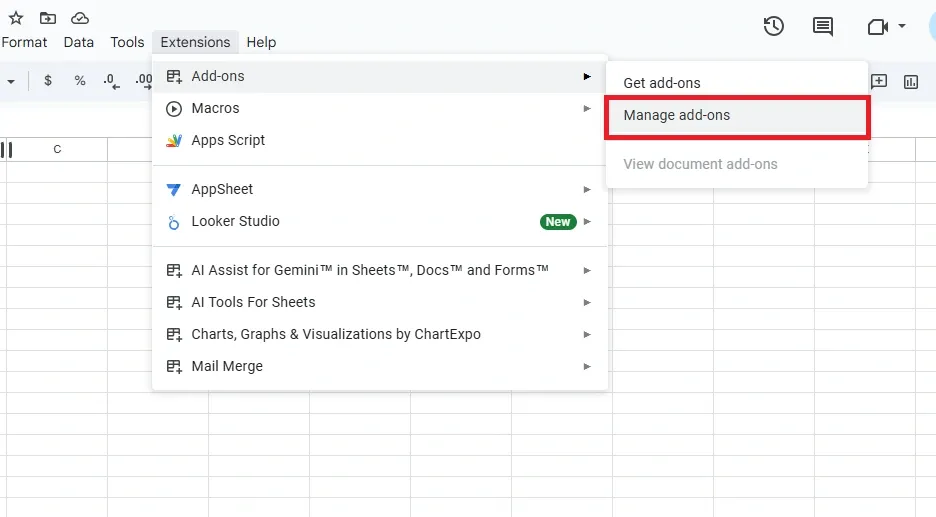
Google Sheets add-ons offer an incredible way to expand the functionality of your spreadsheets, making them more efficient and versatile for various tasks. Whether you’re looking to automate repetitive workflows, perform advanced data analysis, or customize your sheets for specific needs, add-ons from the Google Workspace Marketplace can help. This guide explores how to install, manage, and remove add-ons in Google Sheets, ensuring you can enhance your productivity with ease.
How to Use Add-Ons in Google Sheets
To use Add-Ons in Google Sheets follow the steps given below:
Step 1: Access the Add-ons Menu
Open your Google Sheets document.
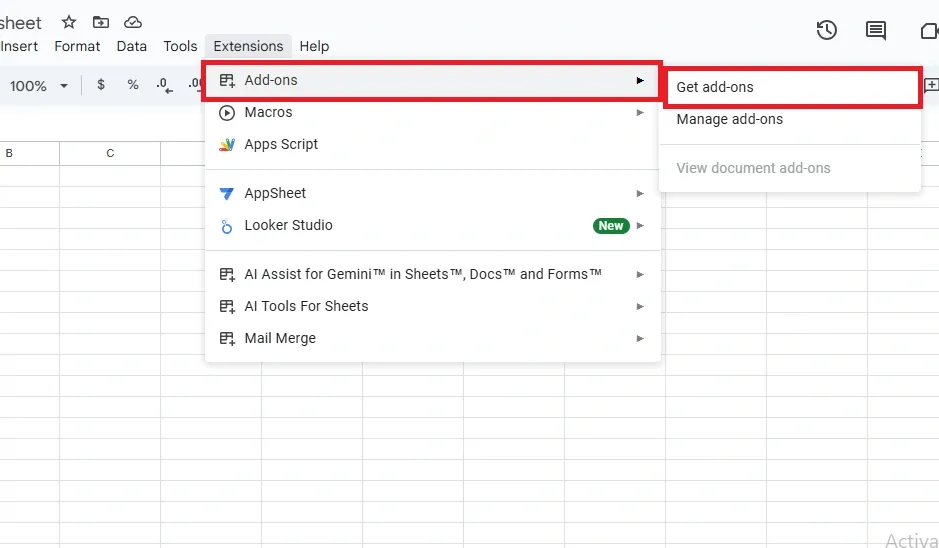
In the top menu, click Extensions and select Add-ons.
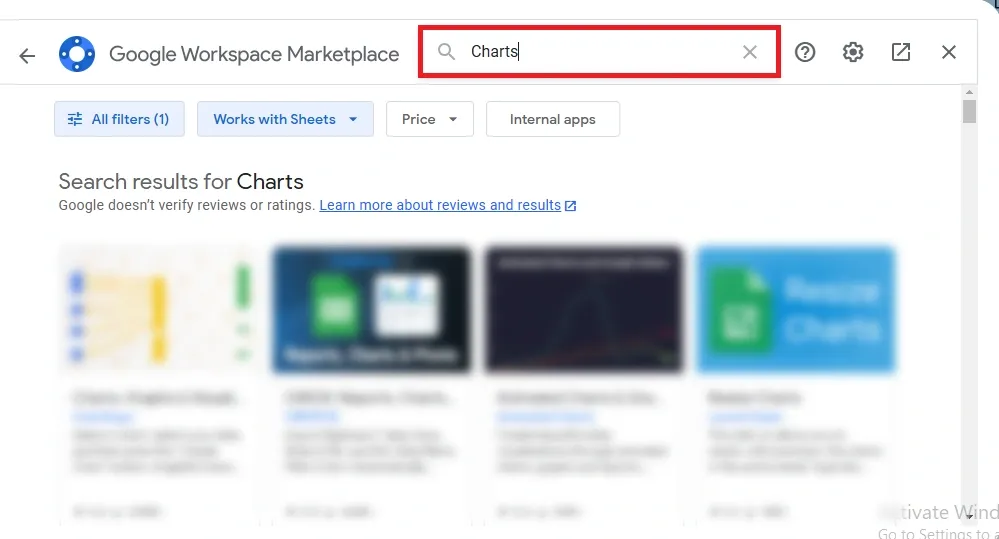
From the dropdown menu, select Get add-ons. This will open the Google Workspace Marketplace, where you can find a variety of add-ons.
Add-ons in Google Sheets are a game-changer for users looking to maximize efficiency and unlock additional functionality. By learning how to install, manage, and remove them, you can tailor your spreadsheets to meet your specific needs. Whether it’s for business, education, or personal use, the right add-ons can transform how you work with data, saving time and effort while achieving more streamlined results.