|
VOOZH | about |
|
VOOZH | about |
15 min
read
Learn how to build an AI-powered event planner app using no-code tools like Bubble, Glide, or FlutterFlow with smart automation and real-time features
By
Jesus Vargas
Updated on
May 29, 2026
.
Reviewed by
Real-World Experience with No-Code Tools: With over 320 apps built, we know firsthand what works—and what doesn't—when using no-code platforms like Glide, Bubble, FlutterFlow and Webflow.
Expert Team with 40+ Years of Combined Experience: Our team has deep technical knowledge, with experts who use no-code tools to solve real-world problems for clients every day, ensuring our advice is actionable and reliable.
Detailed Guides Based on Actual Projects: We don’t just talk about no-code; we use it daily to solve real business problems for our clients, from MVPs to complex automations.
Take a deeper look at our editorial guidelines
An AI event planner app is a business tool that automates internal event planning tasks like scheduling, communication, vendor tracking, and guest coordination. Instead of handling everything manually, the app uses artificial intelligence to speed up operations, reduce errors, and keep teams organized.
For example, AI can match guest availability to find the best time for an event, auto-generate follow-up emails, or track vendor status. These features help teams focus on decision-making instead of repetitive admin work.
At LowCode agency, we build custom AI event apps using platforms like Bubble, FlutterFlow, and Glide. These tools help us create flexible, scalable solutions tailored to each business.
Here’s what an AI event planner app can automate:
This leads to faster workflows, fewer delays, and better planning outcomes.
Running events takes a lot of coordination—emails, bookings, reminders, follow-ups. And when you’re managing more clients, things can slip. That’s where AI and no-code step in. We build custom tools that take care of the repetitive work so your team can focus on creating great experiences.
Here’s why this combo works so well for growing event agencies:
Read more | AI Business Trends and Challenges
AI App Development
Your Business. Powered by AI
We build AI-driven apps that don’t just solve problems—they transform how people experience your product.
A successful AI event planner app goes beyond basic scheduling. It should support your internal workflows, enhance guest experience, and give your team full control before, during, and after the event. When we build event apps for agencies, we focus on features that actually move the needle for productivity and client satisfaction.
This structure keeps everything smooth, secure, and scalable.
Read more | AI-Powered App for Lawyers (No-code)
AI helps event teams do more with less. Instead of wasting hours on repetitive tasks, your team can rely on smart tools that organize, predict, and respond in real time.
AI can automatically assign tasks to your team by looking at deadlines, availability, and current workload. If someone’s bandwidth is low, it routes a lighter task to them. If another team member has handled a similar request before, it assigns them again to save time.
This avoids overloading people or missing deadlines. No more guessing who should do what or holding meetings just to plan the plan. Your event workflow runs smoother, with task ownership handled in the background by intelligent logic.
Read more | How to hire AI app developers
Instead of spending days reviewing post-event spreadsheets, AI can do the analysis for you. It looks at past performance—low RSVP turnout, delays from vendors, or popular sessions—and gives clear suggestions. Maybe the app recommends an earlier invite schedule or switching to a better-rated vendor.
It even compares trends across multiple events. This helps your team adjust before problems repeat. You no longer have to rely only on instinct or memory to improve. AI turns your data into smart, usable recommendations to level up every event you run.
Read more | How we build an AI-powered app with Bubble
When new team members join, they often need help understanding how things work. Instead of asking senior staff again and again, they can use a built-in ChatGPT assistant. It answers questions right inside the app, like
You can even preload your SOPs into the AI so responses match your internal process. This keeps onboarding fast and error-free.
Your team becomes self-sufficient quickly, and experienced staff can focus on managing events rather than answering the same questions repeatedly.
Read more | Build AI-Powered Mobile Apps
Creating a post-event report often takes hours, compiling data, writing summaries, and formatting charts. AI makes this process instant. It pulls key metrics like guest check-in rates, vendor delivery status, and feedback scores, then organizes them into a clean summary.
You can also customize it to match each client’s preferred format. With just a few clicks, your team can send out professional event reports that show impact and value. This builds trust with clients while giving your agency a polished, efficient image, without spending extra time or hiring a dedicated reporting person.
Read more | AI business process automation guide
Every event has a budget, but sticking to it isn’t always easy. AI helps you track spending in real-time and flag where you might go over. More importantly, it learns from past events to suggest smarter budget allocations.
It might recommend cheaper vendors that still perform well or highlight contract clauses that led to hidden charges. It can even guide your team during negotiations based on prior deals. Instead of starting from scratch each time, you build smarter strategies over time, saving money while delivering great results.
Read more | AI fitness app development guide
AI tools can look at your event pipeline and suggest what actions to take. For example, it might predict low attendance based on location and time, recommend adding a session, or flag a vendor that’s running late.
These insights help your team make faster, more confident decisions without waiting for issues to show up. You don’t need to analyze every detail; AI does it and gives you a summary. This means fewer delays, quicker response times, and events that run on schedule, even when things change suddenly.
Read more | How to Build an AI Nutritionist App
Managing client communication gets messy when inboxes are full. AI solves this by reading incoming messages, organizing them by urgency, and suggesting short summaries. Instead of scanning threads, your team sees the key point right away. If a message needs a response, AI can draft one for review.
You can also tag messages to the right team member or auto-set follow-ups. This keeps everyone on the same page, avoids missed details, and saves hours of email time every week, especially helpful when managing multiple events at once.
Read more | How to build AI-driven Accountant App
Not all no-code tools support AI and event workflows the same way. Here’s how Bubble, Glide, and FlutterFlow stand out when building AI-powered event apps.
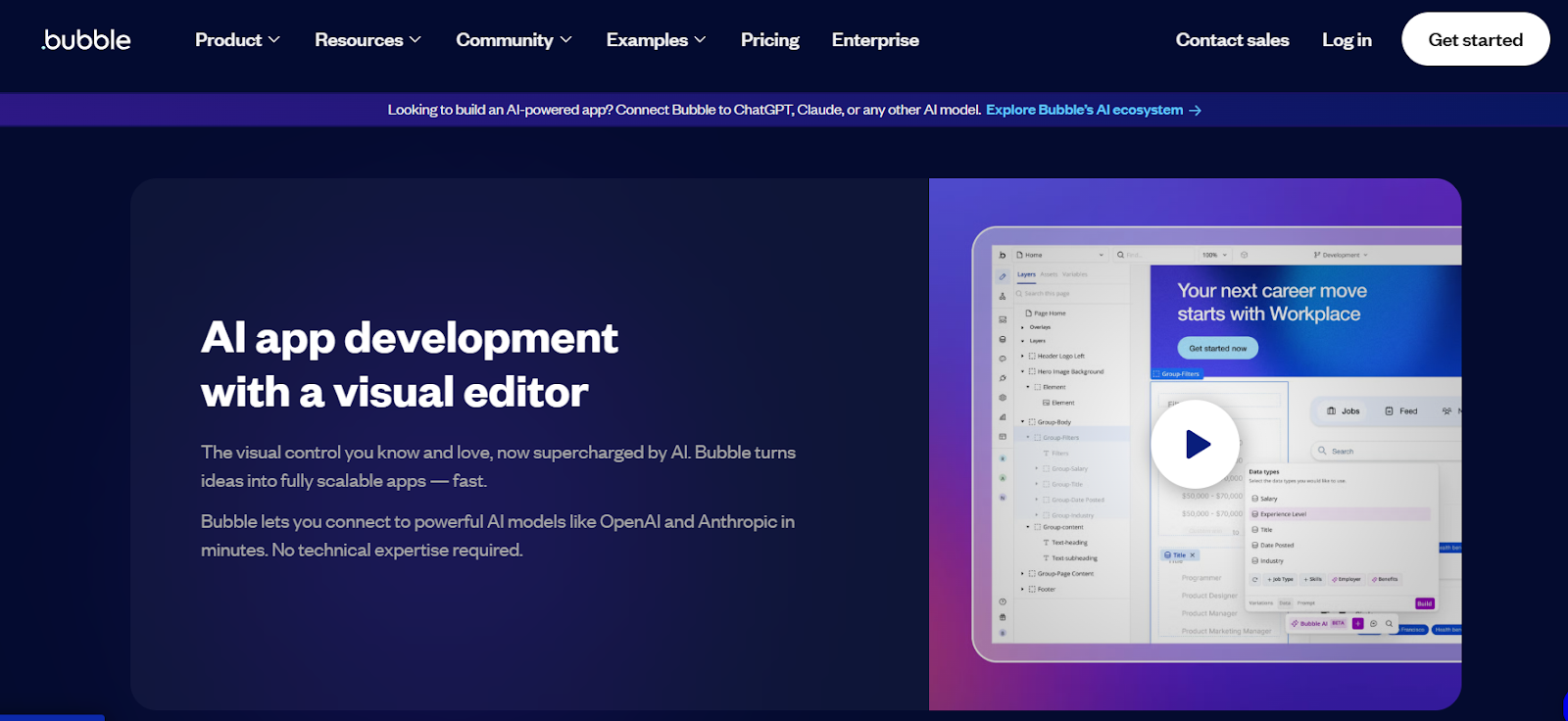
Bubble is ideal for event planning apps that need smart workflows and deep AI integration. It allows you to fully customize how users interact with the app—from personalized reminders to AI-generated content. With native OpenAI API integration, you can build chatbots that guide guests, generate event summaries, or auto-fill RSVP details.
Bubble’s backend tools let you automate task assignments based on event size or guest type. You can also create dashboards for planners, track guest engagement, and trigger automated updates. For large events or internal coordination, Bubble handles complex logic that other tools can’t.
Bubble App Development
Bubble Experts You Need
Hire a Bubble team that’s done it all—CRMs, marketplaces, internal tools, and more
Read more | 9 Best Generative AI Development Companies
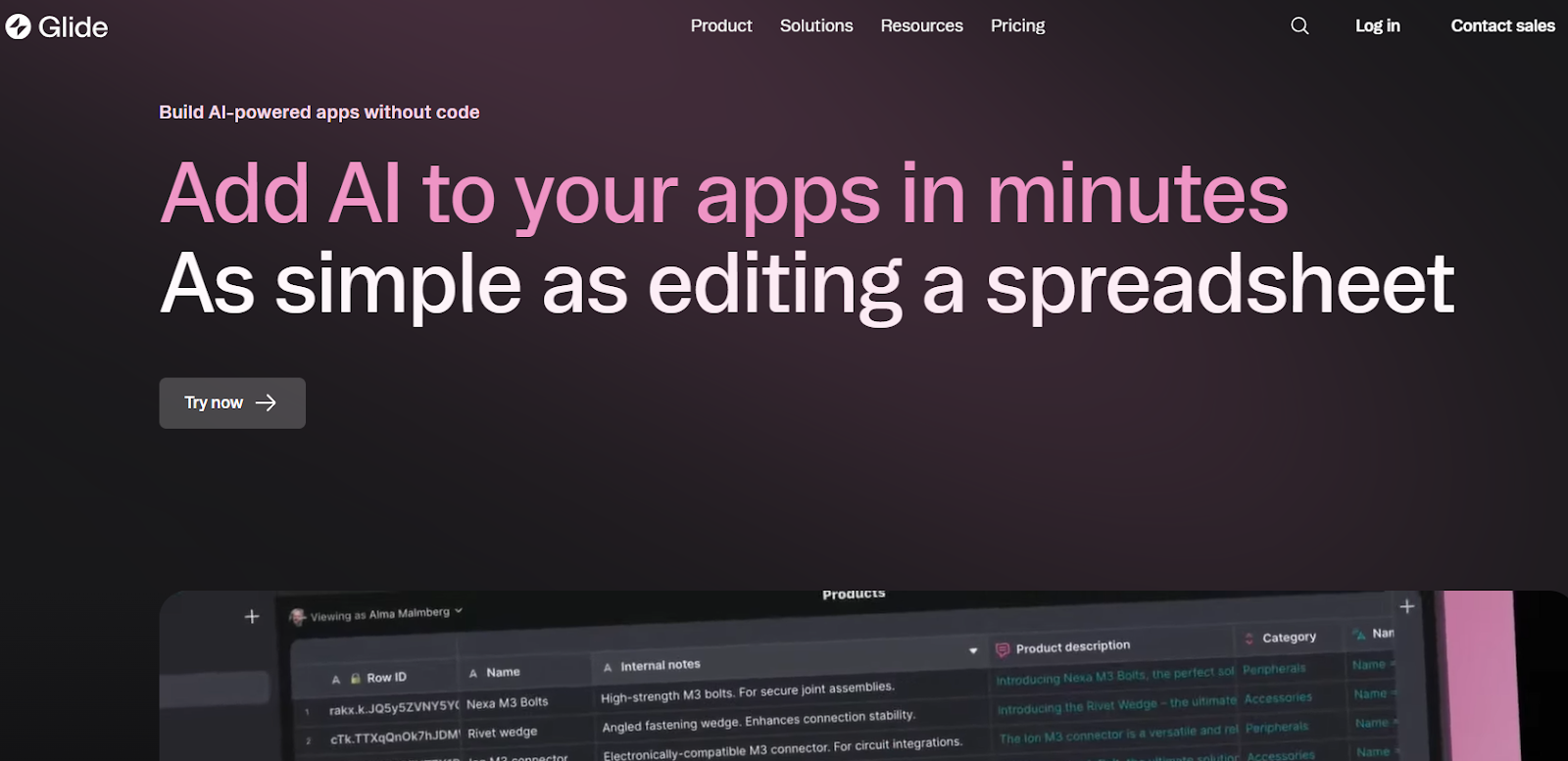
Glide is perfect for fast-moving teams who want a clean app tied to a spreadsheet. It shines when you need a working AI event app in days, not weeks.
You can use Glide’s AI column to generate event titles, write descriptions, or auto-reply to messages. It works well for guest-facing apps that show schedules, maps, or food options.
Using integrations like Make or Zapier, you can connect OpenAI to send smart suggestions or personalized messages. It’s great for managing small-to-mid size events where you want simplicity and automation, without handling complex logic or large user bases.
Glide App Development
Turn Sheets Into Apps
As the largest Glide agency, we help businesses transform spreadsheets into powerful internal tools, CRMs, and mobile apps
Read more | 9 Best Generative AI Development Companies
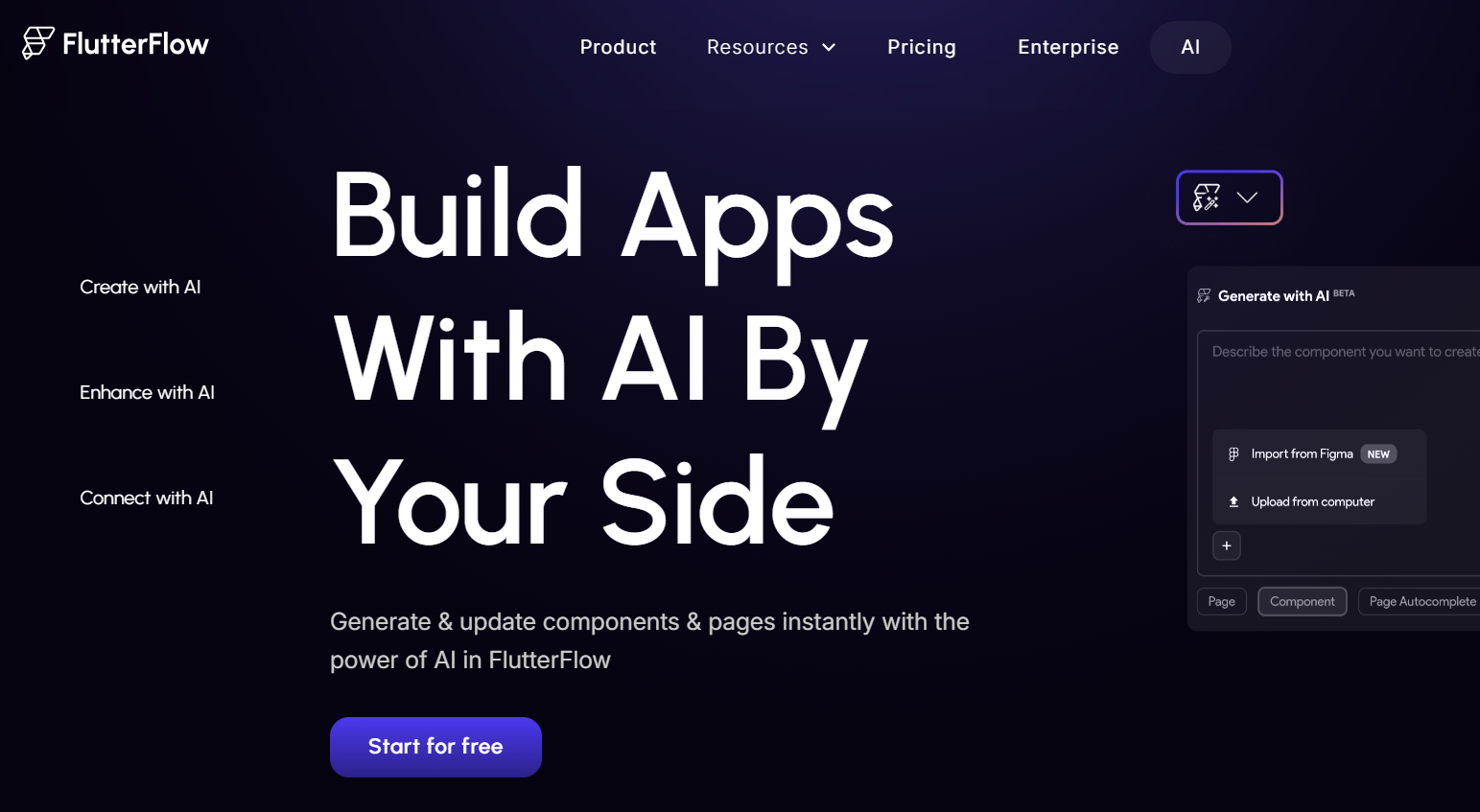
FlutterFlow is the best choice when you need a polished mobile app with built-in AI features. You can connect Firebase to manage guest data, use OpenAI to create smart chat flows, and add push notifications that adjust based on guest behavior.
The drag-and-drop UI editor helps you build modern apps with features like dynamic agendas, personalized AI checklists, and AI-generated feedback forms.
FlutterFlow also supports native performance, so your app works smoothly during high-traffic moments. For mobile-first event businesses or agencies targeting clients on the go, it offers the perfect blend of AI and native experience.
FlutterFlow App Development
Apps Built to Scale
We’re the leading Flutterflow agency behind some of the most scalable apps—let’s build yours next.
Building an AI event app doesn’t need to be complex. With the right no-code platform and expert guidance, you can go live in weeks. Here’s how you can build custom AI event planner apps.
Start by selecting the right no-code platform for your needs. Bubble works well for complex logic and AI APIs. Glide is best for quick builds and mobile-friendly layouts. FlutterFlow is great for native apps on iOS and Android.
Each tool offers drag-and-drop controls, making app development faster and easier. The right platform depends on your goals, whether it’s a fast MVP or a polished, store-ready app.
Read more | Bubble.io Capabilities and Limitations
We don’t just build apps. At LowCode Agency, we build AI-driven solutions that solve real problems. When you partner with us, you're getting more than developers; you’re getting a full product team. We combine strategy, design, and no-code development to build digital products that are scalable, AI-ready, and built for long-term success.
From the first roadmap to post-launch improvements, we stay fully involved. Whether you’re launching a client-facing event app or an internal operations tool, we design with purpose and build with care.
And we don’t say yes to every project, only the ones where we know we can make a real impact. If we take on yours, it’s because we believe in it, and we’ll treat it like our own.
Read more | Can I Build a Mobile App with Bubble?
After choosing your platform, start adding key features. An RSVP form lets users confirm attendance. A schedule helps guests follow the timeline easily. A built-in chat feature improves communication before and during events.
These tools make the app functional and user-friendly. Instead of managing things manually, your event runs more smoothly through automation and real-time updates inside the app.
Read more | Cross-Platform Mobile App Development Guide
To make your event app smarter, use AI plugins like OpenAI. These tools can power chatbots, auto-suggest content, or generate personalized replies. With platforms like Bubble or FlutterFlow, you can connect AI services through simple API setup.
This gives your app the ability to handle common questions, create summaries, or help plan event tasks. You don’t need deep tech knowledge—just the right tools and connections.
Read more | Business Mobile App Development Guide
Adding calendar and email tools makes your app more organized and user-friendly. By linking Google Calendar, users can save events with one tap and get automatic reminders. Email tools help you send invites, updates, or last-minute changes without extra work. These features improve communication and reduce missed events.
You can connect tools like Gmail or Outlook easily using automation platforms like Zapier or Make. These setups require no coding and make your app feel smarter. With calendars and email working together, your event planner becomes a full solution, not just a schedule viewer.
Read more | Ecommerce Mobile App Development Guide
Testing is an important part of building a great event planner app. Before going live, create a few sample events and walk through every step like a real user. Try RSVPing, chatting, updating the schedule, and syncing calendars. Look for bugs, slow actions, or missing details.
Testing helps you catch small problems early and fix them fast. It also lets you improve how users move through your app. The goal is to make everything smooth and easy to use. A well-tested app feels polished, saves time, and earns trust from users right away.
Once your app is tested and working well, it’s time to share it with the world. If you used Bubble, you can launch it on your own website. Glide lets you create a mobile-friendly web app that works on any phone. FlutterFlow allows you to publish native apps directly to the App Store and Google Play.
Each platform has built-in tools to help you go live quickly. After publishing, start tracking how users interact with your app. Use their feedback to make updates and improvements. Launching is just the beginning of growing your app successfully.
Read more | How to hire mobile app developers
When building an AI-driven event planner app with no-code tools, skipping key steps can slow your progress or break your app later. Here are the most common mistakes to avoid:
Strategic Technology Partner
We Help You Win Long-Term
We don’t just deliver software—we help you build a business that lasts.
AI and no-code together make it easier than ever to build powerful event planning apps. You don’t need to write code or wait months to launch. With the right tools, you can automate RSVPs, schedules, reminders, and even guest communication using AI, all inside a sleek, custom interface. The key is choosing the right platform and building features that solve real problems for your users.
If you’re ready to build an AI-driven app that works on day one, we’re here to help. At LowCode Agency, we design and develop custom apps that are scalable, smart, and built to last. Whether it’s an internal tool or a client-facing solution, we bring clarity, speed, and expert care to every step of your build.
Read more | Mobile app MVP development guide
At LowCode Agency, we specialize in building powerful, user-friendly AI-driven apps for event planning businesses using no-code tools and AI. Whether you're launching a personal health tracker, a client-facing tool for your wellness practice, or a scalable public platform, we help turn your vision into a real, functional product — faster and smarter.
We specialize in:
With a proven track record of building all types of applications, our team of expert project managers, no-code developers, and designers is committed to delivering top results. We focus on speed, quality, and long-term value, helping businesses turn ideas into real products twice as fast and at half the cost of traditional development.
Last updated on
May 29, 2026
.
Jesus Vargas
-
Founder
Jesus is a visionary entrepreneur and tech expert. After nearly a decade working in web development, he founded LowCode Agency to help businesses optimize their operations through custom software solutions.
Custom Automation Solutions
Save Hours Every Week
We automate your daily operations, save you 100+ hours a month, and position your business to scale effortlessly.
Our AI — trained on 300+ shipped products — tells you what to build, what to skip, and what it'll actually cost. No fluff.
Assess My Idea"Working with LowCode Agency was the best decision I made in 2025"
Franklin Frith
CEO at HRM
Your AI event planner app should include features like smart scheduling, vendor matching, guest list automation, reminders, budget tracking, and real-time updates. Integrating AI helps automate decisions such as best venues, timing, and task assignments, making event planning easier and more efficient for both users and businesses.
Bubble, Glide, and FlutterFlow are great no-code platforms for building AI event planner apps. Bubble offers full flexibility for AI workflows, Glide is perfect for simple interfaces, and FlutterFlow supports mobile-first design with Firebase and API integration. Choose based on the complexity and user experience you want to deliver.
Yes, most no-code platforms support API integration, allowing you to connect ChatGPT or other AI models. For example, in Bubble, you can use the OpenAI plugin to offer smart replies, suggestions, or planning advice within your event app. It adds an interactive and helpful layer for users.
No, with no-code platforms, you don’t need any coding skills. Tools like Bubble or Glide let you design workflows, logic, and user interfaces using visual builders. You can connect AI APIs by following simple setup steps, making app creation accessible even for beginners or non-technical founders.
It usually takes 6 to 8 weeks to build a working AI event planner app using no-code tools. The timeline depends on features like payment integration, smart automation, and mobile responsiveness. You can build faster by using pre-made templates and plugins from platforms like Bubble or FlutterFlow.
Yes, you can monetize your AI event planner app through subscriptions, one-time payments, in-app purchases, or premium AI-powered planning tools. You can also offer vendor listings or partner services. Most no-code tools support Stripe, Razorpay, or other payment integrations for easy revenue handling.
AI
Build an AI Workflow Assistant for Internal Teams
Learn how to create an AI workflow assistant to streamline your internal operations efficiently and boost team productivity.
AI
Using AI to Personalize Shopping Experience at Scale
Learn how AI can personalize shopping experiences effectively and at scale to boost customer satisfaction and sales.
AI
AI Sales Agents: Automate Your Pipeline
Discover how AI sales agents automate prospecting, follow-up, and pipeline management so your team can focus on closing deals that matter.
AI
AI Customs Compliance Checking to Prevent Shipping Delays
Use AI for customs compliance to avoid shipment delays and ensure smooth warehouse dispatch. Learn how AI streamlines customs checks.
AI
Agentic AI vs Generative AI: Key Differences
Agentic AI vs generative AI explained. Learn how autonomous AI agents differ from content-generating AI models and when businesses should use each approach.
AI
Using AI to Analyze Creator Revenue & Monetisation Gaps
Learn how AI helps analyze creator revenue and identify monetisation gaps for better income strategies and growth opportunities.