|
VOOZH | about |
|
VOOZH | about |
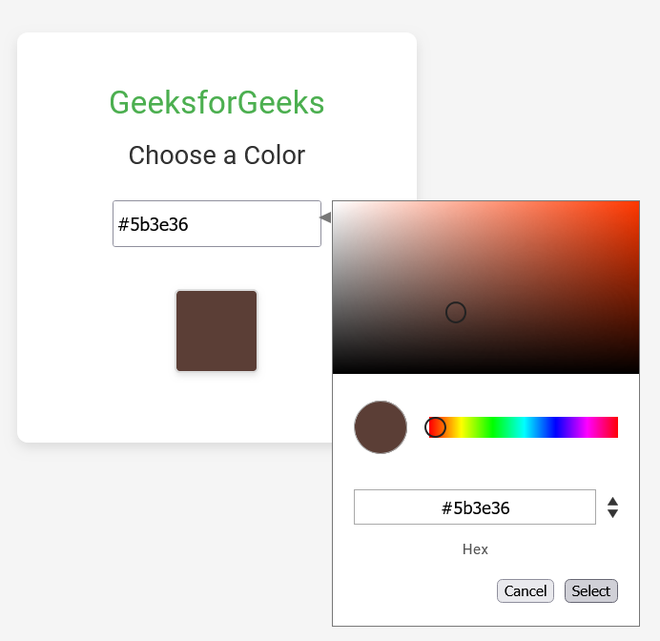
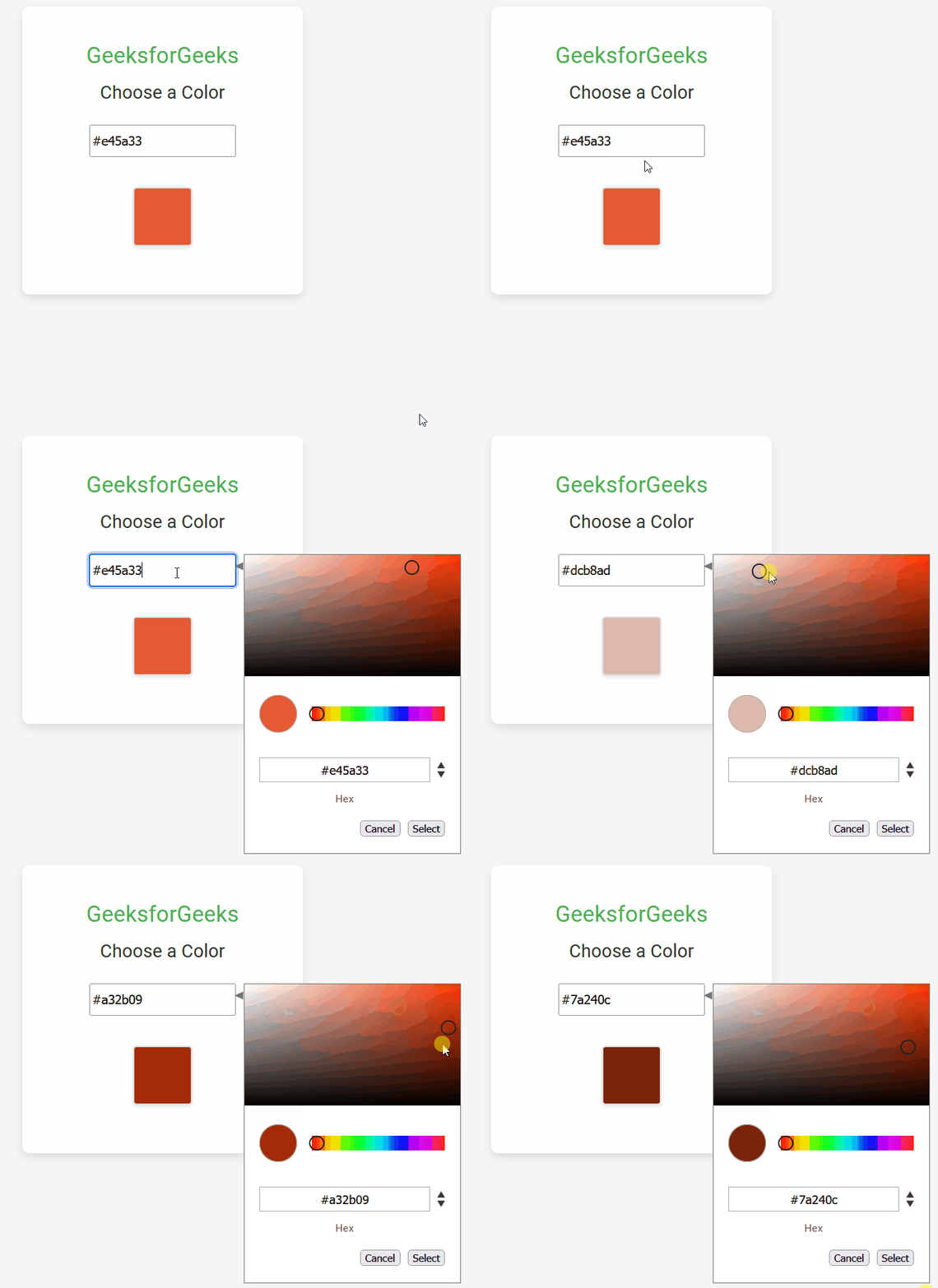
We will be creating a Color Picker Application using the Angular framework. This app will enable users to select and display colors interactively through a user-friendly interface.
We will use Angular Material for styling and the ngx-color-picker library to provide advanced color selection capabilities. By the end of this article, you'll have a fully functional color picker integrated into an Angular application.
If you haven’t installed Angular CLI yet, install it using the following command
npm install -g @angular/cling new color-picker-app
cd color-picker-app
Install Angular Material for better UI components:
ng add @angular/material You can use a third-party Angular color picker library. One popular choice is ngx-color-picker. Install it with:
npm install ngx-color-picker --save"dependencies": {
"@angular/animations": "^16.2.0",
"@angular/cdk": "^16.2.14",
"@angular/common": "^16.2.0",
"@angular/compiler": "^16.2.0",
"@angular/core": "^16.2.0",
"@angular/forms": "^16.2.0",
"@angular/material": "^16.2.14",
"@angular/platform-browser": "^16.2.0",
"@angular/platform-browser-dynamic": "^16.2.0",
"@angular/router": "^16.2.0",
"ngx-color-picker": "^17.0.0",
"rxjs": "~7.8.0",
"tslib": "^2.3.0",
"zone.js": "~0.13.0"
}
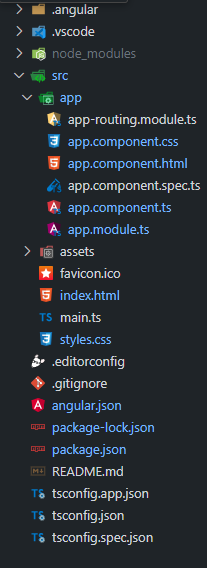
Example: Create the required files as seen in the folder structure and add the following codes.
Open the terminal, run this command from your root directory to start the application
ng serve --openOpen your browser and navigate to http://localhost:4200