|
VOOZH | about |
|
VOOZH | about |
CrewAI is a framework that enables multiple autonomous agents to collaborate and achieve complex tasks together. By defining agents, tasks and processes we can design workflows that mimic real-world teamwork. CrewAI supports different types of collaboration, primarily include:
Before using CrewAI, install it in our environment. We will install CrewAI using pip:
pip install crewai
After installation, we can set up the API key and import the needed classes:
This gives us access to the Agent, Task, Crew and Process classes required to define and run multi-agent workflows.
In a Sequential Process, tasks are executed in a strict order, where each task depends on the output of the previous one. This ensures a structured workflow, making it suitable for step-by-step tasks like cooking or reporting.
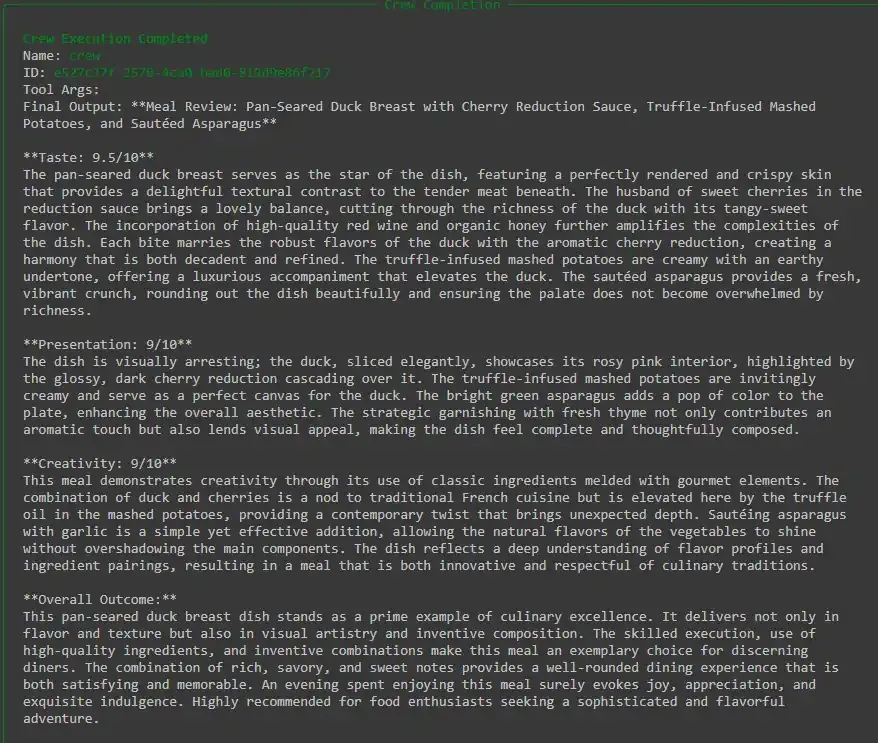
This type of process works best in situations like cooking, research or reporting where each stage builds directly on the last. We will implement an example of a Chef and a Food Critic.
We will define our two agents , the Chef and the Food Critic.
We will now define the tasks for the chef and the food critic.
We will bring the agents and tasks together into a crew and set the process to sequential.
Output:
Hierarchical Process introduces a manager agent who oversees the process, assigning tasks to the right agents. Instead of tasks being locked in a fixed sequence, the manager looks at the situation and assigns tasks to the right agents. This makes the workflow more flexible and allows the crew to adjust as needed.
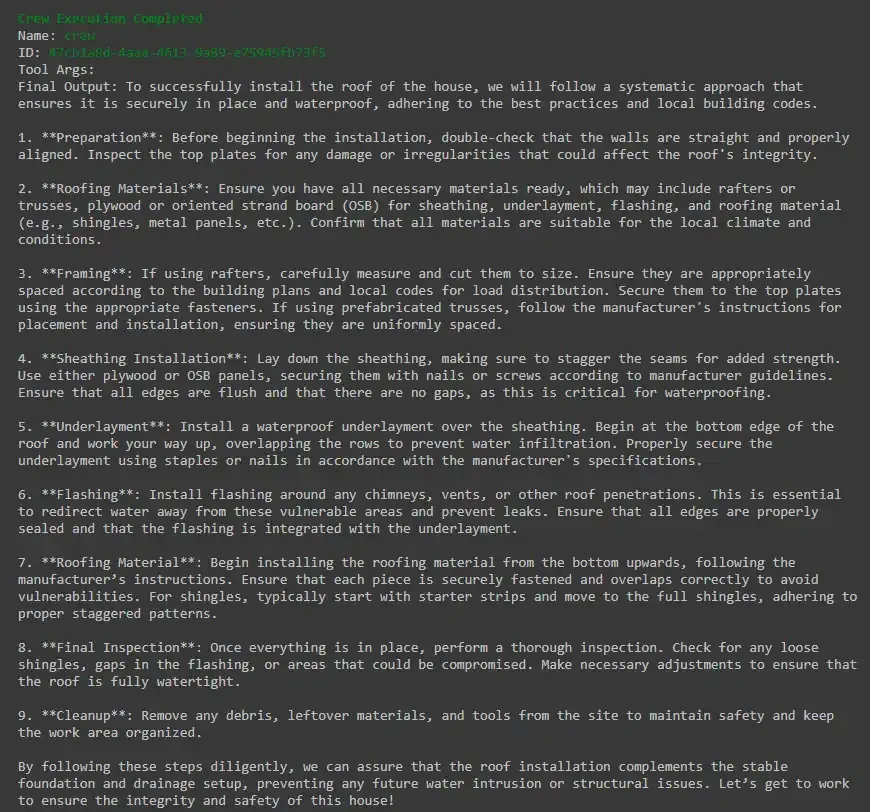
It works best in larger or more complex projects where many different roles are involved and coordination is important. We will implement an example of a Construction Crew:
We will define three specialized agents: Foundation Builder, Wall Builder and Roof Builder.
We will now define the tasks for constructing the foundation, walls and roof.
Note: Tasks do not specify agents directly, the manager assigns them.
We will now create the crew, set the process to hierarchical and assign a manager LLM.
Output:
This table highlights the main differences between the two processes and when each is most suitable.
| Feature | Sequential Process | Hierarchical Process |
|---|---|---|
| Task Flow | Linear, tasks run in a fixed order | Manager decides order dynamically |
| Dependencies | Each task may depend on previous task output | Manager oversees dependencies |
| Flexibility | Less flexible, strictly ordered | More flexible, allows dynamic decision making |
| Manager Role | Not required | Required (via manager agent or LLM) |
| Best Use Case | When tasks strictly depend on each other | When tasks need coordination and oversight |