|
VOOZH | about |
|
VOOZH | about |
Hugging Face Dataset Hub is a platform that hosts an extensive collection of datasets for natural language processing (NLP) tasks and other machine learning domains like computer vision and speech recognition. It serves as a centralized repository where we can discover, download and use datasets for various ML applications.
We will access a dataset from the hugging face dataset hub by installing the necessary libraries.
pip install datasets
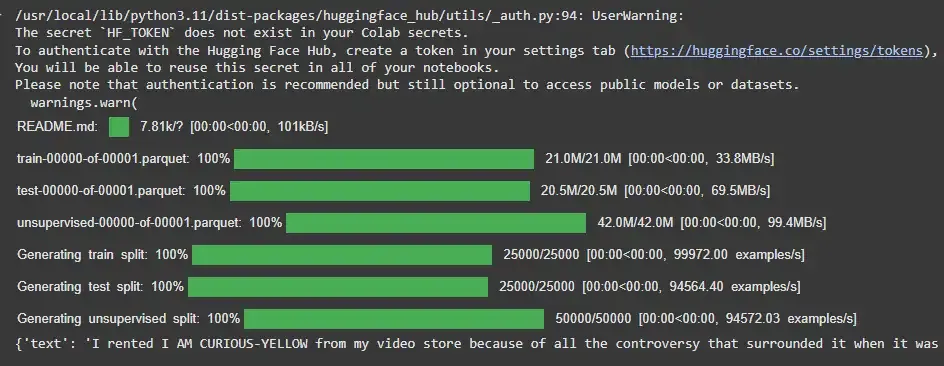
Once the library is installed, we can load any available dataset with a simple line of code. For example, we will load the IMDB dataset which is frequently used for sentiment analysis.
Output:
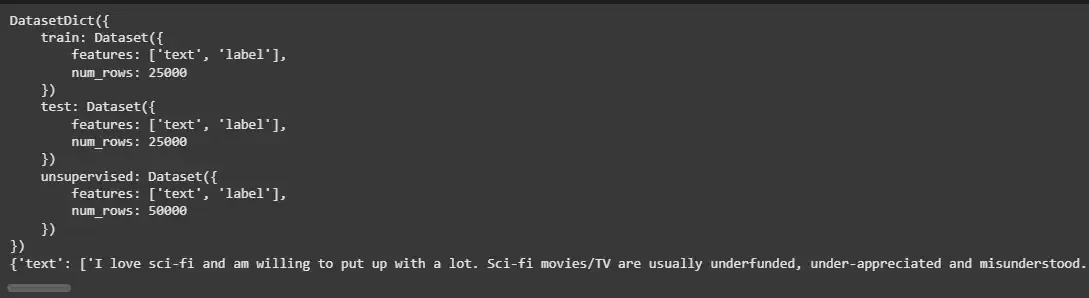
The Hugging Face datasets library provides useful methods to explore the loaded datasets. We can check the dataset structure, see the number of entries and access specific splits such as train, test and validation.
Output:
The Hugging Face Dataset Hub is home to a variety of datasets across different domains. Some of the most popular datasets include:
These datasets are preprocessed and ready to be used for model training and fine-tuning.
Hugging Face Dataset Hub also enables us to upload and share our own datasets. Here’s how we can contribute to the platform.
Before uploading, ensure that our dataset is properly formatted (e.g., CSV, JSON, Parquet). Each dataset should include metadata to describe its content and how it should be used.
To upload a dataset, we need the huggingface_hub library which facilitates interaction with the Hugging Face Hub. You can download it using:
pip install huggingface_hub
Once installed, we can upload our dataset by following the instructions provided by Hugging Face. Run the command to log in to your Hugging Face account.
huggingface-cli login
We will install Git LFS for uploading large datasets.
git lfs install
We will then clone the repository for our dataset and place our dataset files inside. Use:
git clone https://huggingface.co/datasets/OUR_DATASET
We will now commit and push our dataset to the Hugging Face Hub.
git add .
git commit -m "Initial dataset upload"
git push
Now our dataset will be available on the Hugging Face Dataset Hub, ready for others to use.
The Hugging Face Dataset Hub provides advanced features that further enhance the usability and accessibility of datasets:
Each dataset in the Hub is versioned which means we can track changes made over time. This feature ensures reproducibility and allows us to use specific versions of a dataset for model training.
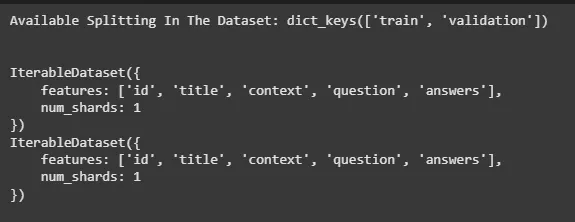
Hugging Face supports dataset streaming for large datasets that may be too large to fit in memory. This feature allows us to stream data from the Hub without needing to download the entire dataset upfront. We will be loading squad dataset which is a very large dataset.
Output:
The datasets library also supports splitting of datasets into training, validation and test sets. This is particularly useful for preparing datasets for model training.
Output: