|
VOOZH | about |
|
VOOZH | about |
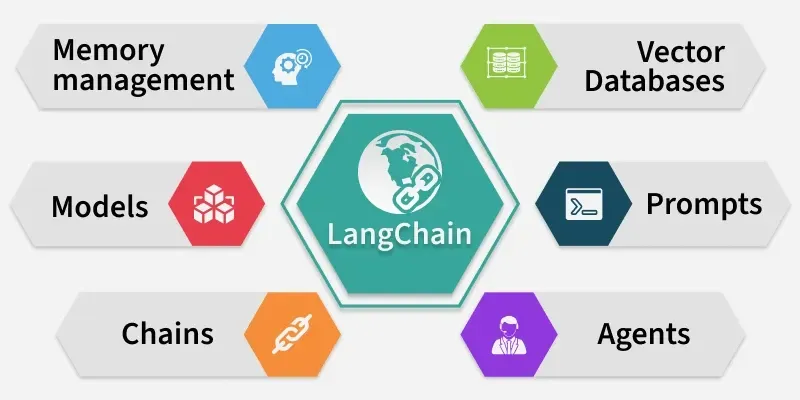
LangChain is transforming the way developers build applications with Large Language Models (LLMs). From chatbots to retrieval-augmented generation (RAG) pipelines, it allows us to seamlessly connect language models with external data and tools. LangChain is a framework designed to simplify the development of LLM-powered applications. Its key capabilities include:
Let's see the various steps which should be considered to setup the environment for LangChain.
We need to open command prompt and run the following commands,
We need to activate the environment,
1. For Windows(PowerShell):
2. For macOS/Linux:
We need to upgrade pip,
We will install the necessary packages such as LangChain core, community modules and OpenAI integrations,
We will install vector database dependencies which can be used further.
We need to add required API keys for our project, we need to store them in a .env file which should be stored in our project root directory.
We can access our API keys in our project, either of the API key can be accessed by commands:
We will prepare our LLMs with using the API keys,
1. OpenAI Example:
Output:
Response: LangChain is a decentralized language learning platform that uses blockchain technology to connect language learners with native speakers for personalized language exchange.
2. Gemini Example:
Output:
LangChain is a framework that enables developers to build applications powered by large language models by connecting them to external data, tools and memory.
We will now try to integrate vector store (Chroma),
Output:
Agents in LangChain can take actions based on tools.
LangChain connects LLMs with data sources.
The source code can be downloaded from here.