|
VOOZH | about |
|
VOOZH | about |
NavMesh (Navigation Mesh) is a simplified map of your scene that tells AI where it can walk. Unity's NavMesh system calculates paths and moves characters around obstacles automatically.
Step 1: Open Navigation window: Window - AI - Navigation.
Step 2: Mark objects as walkable or not
Step 3: Mark obstacles (walls, trees, rocks)
Step 4: Bake the NavMesh.
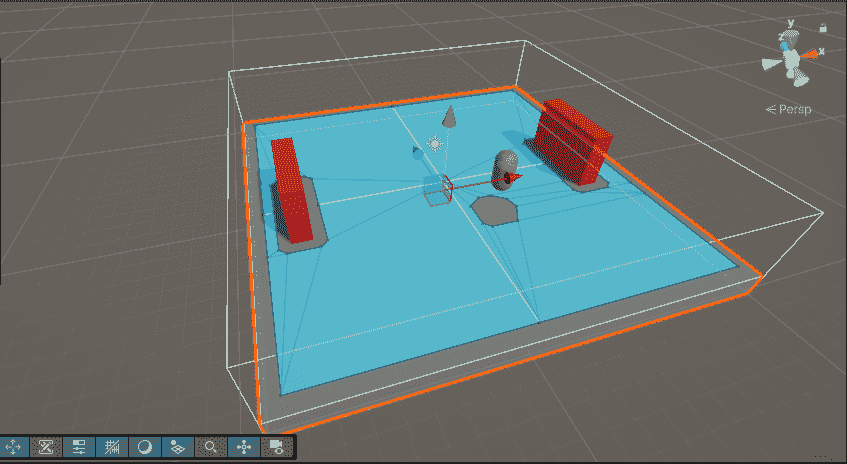
The blue area appears in Scene view showing where AI can walk.
The NavMesh Agent component moves the enemy along the calculated path.
Step 1: Select your enemy GameObject.
Step 2: Add Component - NavMeshAgent.
Important settings:
| Setting | Value | What it does |
|---|---|---|
| Speed | 3.5 | Controls movement speed |
| Angular Speed | 120 | Controls how fast the agent turns |
| Acceleration | 8 | Determines how quickly it reaches full speed |
| Stopping Distance | 1 | Distance from target where the agent stops |
| Radius | 0.5 | Defines size for obstacle avoidance |
| Height | 2 | Sets the height of the agent |
Example:
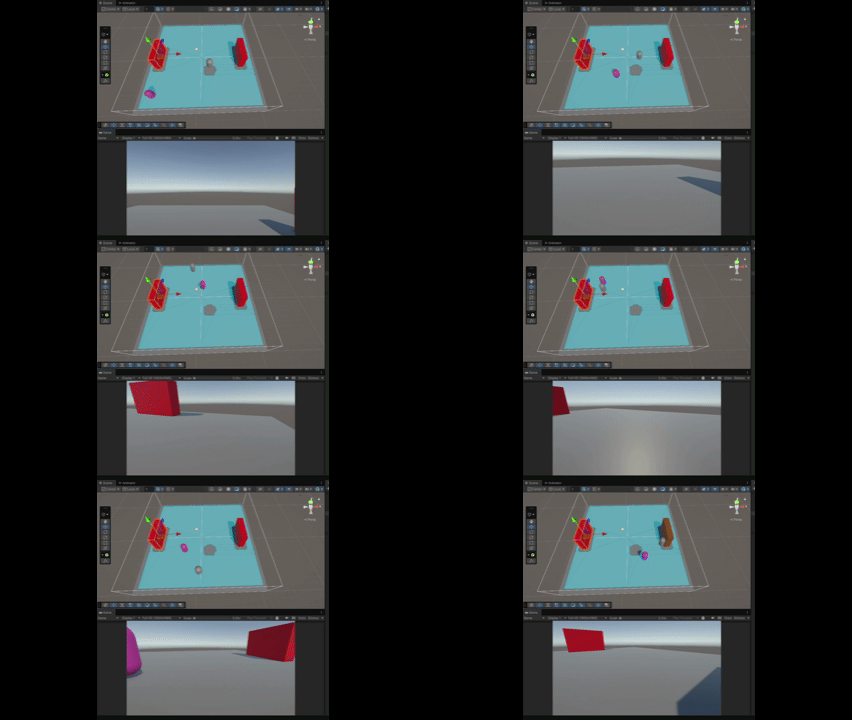
Output:
agent.SetDestination() tells the enemy where to go. NavMeshAgent automatically finds the path and moves there.
| Feature | NavMesh | Simple Movement |
|---|---|---|
| Pathfinding | Automatic pathfinding | Manual movement logic required |
| Obstacle Handling | Automatically avoids obstacles | Requires custom handling |
| Use Case | Best for complex environments (AI, enemies) | Best for simple/open areas |
| Performance | Slightly heavier | Lightweight and faster |
| Implementation | Easier for navigation logic | Requires more manual coding |