VOOZH about

URL: https://www.geeksforgeeks.org/c-sharp/animator-and-animation-controller-in-unity/

⇱ Animator and Animation Controller In Unity - GeeksforGeeks


  • Courses
  • Tutorials
  • Interview Prep

Animator and Animation Controller In Unity

Last Updated : 4 May, 2026

Animations bring characters to life – walking, running, jumping, attacking. In Unity, the Animator component and Animation Controller work together to control which animation plays and when. This article covers how to set them up.

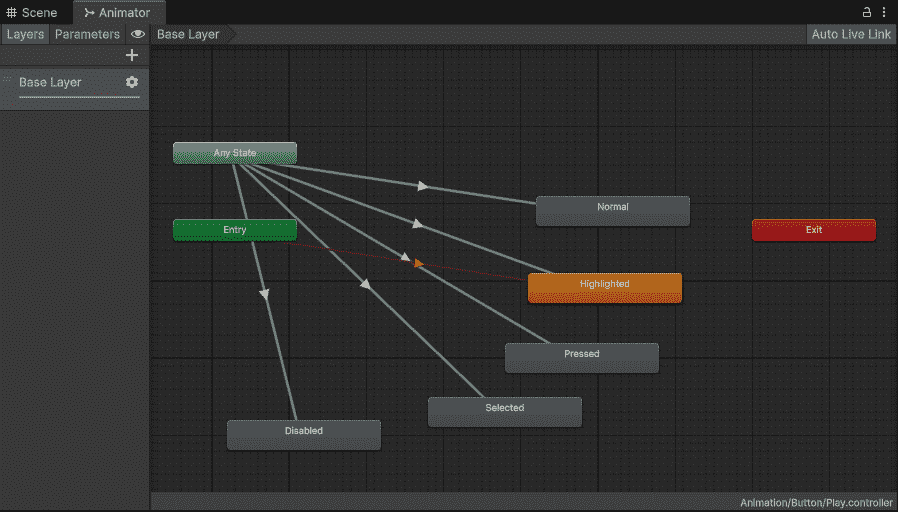
  • Animation Controller: A file that stores animations and rules for switching between them.
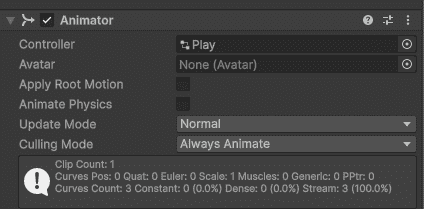
  • Animator Component: Attached to character. It runs the Animation Controller.
👁 Animator-In-Unity
Animator component with Controller In Unity

Creating an Animation Controller

  • Right-click in Project -> Create -> Animator Controller -> Name it.
  • Double-click to open the Animator window.
👁 Animator-Controller-Menu-In-Unity
Animator Controller Menu In Unity

Adding Animations

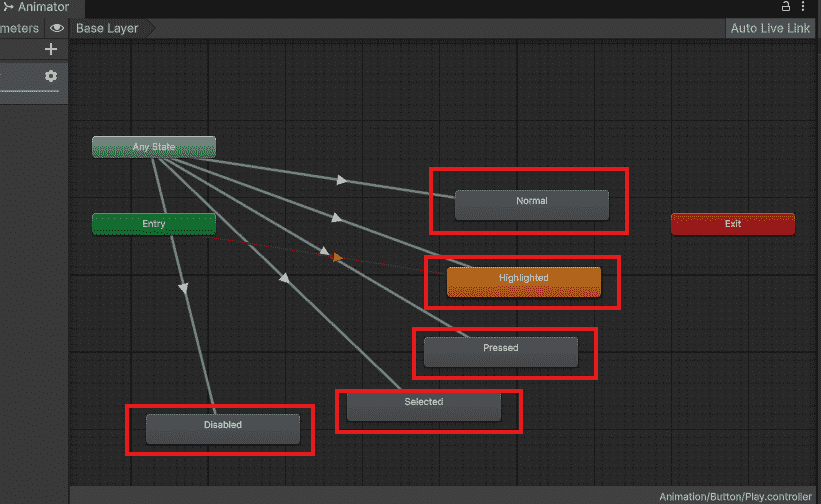
  • Drag animation clips from Project into Animator window. They appear as orange boxes (states).
  • The Entry arrow points to which animation plays first.
👁 Adding-Animation-In-Unity
Adding Animation In Unity

Creating Transitions

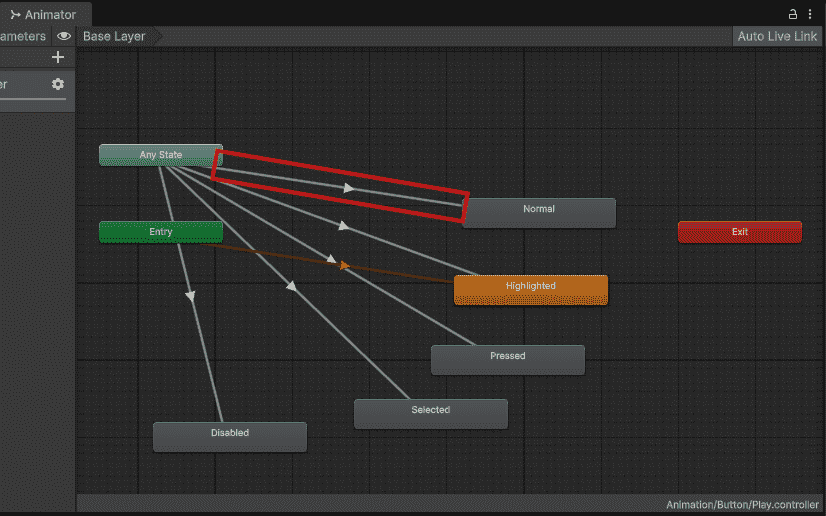
  • Right-click a state -> Make Transition -> Click another state
  • This creates an arrow that controls when to switch.
👁 Creating-Transition-state-In-unity
Creating Transitions In unity

Adding Conditions

Conditions tell Unity when to switch animations.

  • Create parameter -> Parameters tab -> "+" -> Float -> Name it "Speed"
  • Click transition arrow -> Add condition -> Speed -> Greater - 0.1

Now animation switches when Speed > 0.1

Controlling from Script

Important Settings

Click transition arrow -> Inspector:

  • Has Exit Time: False (for movement – switch instantly)
  • Transition Duration: 0.1 (smooth blend)
Comment
Article Tags:
Article Tags:

Explore