Every game needs a user interface (UI) for scores, menus, health bars, buttons. In Unity, all UI elements live inside a Canvas. This article explains what Canvas is and how to create basic UI elements.
Canvas
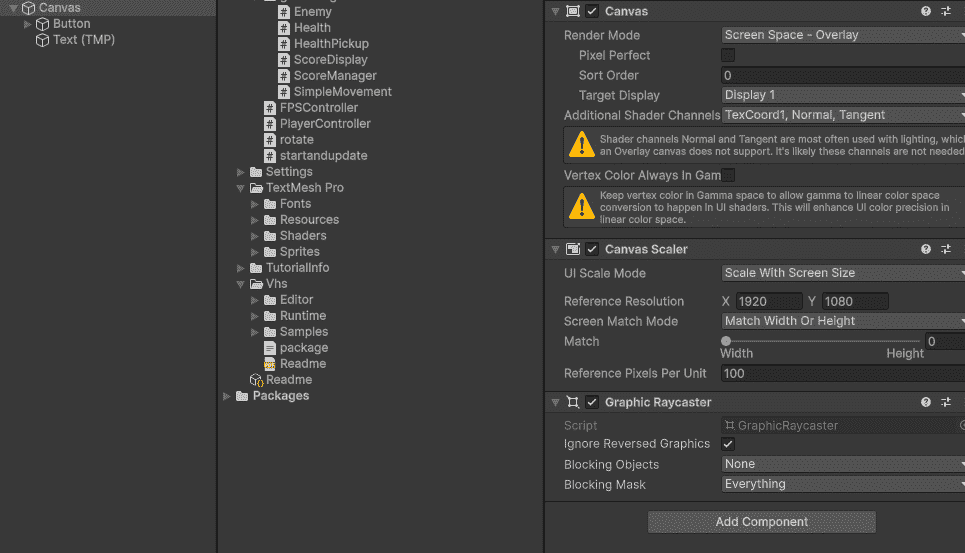
Canvas is like a transparent sheet that sits on top of your game screen. Everything you put inside it appears to the player.
Canvas automatically scales with different screen sizes.
All UI elements (Text, Buttons, Images) must be children of a Canvas.
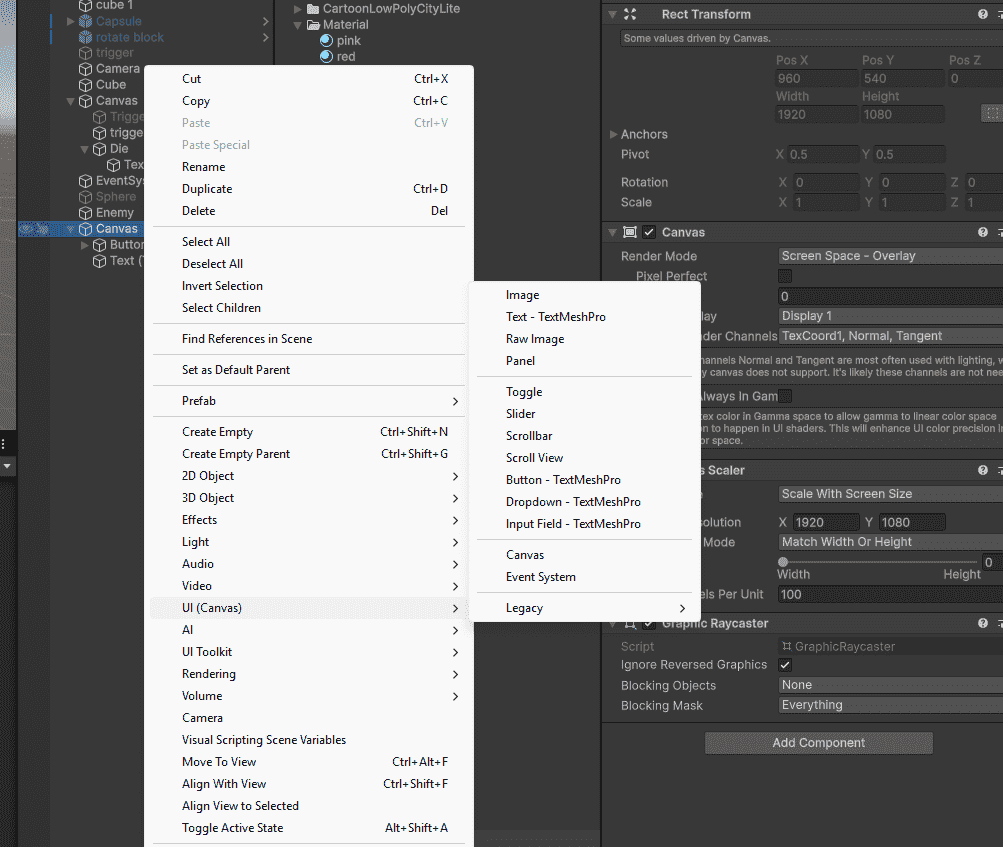
Unity creates Canvas automatically when you add your first UI element.