Console.SetBufferSize(Int32, Int32) Method is used to set the height and width of the screen buffer area to the specified values.
Syntax: public static void SetBufferSize(int width, int height);
Parameters:
width: It sets the width of the buffer area measured in the form of columns.
height: It sets the height of the buffer area measured in the form of rows.
Return value: The new size of the buffer screen.
Exceptions:
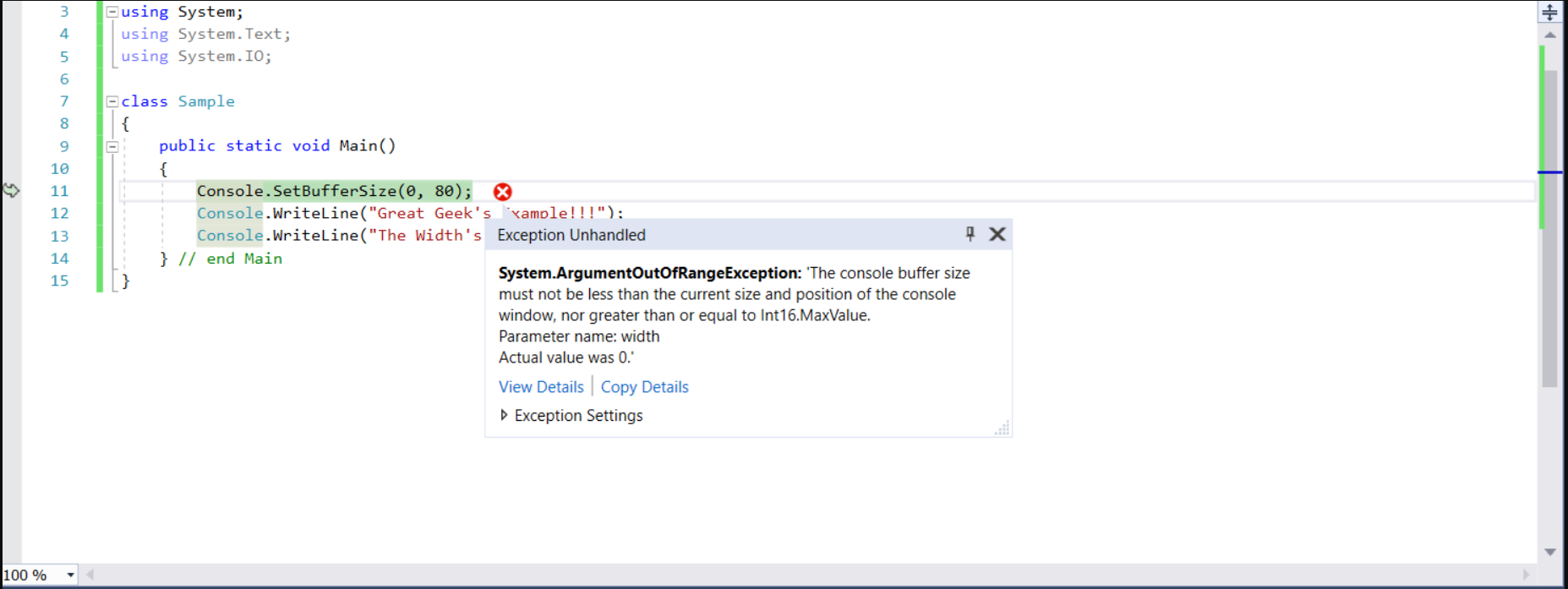
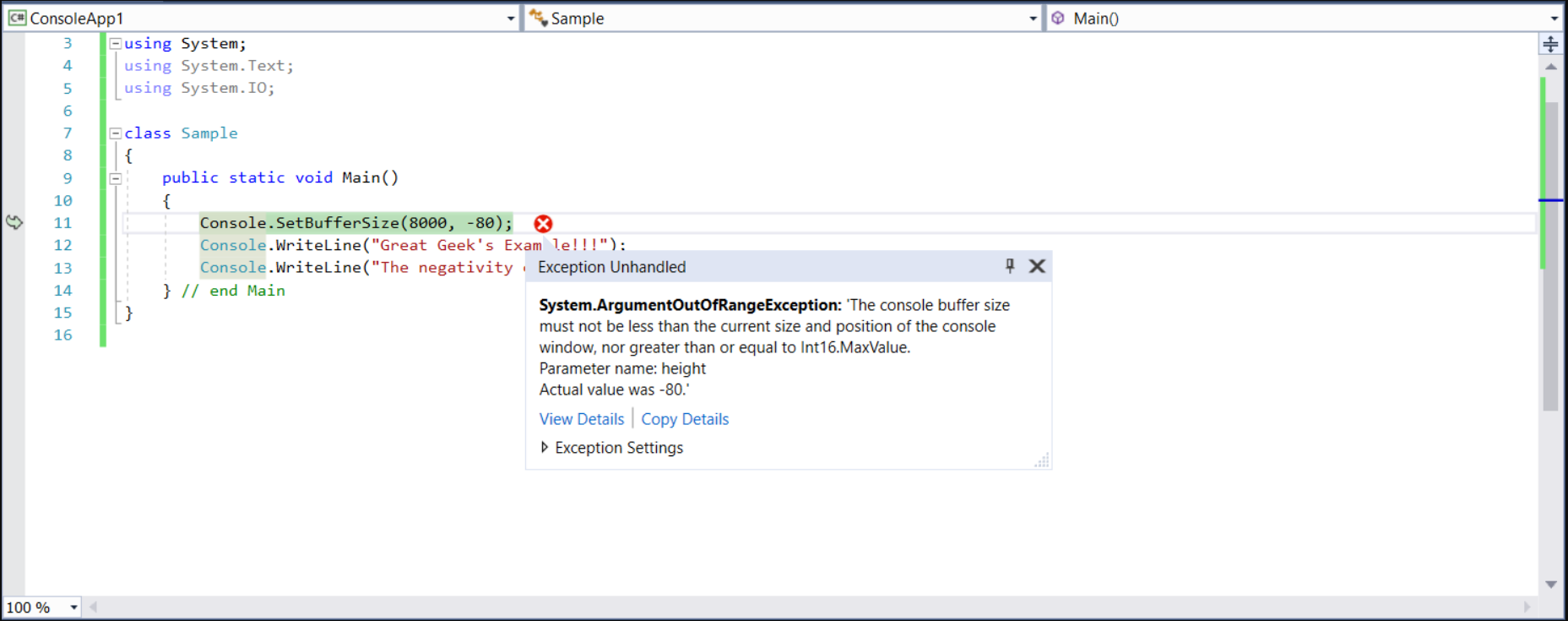
- ArgumentOutOfRangeException: If the height or width is less than or equal to zero Or height or width is greater than or equal to MaxValue. Also, if the width is less than
WindowLeft + WindowWidth or height is less than WindowTop + WindowHeight then we will get the same exception.
- IOException: If an I/O error occurred.
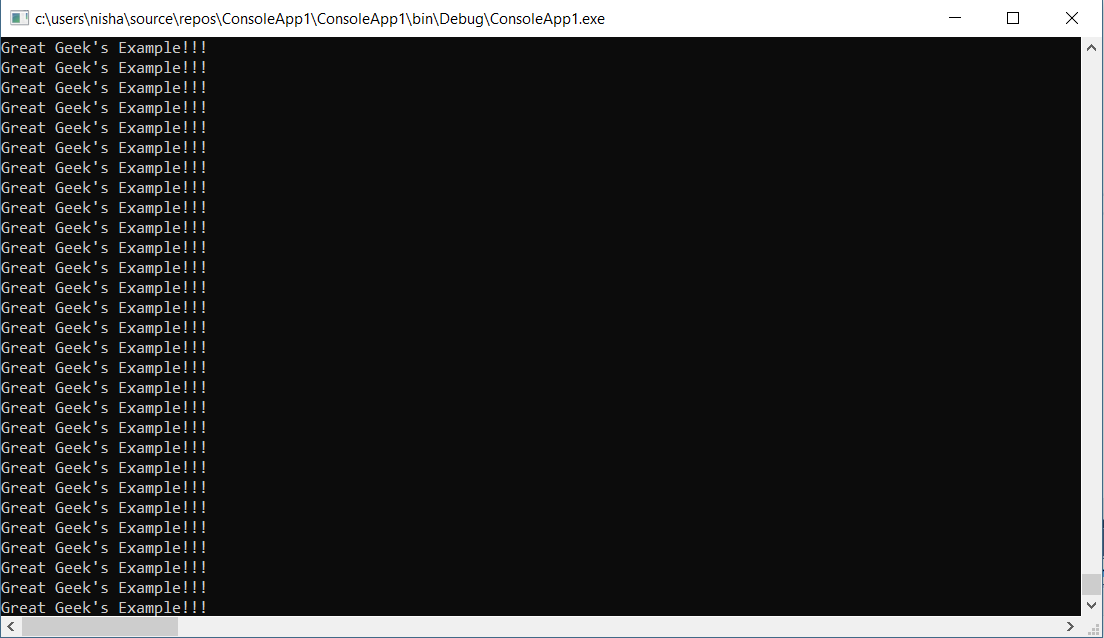
Note: As you will see via the horizontal and the vertical scrollbars in the below examples, as we give different dimensions, we get differently sized windows.
Example 1:
Output:
👁 Image
Example 2:
👁 Image
Example 3: