|
VOOZH | about |
|
VOOZH | about |
In C#, a partial class allows the definition of a single class to be split into multiple files. At compile time, all the parts are combined into one complete class. This feature is especially useful in large projects where separating auto-generated code from developer-written code makes the program easier to manage and maintain.
Partial classes are commonly used in scenarios such as Windows Forms, ASP.NET applications and code generators where some parts of the class are system-generated and others are written by the programmer.
public partial class ClassName{
// code
}
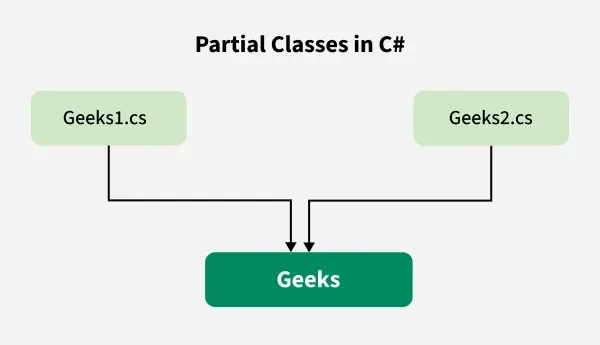
Example: Here, we are taking a class named Geeks and split the definition of Geeks class into two different files named Geeks1.cs and Geeks2.cs as shown below:
In Geeks1.cs and Geeks2.cs, a partial class is created using the partial keyword and each file contains different functionality of Geeks class as shown below.
When we execute the above code, the compiler combines Geeks1.cs and Geeks2.cs into a single file, i.e. Geeks as shown below.
The Geeks class may contain the Main Method. For simplicity, here Main() method is not included.