|
VOOZH | about |
|
VOOZH | about |
A score system in Unity is used to track and display the player’s points based on in‑game actions such as collecting items, defeating enemies, or completing objectives. It helps enhance gameplay by providing feedback and motivating player progression.
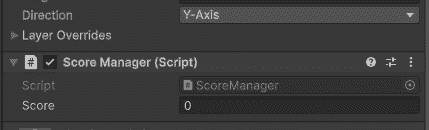
ScoreManager is a script that stores the current score and provides a method to increase it.
Output:
Create an empty GameObject in your scene, attach this script, and name it "ScoreManager". The AddScore() method can be called from any other script.
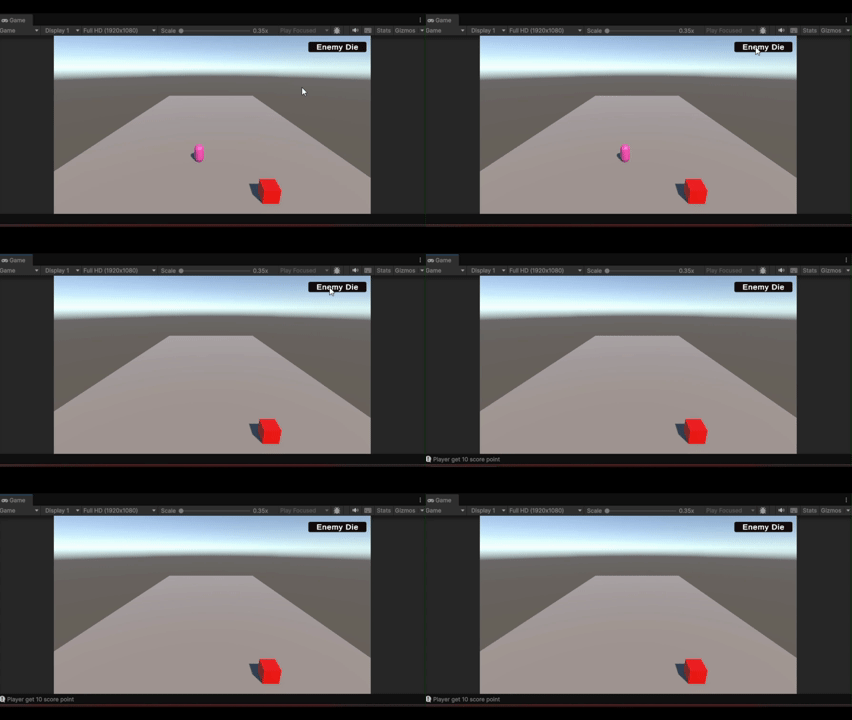
When an enemy dies, it should tell the ScoreManager to add points.
Output:
FindObjectOfType<ScoreManager>() finds your ScoreManager in the scene. Different enemies can have different scoreValue (10 for small, 50 for boss).
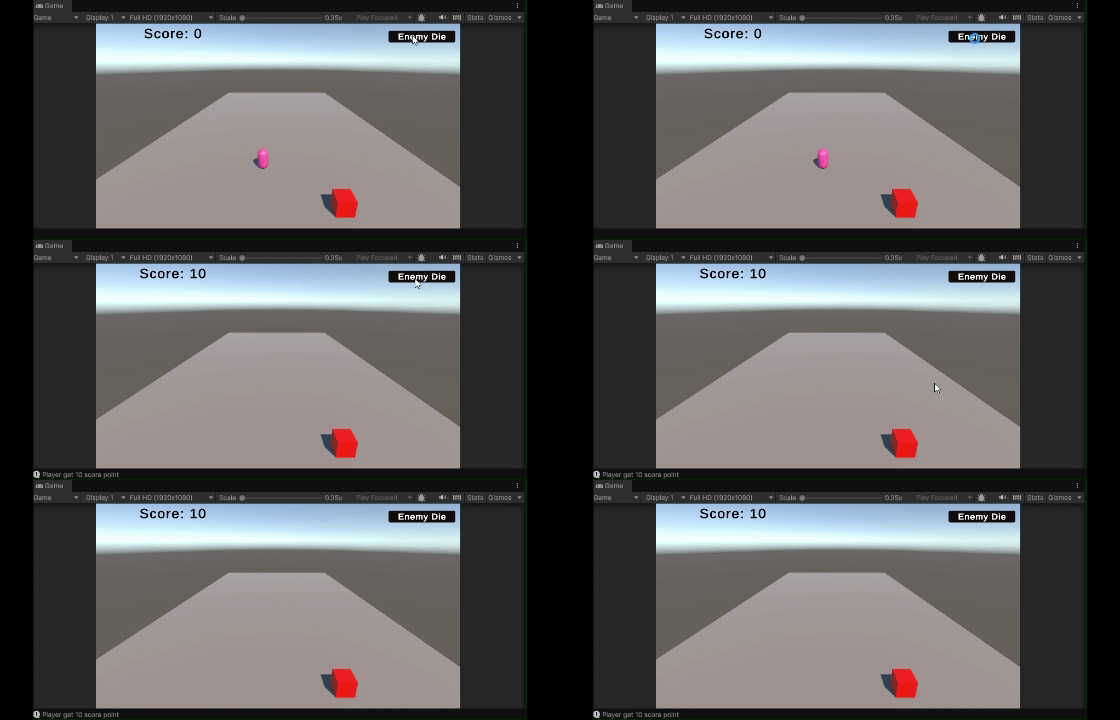
Create a UI Text to show the score to the player.
Output:
Drag the ScoreManager GameObject and the UI Text into the script's slots in Inspector. The text updates every frame to show current score.
Coins or gems should add score when the player touches them.
The coin has a trigger Collider. When player enters, score increases and coin disappears.
High score should save even after closing the game. PlayerPrefs does this.
PlayerPrefs.GetInt() loads saved data. PlayerPrefs.SetInt() saves new high score. The data stays on player's device even after game closes.