|
VOOZH | about |
|
VOOZH | about |
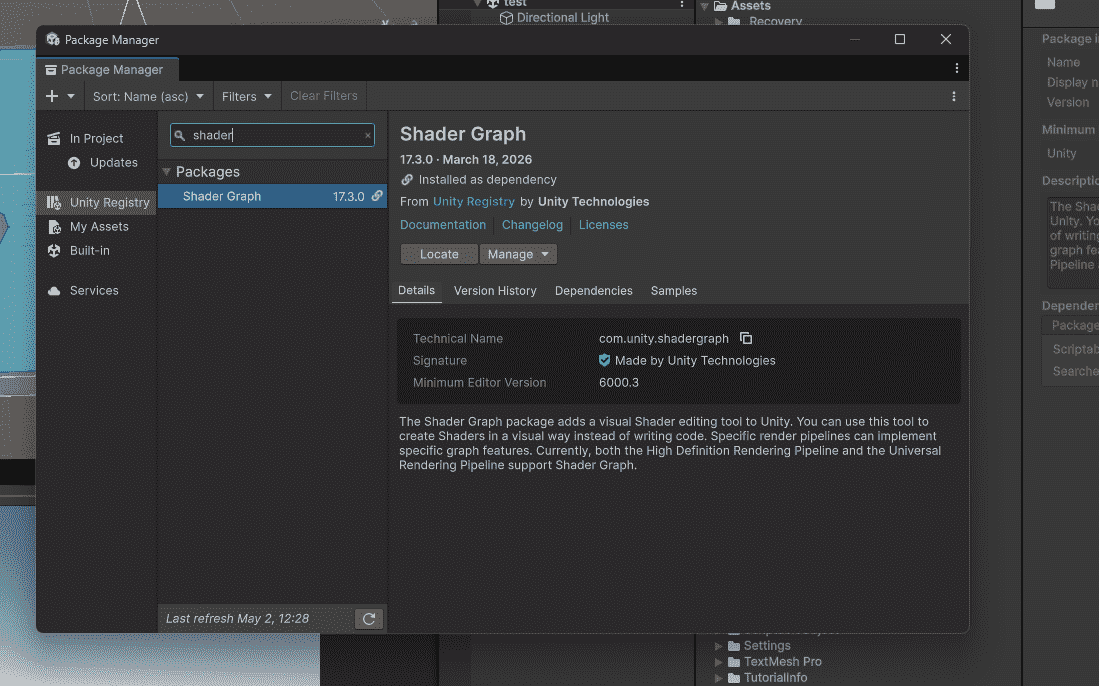
Shader Graph is Unity's visual tool for creating shaders. You drag and connect nodes to control how objects look – color, glow, distortion, scrolling, and more.
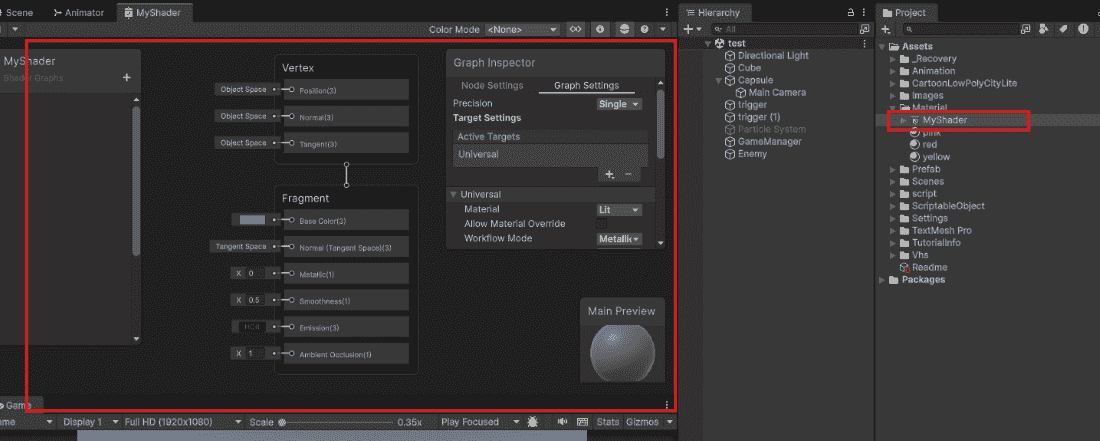
When you open Shader Graph, you see:
Make any object change color.
Step 1: In Blackboard, click "+" → Color → Name "TintColor"
Step 2: Drag TintColor from Blackboard to Graph Editor
Step 3: Create node: Right-click → search "Multiply" → select Multiply
Step 4: Connect nodes:
Step 5: Apply shader to material, then to object. Change color in Inspector.
Make an object pulse in and out.
Step 1: Create nodes: Time - Sine - Multiply (with color) - Base Color.
Step 2: Add Color property to Blackboard.
Step 3: Connect:
The object glows brighter and dimmer automatically.
| Feature | Shader Graph | Code Shaders |
|---|---|---|
| Approach | Visual editing (no coding) | Requires HLSL/CG programming |
| Ease of Use | Easy to modify and tweak | Harder to write and maintain |
| Best For | Artists and designers | Programmers |
| Performance | Less efficient for complex shaders | Better performance for complex shaders |
| Control | Limited control | Full control over shader behavior |