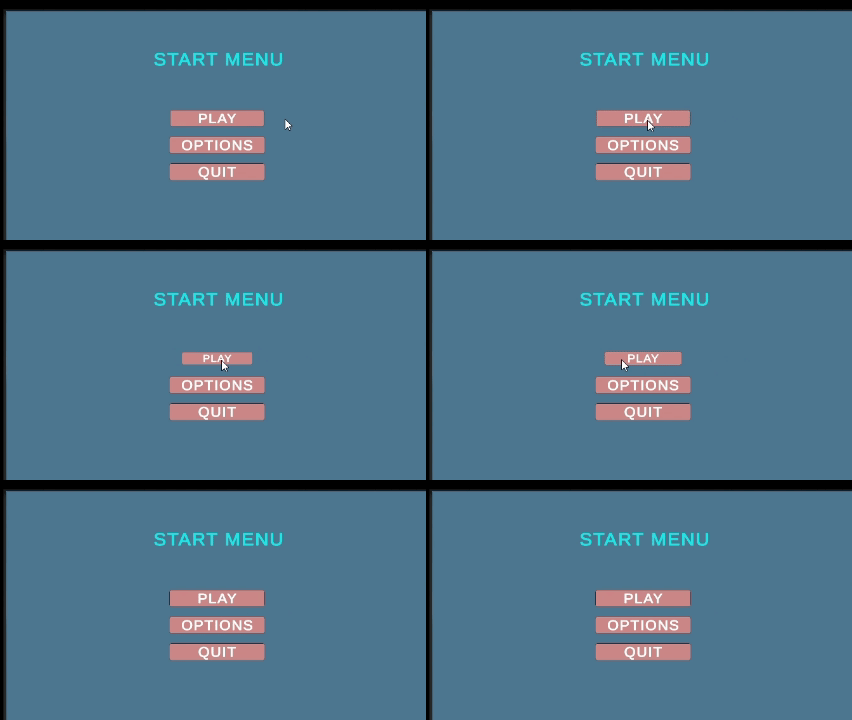
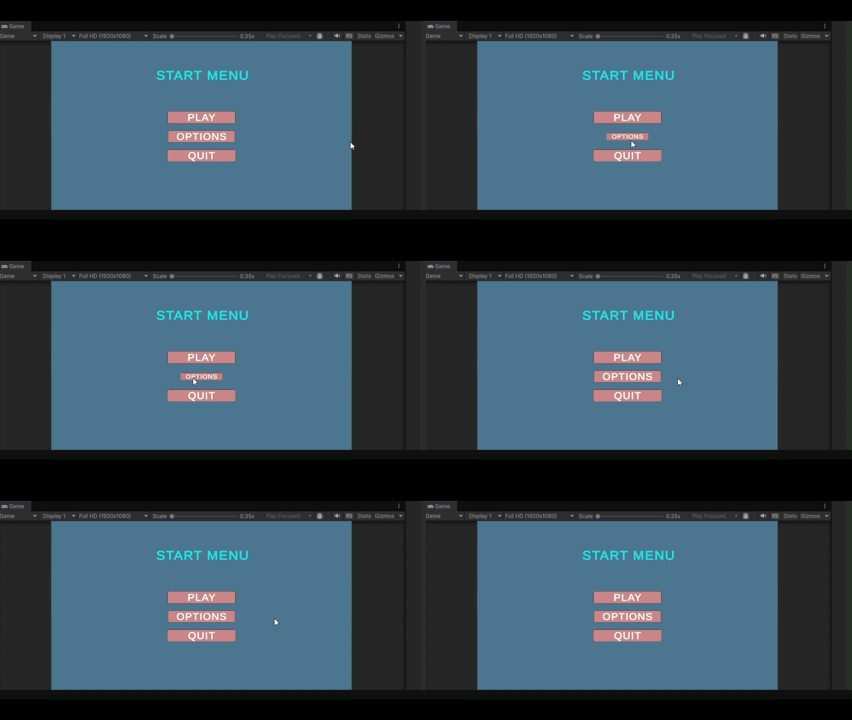
Buttons feel more responsive when they react to player interaction. A button that grows when hovered and pops when clicked feels alive. This article shows two ways to animate buttons – using Animator component and using simple code.
Effect 1: Small to Large using Animator
When the mouse hovers over the button, the button smoothly grows from small to large size. This is done using Unity's Animator component without writing any code.
Step 1: Select your Button in Hierarchy.
Step 2: Change Transition to Animation:
In the Inspector, find the Button component.
Click the Transition dropdown and change from "Color Tint" to "Animation".
Step 3: Auto-Generate Animations:
Click the "Auto-Generate Animation" button.
Unity automatically creates an Animator component and animation clips for Normal, Highlighted, Pressed and Disabled states.
Step 4: Edit the Highlighted State (Hover Effect):
Open Animation window (Window - Animation - Animation)
Click the "Highlighted" tab
Click "Add Property" - Transform - Scale
Set keyframes:
At time 0: Scale = (2, 2, 2) [small size]
At time 0.1: Scale = (2.7, 2.7, 2.7) [large size]
Output: When the mouse hovers on button, it grows from 80% to 120% size smoothly. When the mouse leaves, it returns to normal.