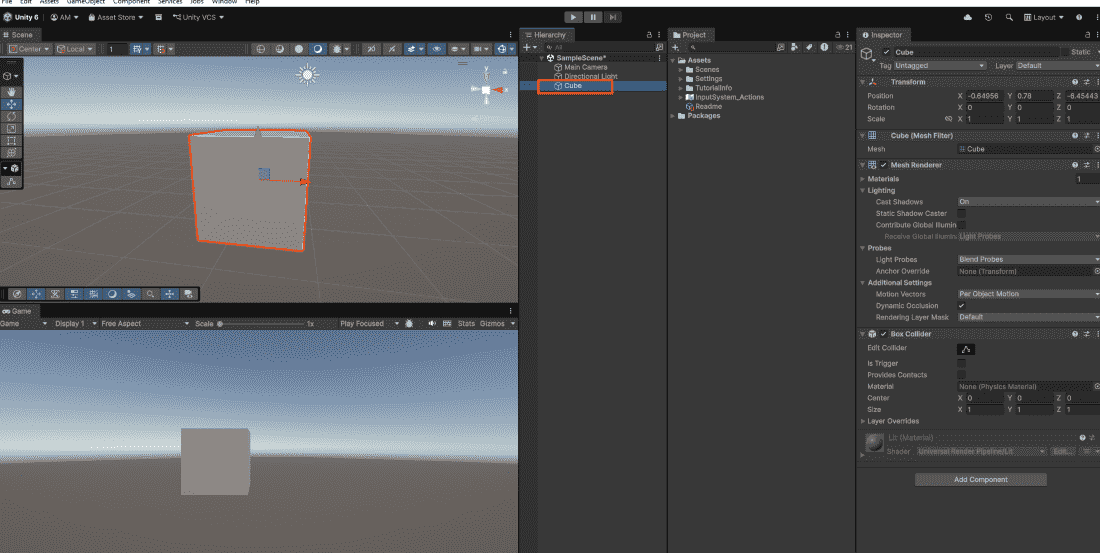
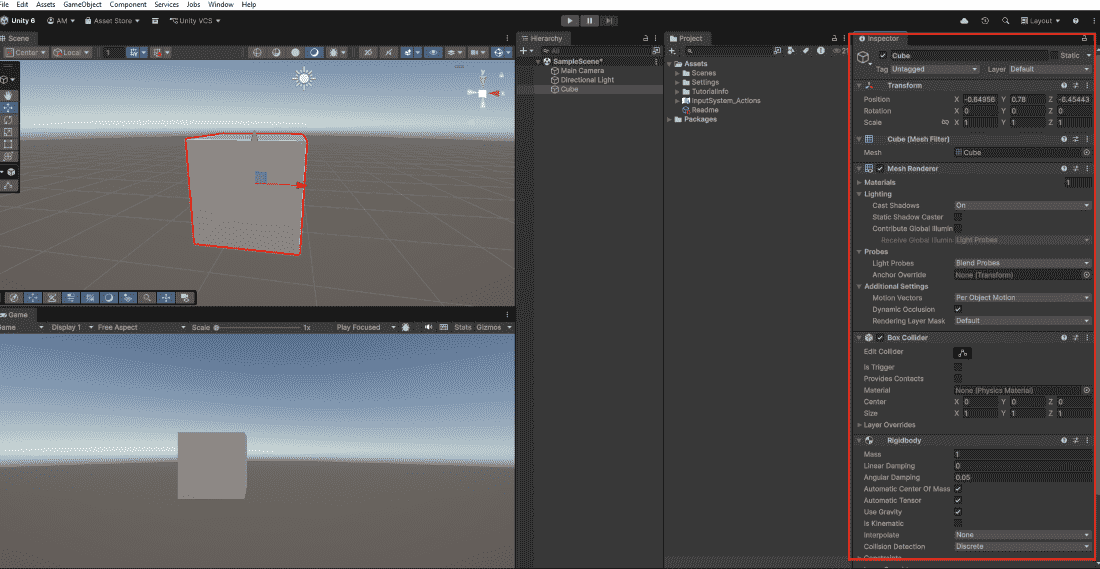
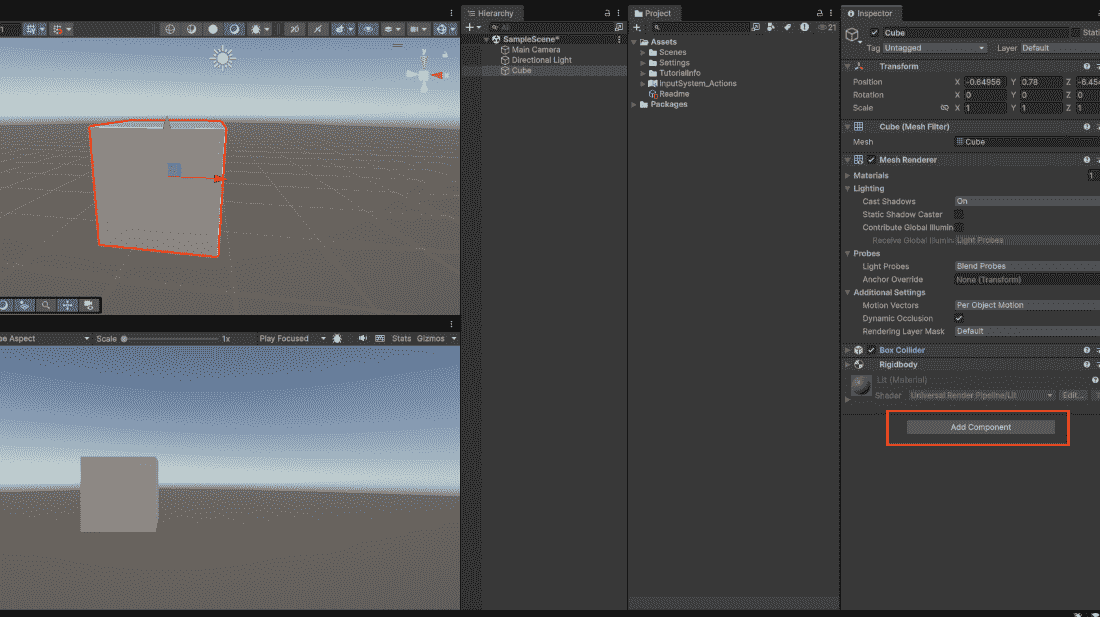
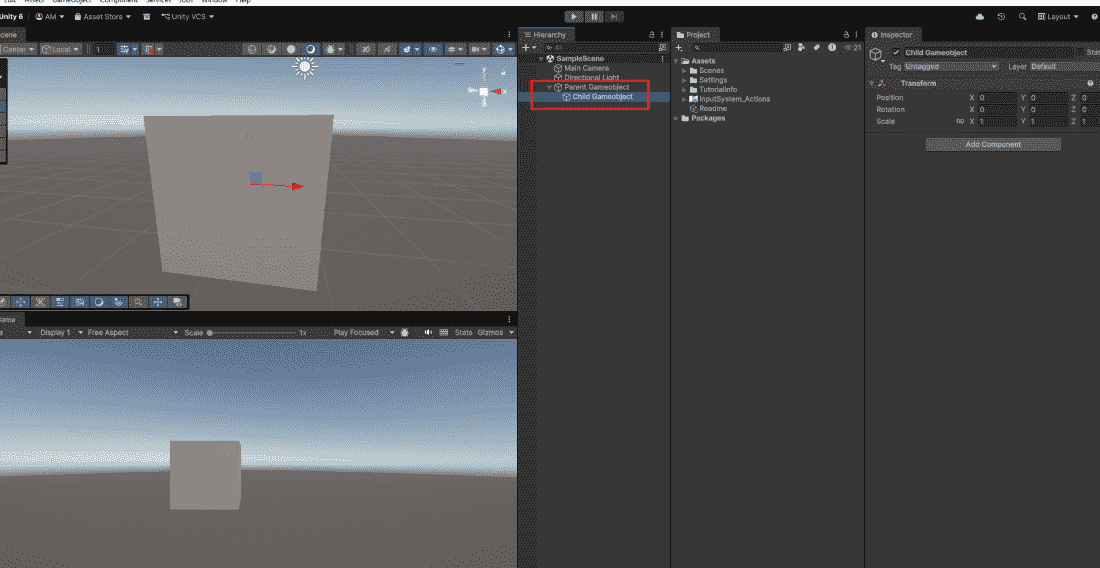
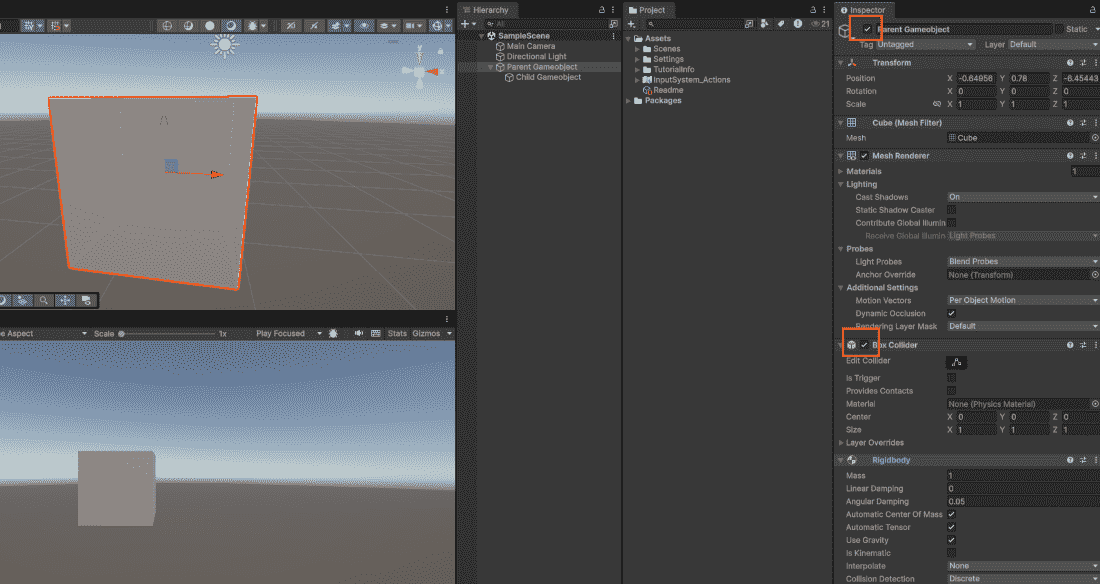
A GameObject is like an empty container. By itself, it does nothing. It has no shape, no color, no behavior. You add Components to give it these properties.
What is a Component?
A Component is a piece of functionality attached to a GameObject. Components bring GameObjects to life.
Add a Collider to detect collisions with other objects
Add a Script to control its behavior with custom code
To control a GameObject from code, you need to reference it:
The first line searches the entire scene for a GameObject named "Enemy", avoid using this every frame as it hurts performance. The second line retrieves the Rigidbody component attached to the same GameObject, allowing you to modify physics properties like velocity or mass. The third line refers to the GameObject this script is attached to; calling SetActive(false) makes the entire object disappear from the scene.
Disabling GameObjects and Components
You can temporarily turn off GameObjects or individual components: