|
VOOZH | about |
|
VOOZH | about |
Blaze UI is a framework-free open-source UI toolkit. It provides a great foundation for building scalable websites faster. Blaze UI comes with a lot of pre-styled components and many utilities so that developers don’t have to build everything from scratch.
In this article we will know about the Input Groups, there are lots of variety in inputs groups. That an input group defines that, there will be multiple input fields in a group. All types of input groups are mentioned and described below:
Blaze UI Input Groups:
Syntax:
<div class="c-input-group
 input-group-types-class">
 ...
</div>
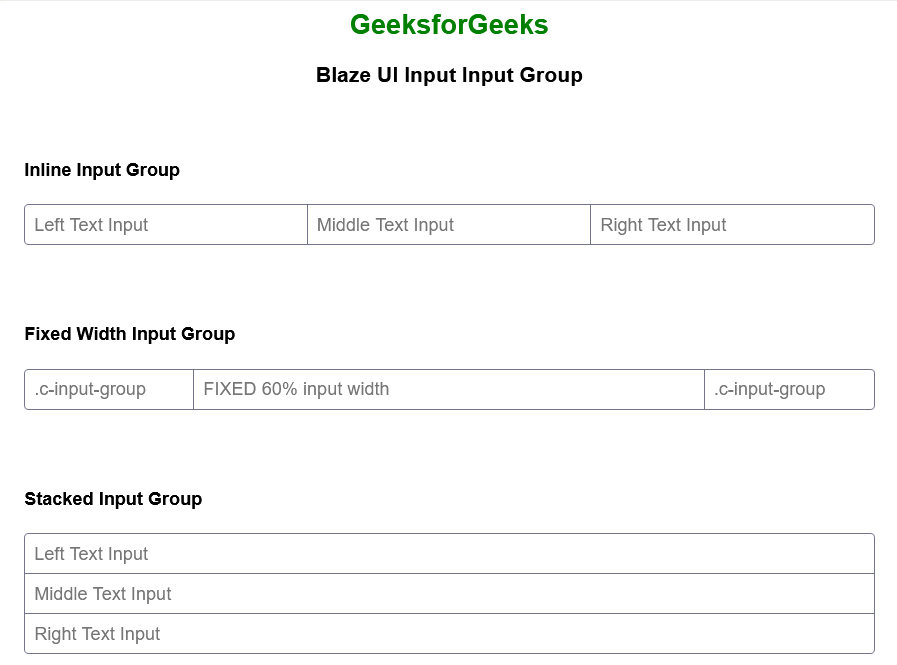
Example 1: Below example illustrates the Blaze UI Input Group using inline, fixed-width, and stacked input groups.
Output:
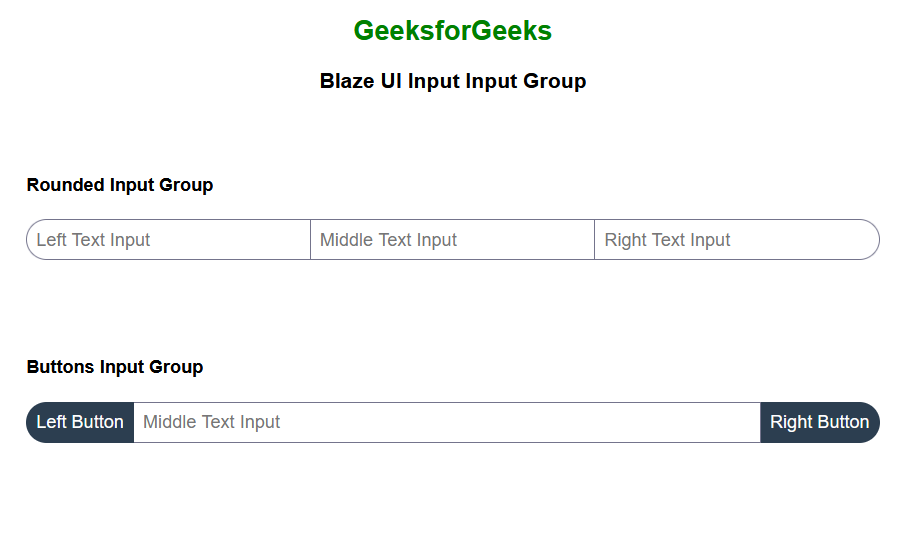
Example 2: Below example illustrates the Blaze UI Input Group using rounded and buttons input groups.
Output:
Reference: https://www.blazeui.com/components/inputs/