|
VOOZH | about |
|
VOOZH | about |
Blaze UI is a user interface toolkit that helps developers to build maintainable websites by using its components. All of its components are mobile-first and scale accordingly based on screen size.
In this article, we will be seeing Blaze UI Modal Methods. There are three Modal methods which are listed below.
1. show() Method: This method is used to open the modal programmatically. This method accepts no parameter and returns void.
Syntax:
document.querySelector(".selector").show();
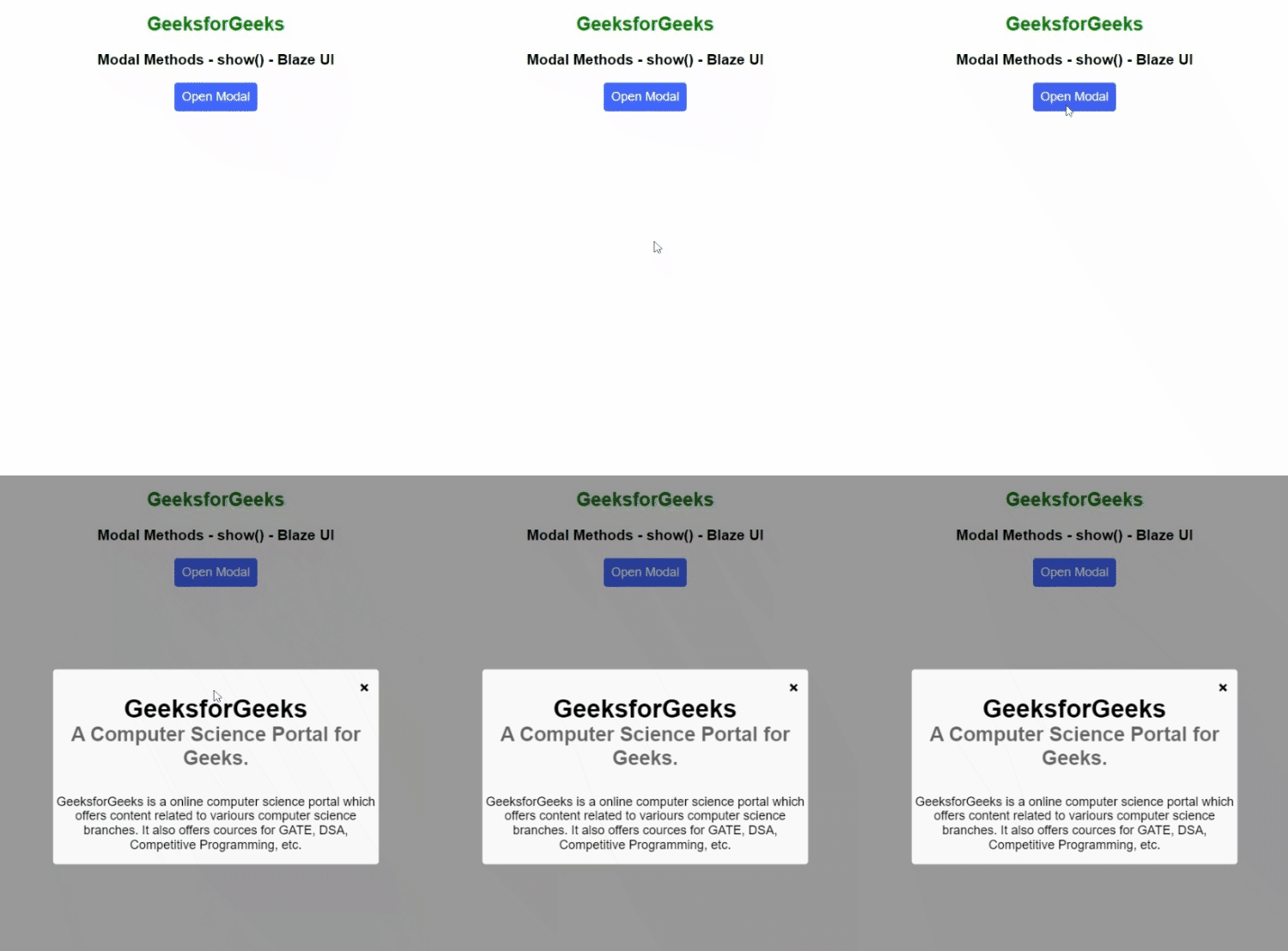
Example 1: This example illustrates the use of the show() method to open the modal programmatically.
Output:
2. close() Method: This method is used to hide the modal. It accepts no parameter and returns void.
Syntax:
document.querySelector(".selector").close();
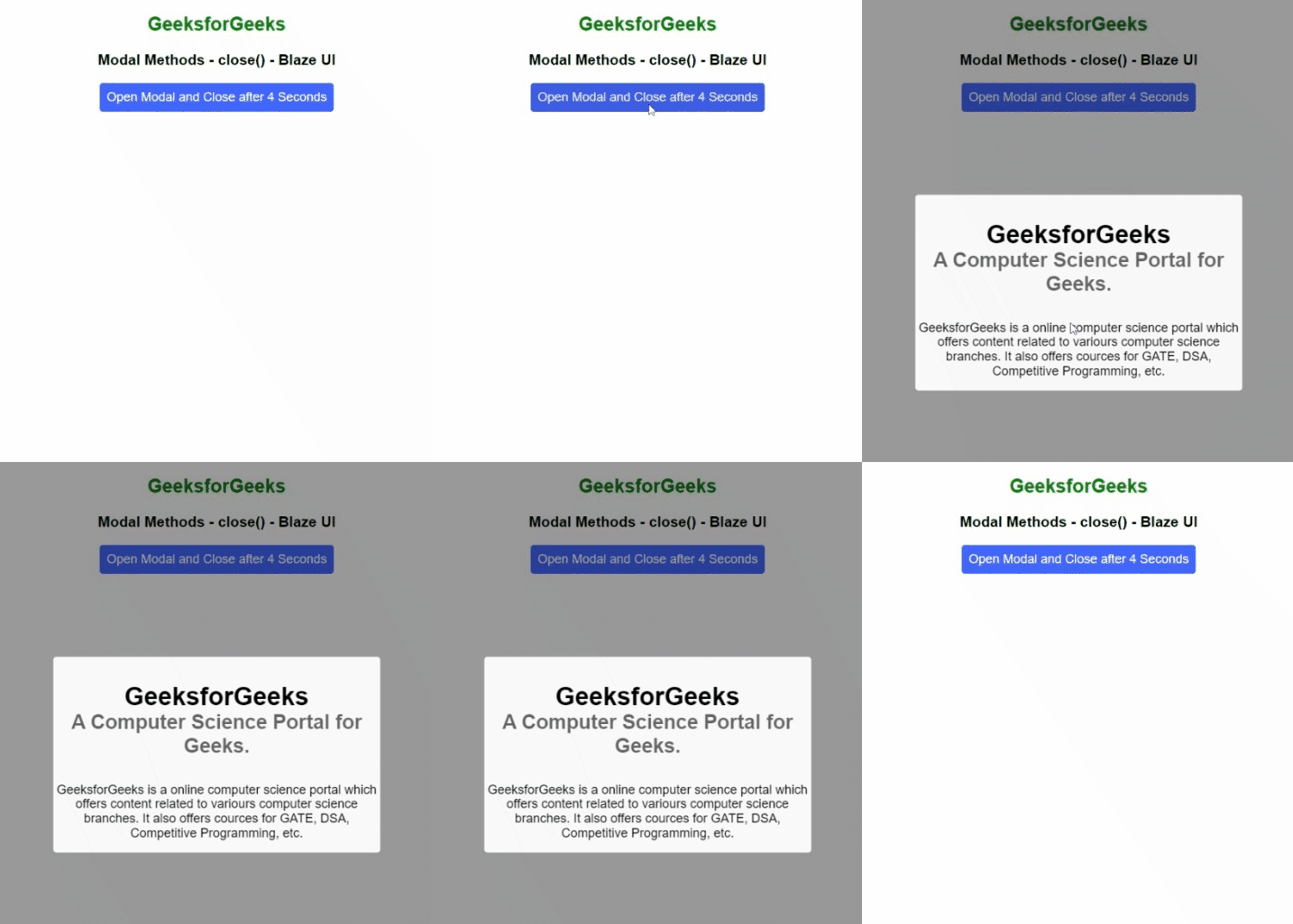
Example 2: This example shows the use of the close() method to close the modal. The modal is opened and closed after 4 seconds automatically.
Output:
3. isOpen() Method: This method is used to check whether the modal is currently open or not. It accepts no parameter and returns a promise which resolves into a boolean value depending on the current state of the modal, true if the modal is open and false otherwise.
Syntax:
document.querySelector(".selector").isOpen();
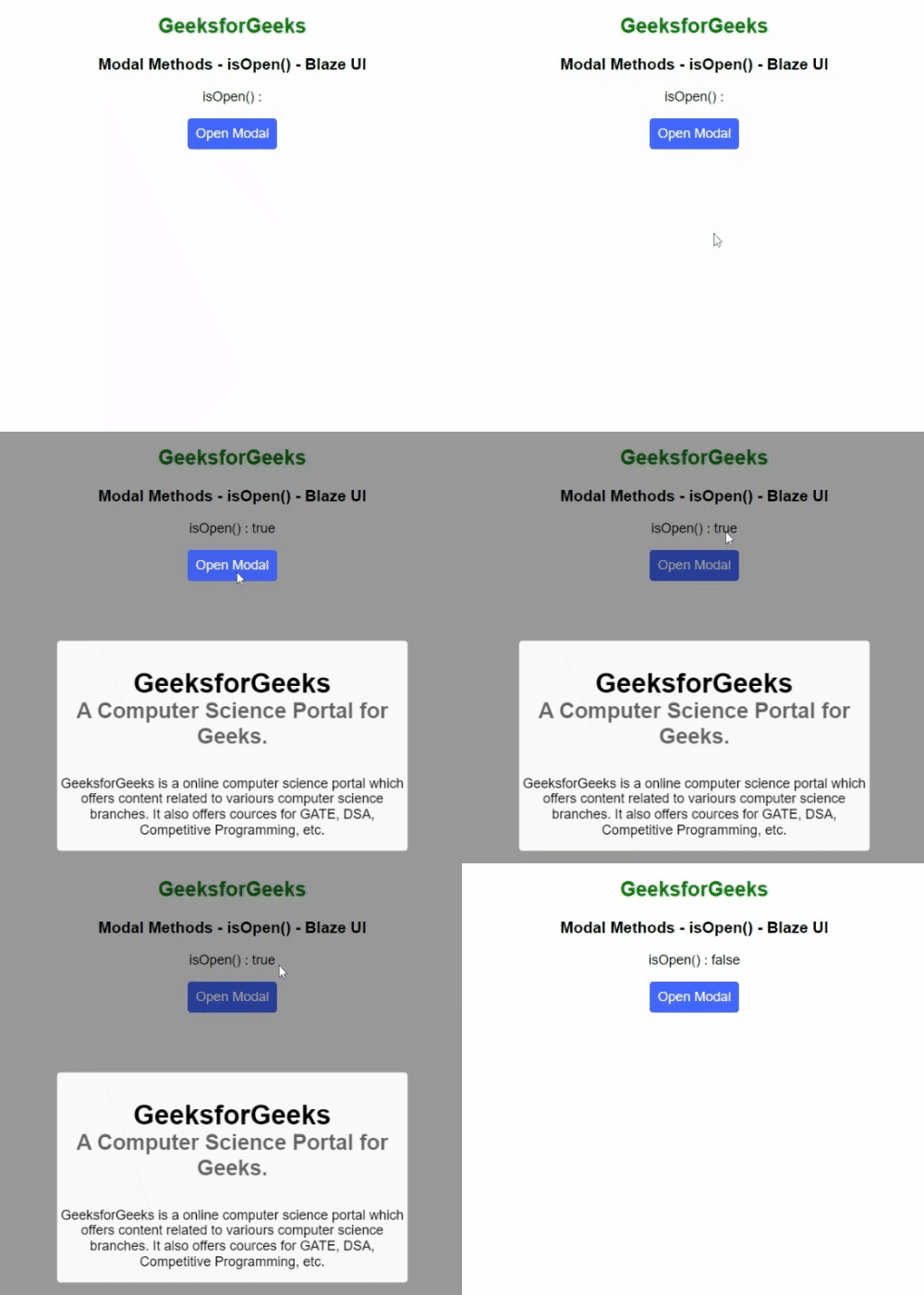
Example 3: This example illustrates the use of the isOpen() method to check whether the modal is currently open or not.
Output:
Reference: https://www.blazeui.com/objects/modals/