|
VOOZH | about |
|
VOOZH | about |
Blaze UI is a free open source UI Toolkit that provides a great structure for building websites quickly with a scalable and maintainable foundation. All components in Blaze UI are developed mobile-first and rely solely on native browser features, not a separate library or framework. It helps us to create a scalable and responsive website fast and efficiently with a consistent style.
In this article, we will be seeing Blaze UI Text Inputs. Text inputs are used on the webpages to take text type input from the uses. It is of two types: simple text input and textarea.
Blaze UI Text Input Classes:
Syntax:
<input type="text" class="c-field" placeholder="....">
<textarea class="c-field" placeholder="...."></textarea>
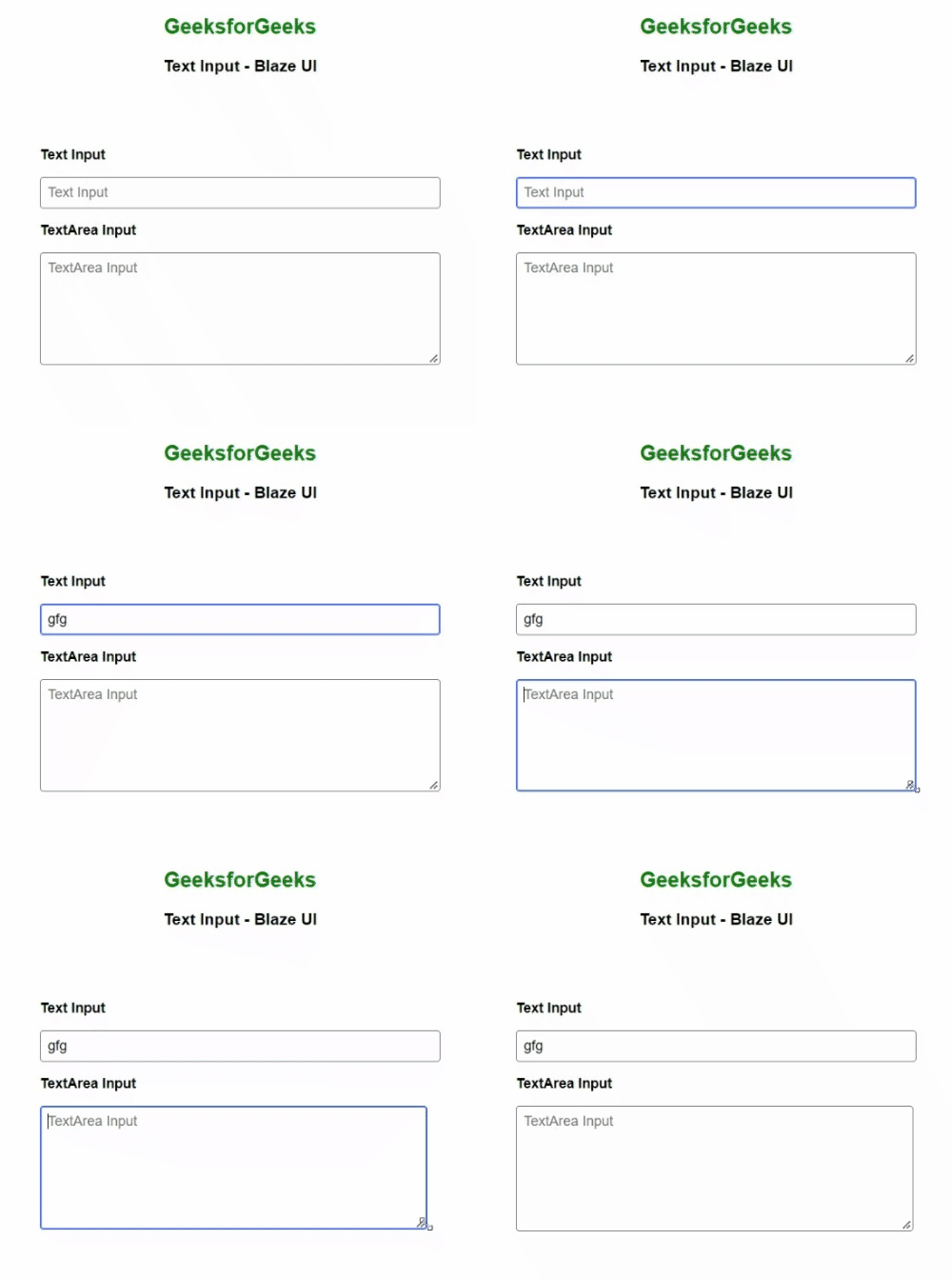
Example 1: The below example shows how to use text input and textarea inputs.
Output:
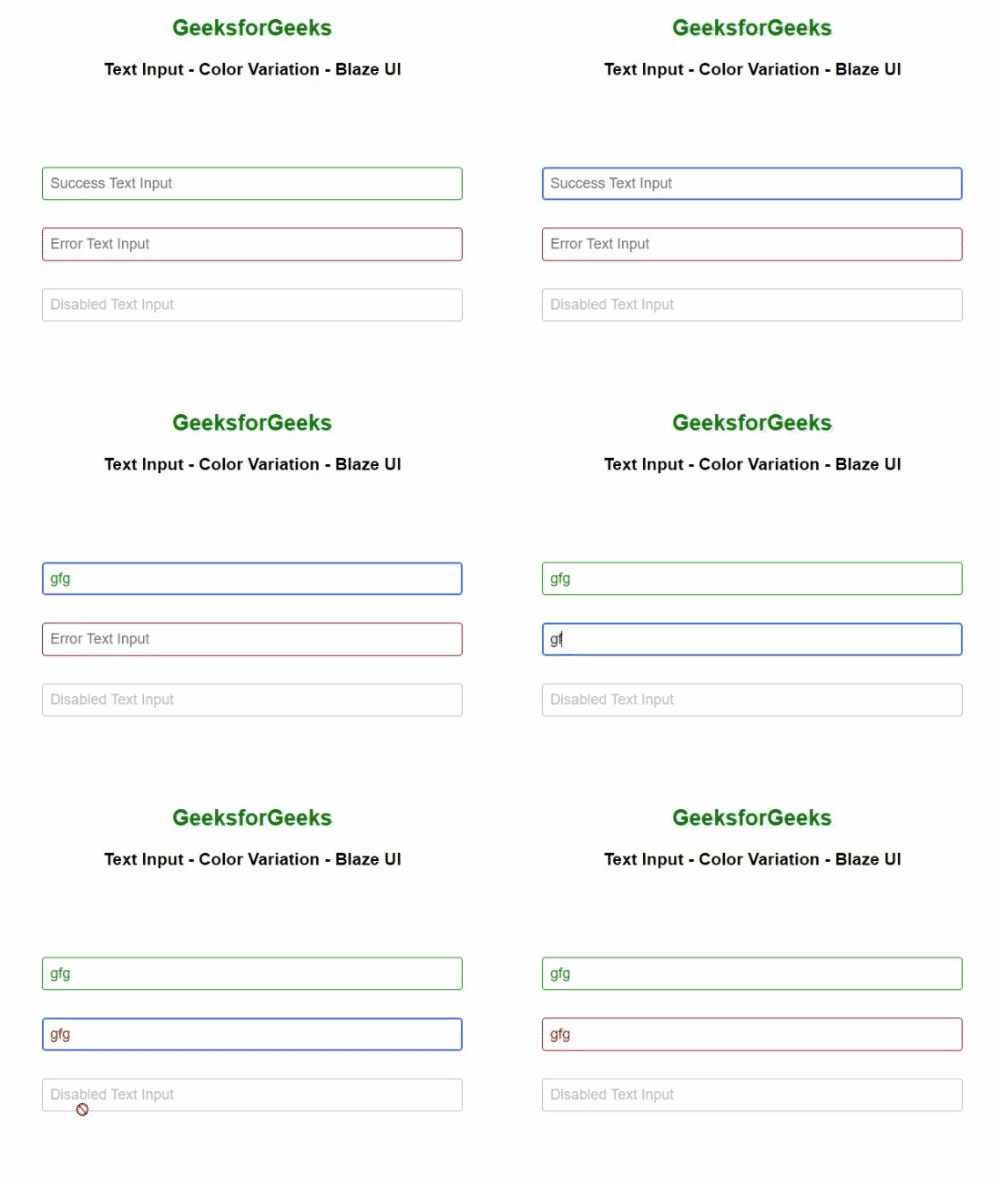
Example 2: The example below shows the success, error, and disabled text input.
Output:
Reference: https://www.blazeui.com/components/inputs/