|
VOOZH | about |
|
VOOZH | about |
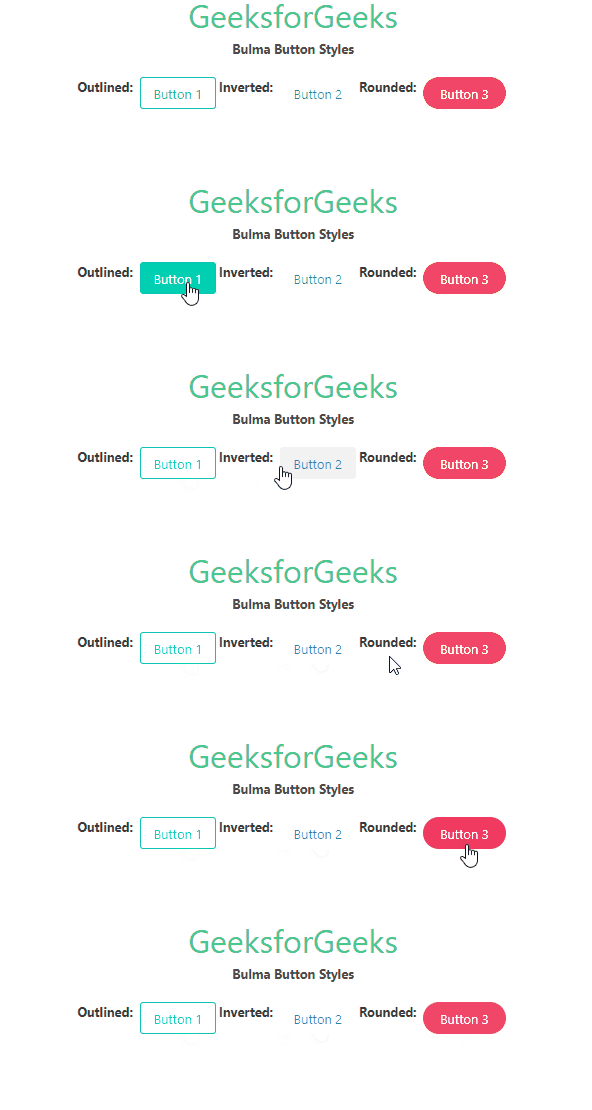
Bulma Button style class is used to set the style of the button. There are four pre-defined button styles in Bulma: Outlined, Inverted, Outlined Inverted, and Rounded. You can set the button style with the help of three CSS classes provided by Bulma.
Bulma Button Styles Classes:Syntax:
<button class="button is-outlined">
 Button
</button>
Note: The is-outlined and is-inverted classes can be used together to make Outlined Inverted Buttons.
Example: The example below shows the use of Bulma button-style classes.
Output:
👁 Bulma Button StylesReference: https://bulma.io/documentation/elements/button/#styles