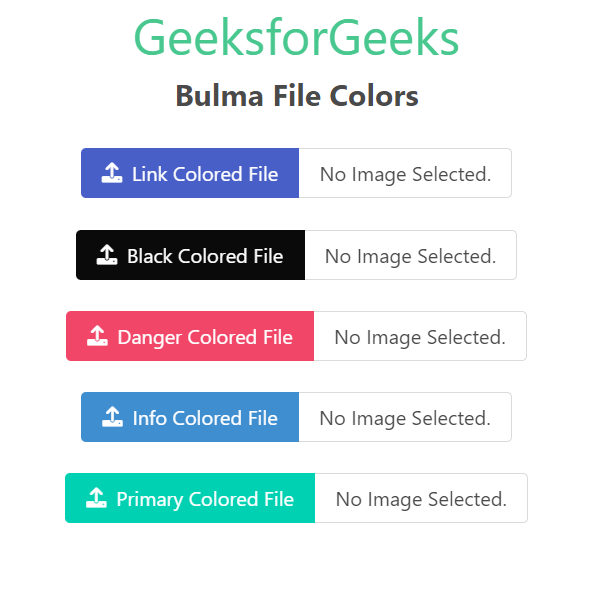
Bulma is an open-source CSS framework based on flexbox that can be used to make your web development faster as it comes with pre-built components and elements. In this article, we will be seeing how to change the Bulma File Colors using the color modifier classes provided by Bulma. You can use any one of the following classes.
Bulma File Color Classes:
is-black: This class is used to set the File color to the black color.
is-white: This class is used to set the File color to the white color.
is-link: This class is used to set the File color to the link color of the current theme.
is-light: This class is used to set the File color to the light color of the current theme.
is-success: This class is used to set the File color to the success color of the current theme.
is-warning: This class is used to set the File color to the warning color of the current theme.
is-danger: This class is used to set the File color to the danger color of the current theme.
is-dark: This class is used to set the File color to the dark color of the current theme.
is-primary: This class is used to set the File color to the primary color of the current theme.
is-info: This class is used to set the File color to the info color of the current theme.
Syntax:
<div class="file File-Color-Classes">
 ...
</div>
Example: The below example shows how to use the given classes to change the color of the file in Bulma.