|
VOOZH | about |
|
VOOZH | about |
Bulma is an open-source CSS framework developed by Jeremy Thomas. This framework is based on the CSS Flexbox property. It is highly responsive, minimizing the use of media queries for responsive behavior.
In this article, we will learn how to add JavaScript to implement the working of modal in Bulma. For using a modal component in Bulma, we have to create additional JavaScript code for implementing the modals as Bulma does not provide any JavaScript. We can use event handlers for triggering any button or call. For implementing JavaScript in Bulma Modal, there are 3 steps we have to follow:
Bulma Modal JavaScript Implementation classes:
The classes for creating a modal using JavaScript are the same as written in the pre-requisite Bulma Modal.
Create and add your HTML content into the modal: For creating a modal, add the below code at the last of your page i.e, before </body> tag.
Create a button for triggering the HTML content: For creating a button that opens the modal card can be created by using the below code.
Add JavaScript: Now to make the modal functional, just add the below code in a separate file or just add it to the last of the body before closing the body tag.
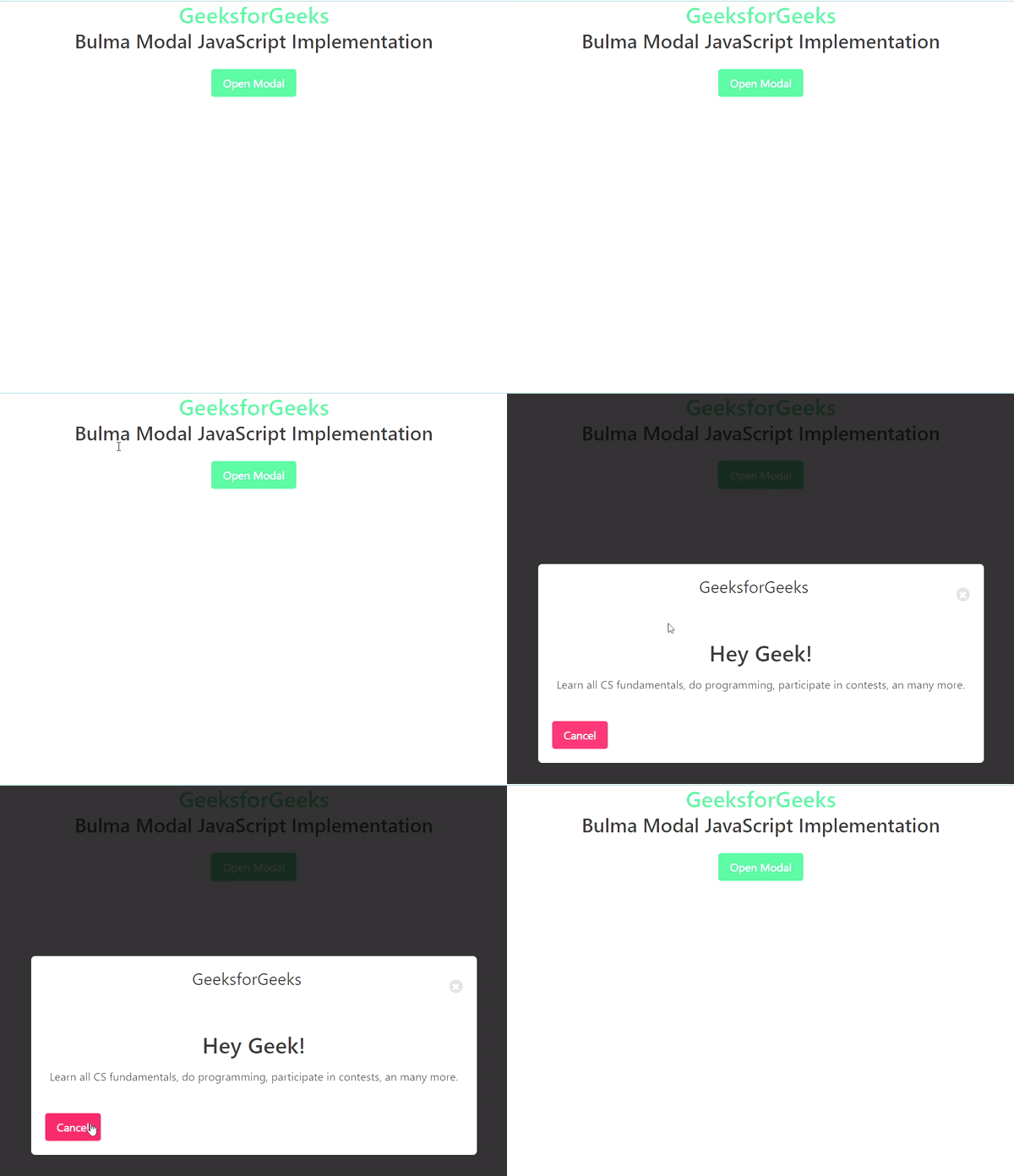
Example: Below is the complete implementation of Bulma Modal using JavaScript.
Output:
Reference: https://bulma.io/documentation/components/modal/#javascript-implementation-example