|
VOOZH | about |
|
VOOZH | about |
Bulma is a free and open-source CSS framework based on flexbox. It comes with pre-styled components so we don't have to write everything from the ground up and hence cutting the development time of websites. In this article, we will be using Bulma visibility helpers other than show and hide helpers.
Bulma Other Visibility Helpers Classes:
Syntax:
<element class="Other-Visibility-Helpers-Classes">
 ...
</element>
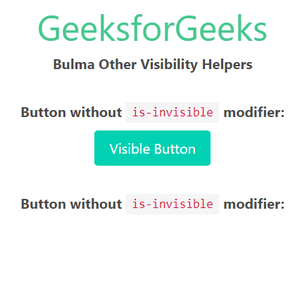
Example 1: The below example shows how to use the is-invisible class discussed above. Here the second button has been hidden using visibility: hidden property of CSS.
Output:
Example 2: The below example shows how to use the is-hidden class discussed above. Here the second button has been hidden from the user as well as screen readers.
Output:
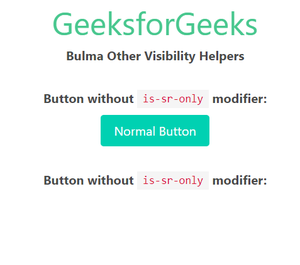
👁 ImageExample 3: The example below illustrates the use of the is-sr-only modifier. Here the second button is hidden from the frontend but screen readers can read that button.
Output:
Reference: https://bulma.io/documentation/helpers/visibility-helpers/#other-visibility-helpers