 |
VOOZH | about |
|
VOOZH | about |
The CSS blur() function applies a Gaussian blur effect to an element, making it appear out of focus. It is used with the filter property and accepts a length value defining the blur radius.
CSS blur() function is part of the CSS filter property, which allows you to apply graphical effects like blurring, sharpening, or color shifting to elements.
filter: blur(radius);"radius" specifies the blur radius. The higher the value, the more blurred the element becomes. It can be specified in various units like pixels ('px'), rems ('rem'), or percentages ('%').
The below examples illustrate the blur() function in CSS:
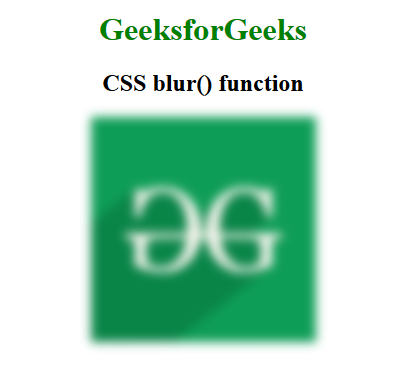
Example 1: In this example, the CSS blur() function adds a 5px blur to the GeeksforGeeks logo. The text in 'h1' and 'body' is centered and styled in green.
Output:👁 Output
Example 2: This example demonstrates the CSS blur() function, utilizing Flexbox for layout. It showcases images with varying levels of blur—blur(0), blur(3px), and blur(1.5rem)—each image is displayed with specific margins and sizes, effectively illustrating how different blur values impact visual clarity.
Output:
The CSS blur() function is widely supported across most modern browsers. Here's a quick rundown of its compatibility:
The
blur()function is part of the CSSfilterproperty, and it's generally well-supported in all modern browsers on both desktop and mobile platforms. However, always check for the most current support status, especially if targeting older versions of browsers.

.png)