|
VOOZH | about |
|
VOOZH | about |
The border-width property in CSS sets the width of an element’s border. You can specify a single width for all four sides or define different widths for each side (top, right, bottom, and left).
This property is crucial for creating visually appealing borders and enhancing the layout of your web pages.
border-width: length | thin | medium | thick | initial | inherit
Default Value: medium
| Value | Description |
|---|---|
| length | Sets border width; cannot be negative. |
| thin | Sets a thin border at the element's top. |
| medium | Sets medium-sized top border; default value. |
| thick | Sets thick top border. |
| initial | Sets border-top-width to default value. |
| inherit | Inherits border-top-width from parent element. |
CSS border-width property is a shorthand for the following CSS properties:
| Property | Description |
|---|---|
| border-top-width | Specifies the width of the top border of an element. |
| border-bottom-width | Determines the width of the bottom border of an element. |
| border-left-width | Sets the width of the left border of an element. |
| border-right-width | Specifies the width of the right border of an element. |
| border-block-width | Sets the width of the borders on the block-start and block-end sides of an element. |
| border-inline-width | Sets the width of the borders on the inline-start and inline-end sides of an element. |
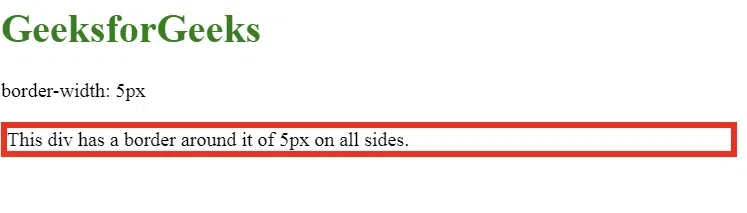
This example sets the same border width on all four sides of the element.
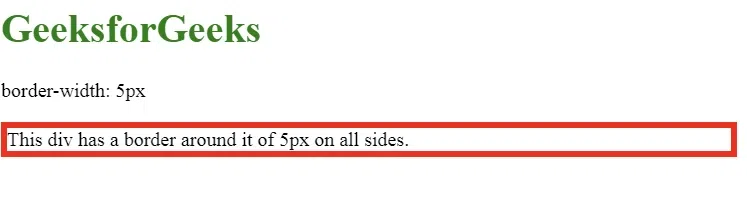
This example sets the same border width on all four sides of the element.
Explanation:
In this example, the border-width: 5px sets a 5px border for all four sides of the div element. The border is styled solid and colored red.
This example applies one value for the top/bottom borders and another for the left/right borders.
Output:
Explanation:
Here, border-width: 5px 10px sets the top and bottom borders to 5px and the left and right borders to 10px. This applies two different widths to specific sides of the element.
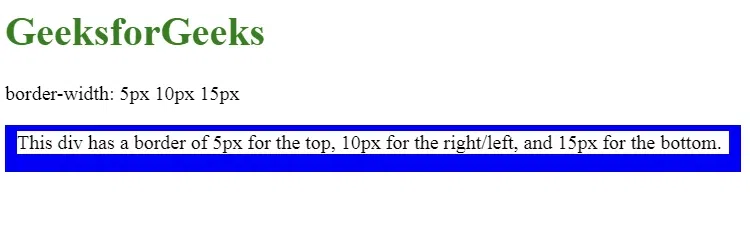
This example uses three values for different sides: one for the top, one for the right/left, and one for the bottom.
Output:
Explanation:
The border-width: 5px 10px 15px rule sets the top border to 5px, the right and left borders to 10px, and the bottom border to 15px. This creates varying thickness on different sides of the element.
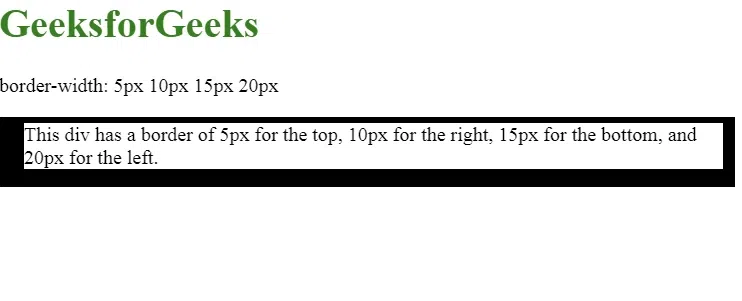
In this final example, four different values are applied to each side of the border.
Output:
The browser supported by border-width property are listed below:
Note: Always check for the latest browser versions to ensure full compatibility with the most recent CSS features.