VOOZH about

URL: https://www.geeksforgeeks.org/css/css-caret-color-property/

⇱ CSS caret-color Property - GeeksforGeeks


  • Courses
  • Tutorials
  • Interview Prep

CSS caret-color Property

Last Updated : 26 Aug, 2024

This property is used to set the color of the cursor in inputs, text areas, or other editable areas.

Default Value:auto

Syntax:

caret-color: auto|color;

Property values:

  • auto: It has a default value. It uses the current-color in the web browser.
  • color: It is used to specify the color value used for the caret. All values can be used (rgb, hex, named-color, etc).

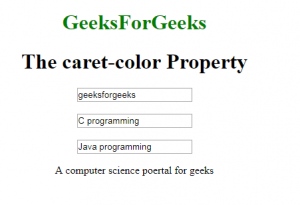
The below examples illustrate the caret-color property in CSS: 

Example:

Output:

👁 Image

Supported Browsers: The browser supported by caret-color property are listed below:  

  • Google Chrome and above
  • Edge and above
  • Mozilla and above
  • Opera and above
  • Safari and above
Comment