|
VOOZH | about |
|
VOOZH | about |
The rotate() function is an inbuilt CSS function used to rotate an element based on a specified angle. This angle can be set in terms of degrees, gradians, radians, or turns. The positive and negative angles rotate the elements in a clockwise and counterclockwise direction, respectively.
Syntax:
rotate( angle )Parameters: This function accepts single parameter angle which represents the angle of rotations. The positive and negative angles rotate the elements in clockwise and counter-clockwise respectively.
Below examples illustrates the rotate() function in CSS:
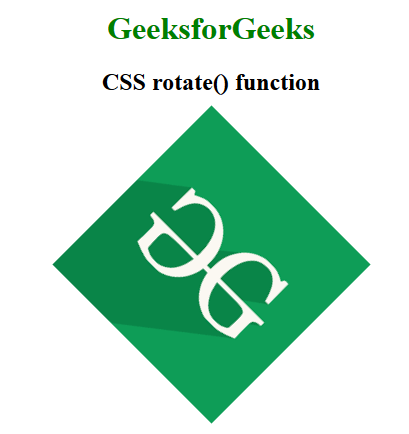
Example 1: In this example, we center content and rotate an image by 45 degrees using CSS transform: rotate(45deg);, displaying the "GeeksforGeeks" logo with a green heading and centered alignment.
Output:👁 Image
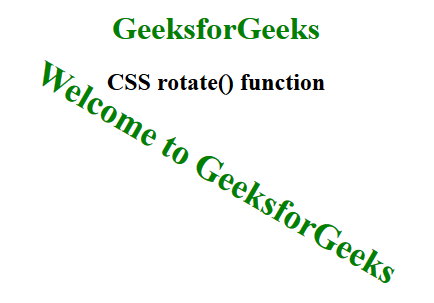
Example 2: In this example we centers content, displays "GeeksforGeeks" in green, and rotates "Welcome to GeeksforGeeks" by 30 degrees using CSS transform: rotate(30deg);.
Output:👁 Image
Supported Browsers: The browsers supported by rotate() function are listed below: