|
VOOZH | about |
|
VOOZH | about |
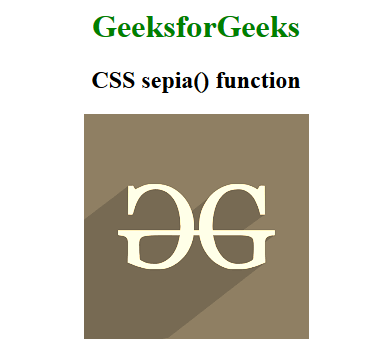
The sepia() function is an inbuilt function which is used to apply a filter to the image to convert an image into a sepia image.
Syntax:
sepia( amount )
Parameters: This function accepts single parameter amount which holds the value of sepia. The value of sepia is set in terms of value and percentage. The value 0% represents original image and 100% represents the complete sepia image. Below example illustrates the sepia() function in CSS:
Example:
Output:
Supported Browsers: The browsers supported by sepia() function are listed below: