VOOZH about

URL: https://www.geeksforgeeks.org/css/css-skew-function/

⇱ CSS skew() Function - GeeksforGeeks


  • Courses
  • Tutorials
  • Interview Prep

CSS skew() Function

Last Updated : 30 Aug, 2024

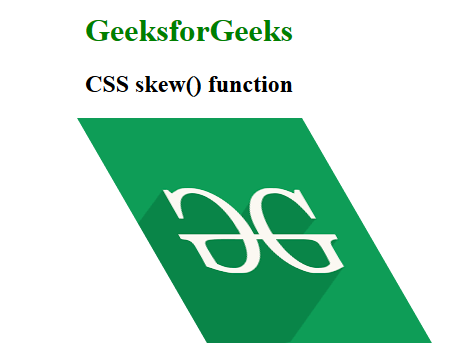
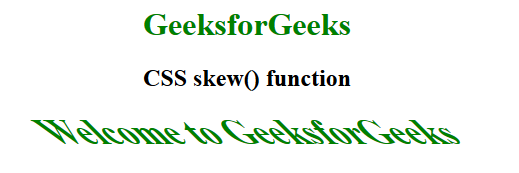
The skew() function is an inbuilt function which is used to transform an element in the 2D plane. Skew an element means to pick a point and push or pull it in different directions. 

Syntax:

skew( ax )

or

skew( ax, ay )

Parameters:

  • ax: This parameter holds the angle representing the horizontal axis to distort an element.
  • ay: This parameter holds the angle representing the vertical axis to distort an element. If it is not defined then it takes the default value zero. It means completely skew in x direction.

Below examples illustrate the skew() function in CSS: 

Example 1:

Output:

👁 Image

Example 2:

Output:

👁 Image

Supported Browsers: The browsers supported by skew() function are listed below:

  • Google Chrome 1
  • Edge 12
  • Internet Explorer 9
  • Firefox 3.5
  • Safari 3.1
  • Opera 10.5
Comment
Article Tags: