|
VOOZH | about |
|
VOOZH | about |
Foundation CSS is an open-source and responsive front-end framework built by the ZURB foundation in September 2011, that makes it easy to layout stunning responsive websites, apps, and emails that appear amazing and can be accessible to any device.
Flex Grid is nothing but a grid system that’s formed on the flex property that permits the responsive structure by creating rows and columns. The row class is used to form a row and the column class is employed to form columns. It also comes with features that are available in flexboxes like automatic stacking, source ordering, vertical alignment, and horizontal alignment.
Importing:
CDN Link:
<link rel="stylesheet" href="https://cdn.jsdelivr.net/npm/foundation-sites@6.7.4/dist/css/foundation-flex.min.css" crossorigin="anonymous">
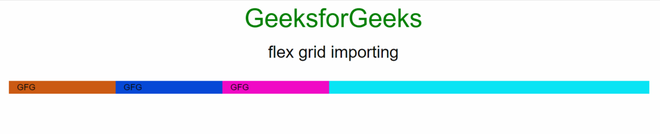
Example 1: This example demonstrates flex grid importing using the CDN.
Output:
Example 2: The following is another example of flex grid importing.
Output: