|
VOOZH | about |
|
VOOZH | about |
Foundation CSS is an open-source, responsive front-end framework developed by ZURB in September 2011. It’s a powerful tool that simplifies the creation of visually appealing responsive websites, apps, and emails that function seamlessly on any device. Renowned companies such as Facebook, eBay, Mozilla, Adobe, and even Disney utilize it.
The framework is built on the principles of Bootstrap and bears similarities to SaaS. However, it offers more complexity, flexibility, and configurability. It also includes a command-line interface, making it easy to use with module bundlers.
In this Foundation CSS tutorial, you will learn how to use Foundation CSS to design and style web pages. You will begin with Foundation CSS fundamentals, such as basic Foundation CSS classes, components, and utilities. You will also learn about layout and responsiveness in Foundation CSS.
Then, you will progress to advanced Foundation CSS topics, such as using the Foundation CSS grid system, navigation, forms, buttons, and more. You will also explore how to use Foundation CSS to create dynamic and interactive web content, such as modals, tooltips, and carousels.
Foundation CSS offers several advantages that make it a preferred choice for developers:
We can use Foundation CSS in different Ways:
Method 1: Go to the official documentation https://get.foundation/ and click on the Download All button to use it offline.
Method 2: Use the following CDN Links inside the head tag.
<link rel="stylesheet" href="https://cdn.jsdelivr.net/npm/foundation-sites@6.5.1/dist/css/foundation.min.css" integrity="sha256-1mcRjtAxlSjp6XJBgrBeeCORfBp/ppyX4tsvpQVCcpA= sha384-b5S5X654rX3Wo6z5/hnQ4GBmKuIJKMPwrJXn52ypjztlnDK2w9+9hSMBz/asy9Gw sha512-M1VveR2JGzpgWHb0elGqPTltHK3xbvu3Brgjfg4cg5ZNtyyApxw/45yHYsZ/rCVbfoO5MSZxB241wWq642jLtA==" crossorigin="anonymous">
<script src="https://cdnjs.cloudflare.com/ajax/libs/foundation/6.0.1/js/vendor/jquery.min.js"></script>
<script src="https://cdn.jsdelivr.net/npm/foundation-sites@6.5.1/dist/js/foundation.min.js" integrity="sha256-WUKHnLrIrx8dew//IpSEmPN/NT3DGAEmIePQYIEJLLs= sha384-53StQWuVbn6figscdDC3xV00aYCPEz3srBdV/QGSXw3f19og3Tq2wTRe0vJqRTEO sha512-X9O+2f1ty1rzBJOC8AXBnuNUdyJg0m8xMKmbt9I3Vu/UOWmSg5zG+dtnje4wAZrKtkopz/PEDClHZ1LXx5IeOw==" crossorigin="anonymous"></script>
Now let's understand how to use it using an example.
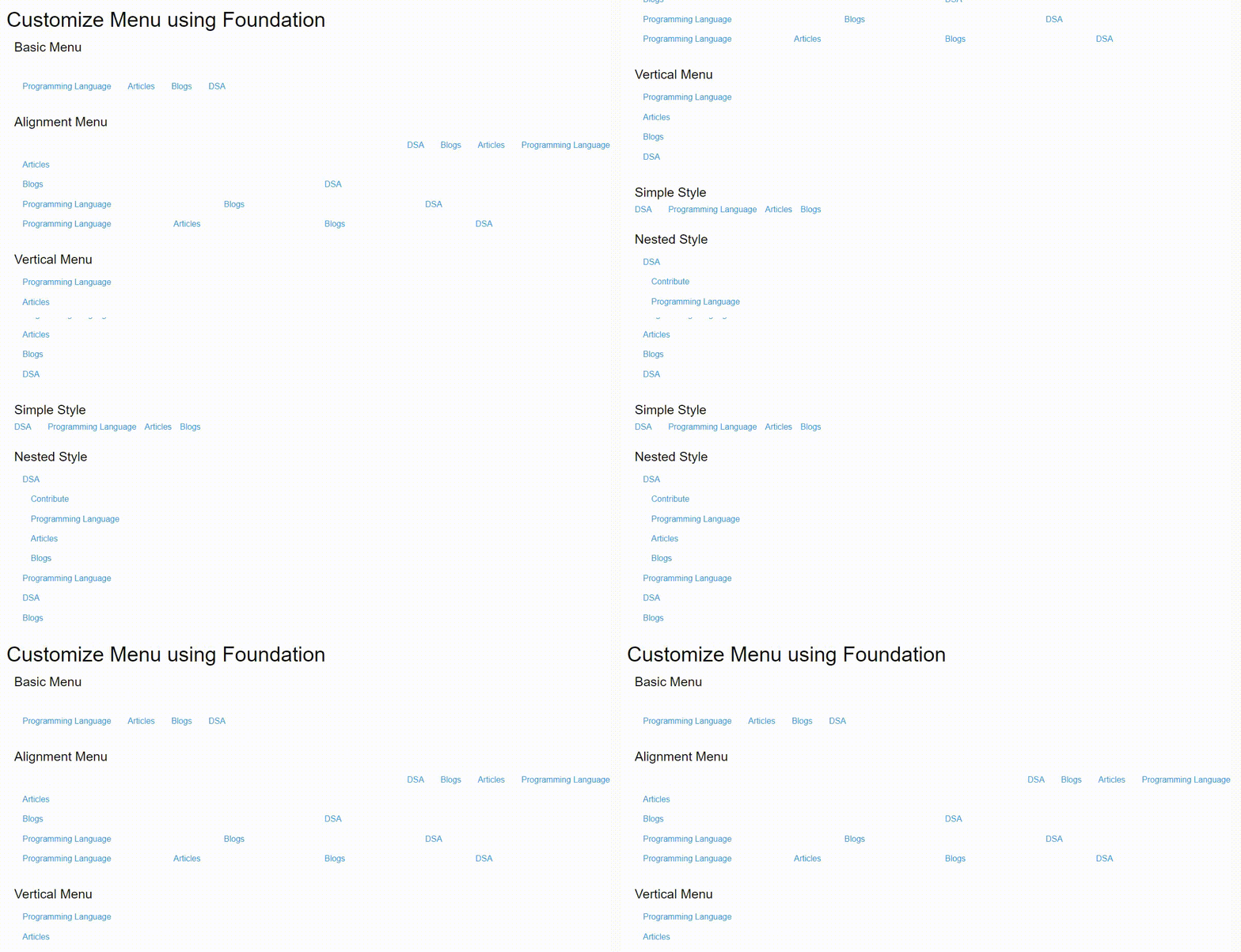
Example: This example illustrates the use of customize column for the menu.
Output:
👁 Image| Feature | Foundation CSS | Raw CSS |
|---|---|---|
| Ease of Use | High. Pre-built components and grid systems allow for rapid layout and styling | Lower. Requires manual coding of all styles and structural elements. |
| Customization | Flexible customization of components with Sass variables. | Unlimited customization potential, but requires more in-depth CSS knowledge. |
| Learning Curve | Moderate. Understanding Foundation-specific classes and structure takes some time. | Steeper. Requires a solid foundation in CSS concepts. |
| Mobile Responsiveness | Built-in responsive design capabilities. | Requires careful planning and media queries to implement responsiveness. |
| Browser Compatibility | Generally good compatibility handled by the framework. | Requires attention to cross-browser quirks and testing. |
| File Size | Can become larger if you include many components. | Smaller footprint if you only code what's needed. |
Foundation CSS is a powerful, open-source front-end framework that offers numerous advantages for web development: