|
VOOZH | about |
|
VOOZH | about |
A rounded border in CSS gives elements smooth, curved corners instead of sharp ones. It enhances design aesthetics and is achieved using the border-radius property. This allows developers to control the curvature, creating visually appealing and modern web layouts easily.
Using the border-radius property, you can easily add rounded borders to various HTML elements, enhancing their appearance and creating a more visually appealing layout.
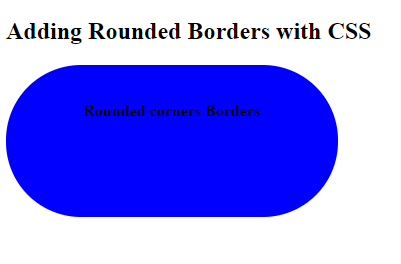
border-radius: 1-4 length|% / 1-4 length|%|initial|inheritIn this example, we applies rounded borders to a div using the .RoundedBorder class. It sets a blue background, adjusts border radius to 75px, and centers the text with padding, width, and height.
Output:
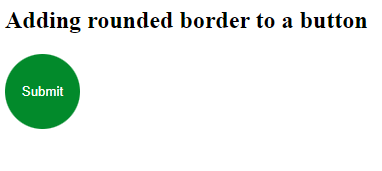
In this example, we will apply rounded borders to a button element. We are setting the height and width to be same and then setting the border-radius to 50% to get the button completely rounded.
Output: