|
VOOZH | about |
|
VOOZH | about |
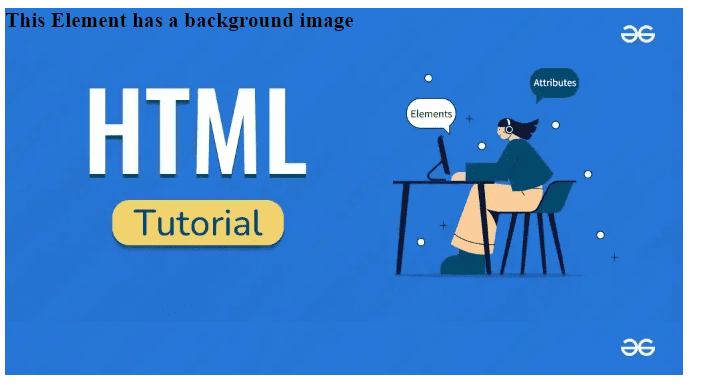
The CSS background-image property is used to add an image as a background to an element.
Syntax
background-image: url()A background image is added to an h1 tag using the URL.
Output
The size of the background image can be set using the background-size property.
Syntax
background-size: value;Output
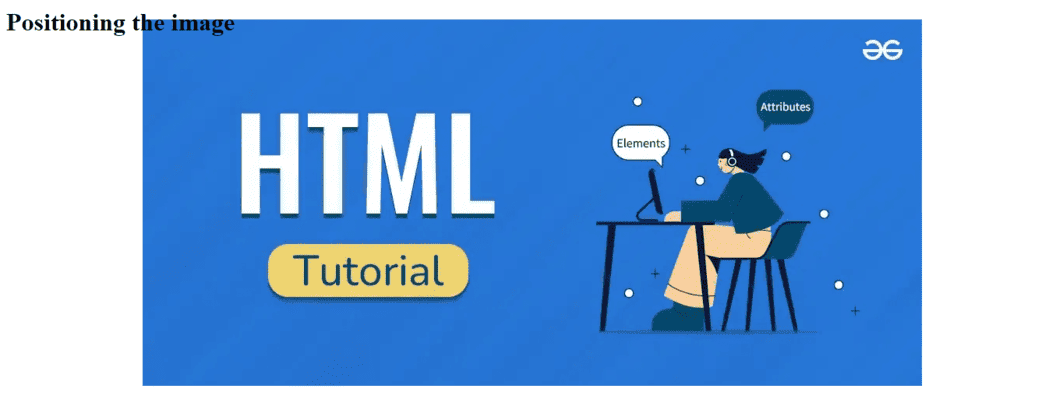
The background-position property allows you to position the background image within the element.
Syntax
background-position: valueOutput
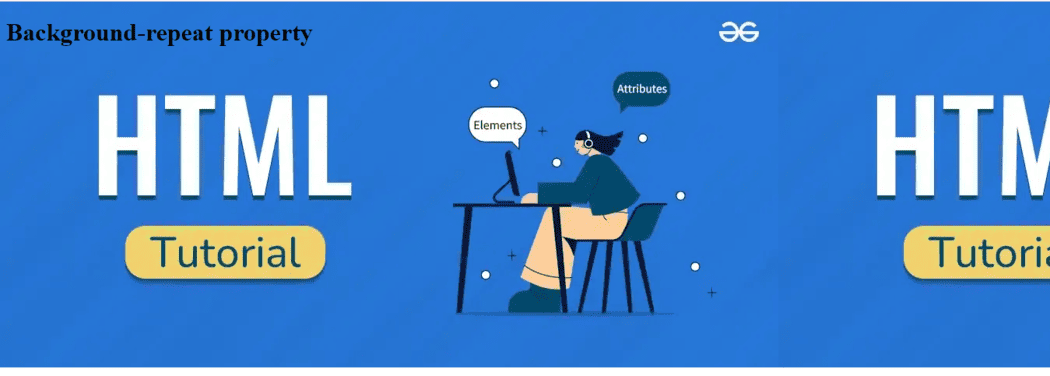
The repetition of the background-image can be set using the background-repeat property.
Syntax
background-repeat: repeatOutput