|
VOOZH | about |
|
VOOZH | about |
Tailwind CSS helps you style your website easily by using simple classes. Sometimes, you might need to change these styles based on different conditions, like when a button is clicked.
Below are the approaches to apply dynamic styles using Tailwind CSS:
Table of Content
The first way is to use inline styles. This means you use JavaScript to create styles on the fly and directly apply them to your component.
Example: Index.html: Index.html file is a Html file having a basic boiler plate followed by a script tag having linking with tailwind CSS along with script.js file.
Script.js file: Script.js file is having background color and font color for the text to be displayed. The text which will be displayed will be having a rounded border.
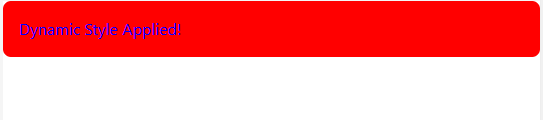
In this example, we're using JavaScript to dynamically generate the background-color and color styles and apply them to the component using the style attribute.
Output:
The second way is to use CSS custom properties. You set up custom properties in your CSS file and then use JavaScript to change their values when you need to update the styles on your component.
Example:
Styles.css file: It is a global CSS file added in order to give background color property having background color as red and font color property having font color as purple.
Index.html file: Index.html file is a Html file having a basic boiler plate followed by a script tag having linking with tailwind CSS along with script.js file.
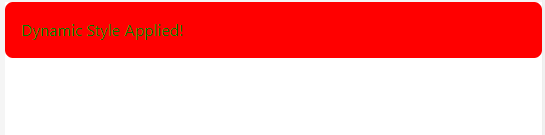
Script.js file: here we are defining custom properties --background-color and --font-color in our CSS file and then using JavaScript to update the values of those properties.
Output: