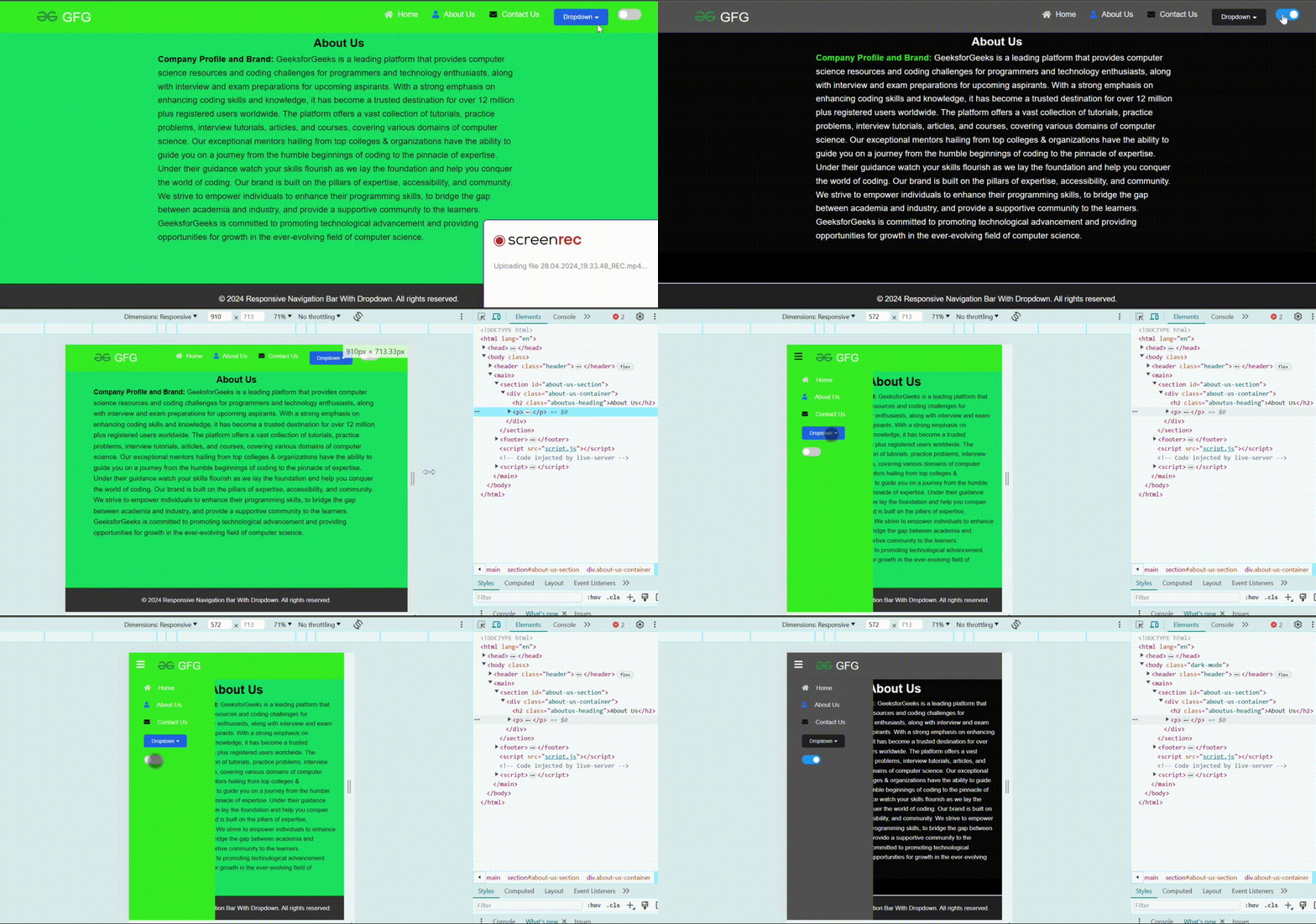
How to Create a Responsive Navigation Bar with Dropdown?
Last Updated : 5 Aug, 2025
Dropdowns in navigation bars are used to organize and display a variety of menu options within a limited screen size. Dropdown allow users to access multiple pages or sections of a website without hampering the interface of a website. We will see how to create a responsive navigation bar with a dropdown in HTML, CSS, and JavaScript.
Approach
First, create a basic HTML structure for your web page and add some nav elements and a drop-down button so that when a user hovers over it the drop-down menu should be visible to the user.
Then use CSS to style your navigation bar elements, including fonts, colors, spacing, and layout.
And use the javascript to show the hamburger menu when the screen size is small and also add an event listener on it to show the navbar on the small screen.