|
VOOZH | about |
|
VOOZH | about |
Place Font Awesome icon in your form is an innovative idea, that will bring attention to your website. It is as simple as putting Font Awesome icon on any button. The <i> tag and <span> tag are used widely to add icons on the webpages. To add any icons on the webpages, it needs the font-awesome link inside the head section. The font-awesome icon can be placed by using the fa prefix before the icon’s name.
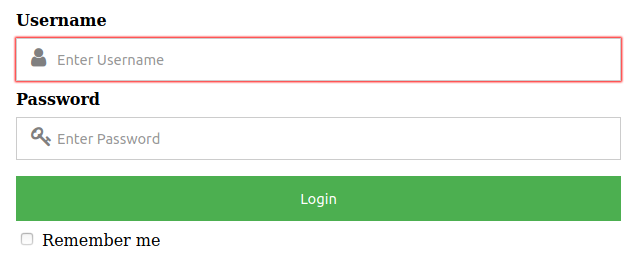
In this approach, we will take a form where the input field is necessary. After that, we will place the font-awesome icon inside the input field. We will use the CDN link to use the font-awesome icons. After the input field, we will place our icon. Then with the help of CSS position property, we will place the icon over the input field.
https://cdnjs.cloudflare.com/ajax/libs/font-awesome/4.7.0/css/font-awesome.min.css Example: Below is the implementation of the above approach.
Output:
👁 Image