|
VOOZH | about |
|
VOOZH | about |
Vertical alignment of the placeholder is set to make the UI design look appealing, user-friendly, and responsive, there are various approaches to setting the vertical alignment of the placeholder in tailwind which include padding adjustment, setting the line width, and using flex utilities. The utility classes can be used in managing the text alignment and the placeholder text.
Below are the approaches to set the vertical alignment of placeholders in Tailwind CSS:
Table of Content
In this approach by using the tailwind's flex property user can set the input field as a text container and then can use the items center property to vertically center the placeholder text. The flex and the item center utilities are used together to set the content vertically as well as horizontally within a flex container.
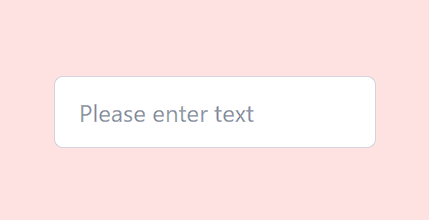
Example: The HTML code creates a centered text input field with placeholder text, styled using Tailwind CSS, on a full-screen, red background.
Output:
In this approach the vertical alignment of the placeholder can be set by changing the padding on the Y-axis and the line height . The padding ("py-") property helps in controlling the vertical space inside the input field and the line height ("leading-") property helps in adjusting the space between lines of texts.
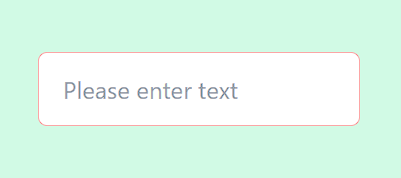
Example: The HTML code vertically centers an input field with padding, styled using Tailwind CSS, on a full-screen green background.
Output:
It is mostly used when any specific controlling of place holder is needed to be set for complex or unique design with in a page . It can be done by using tailwind's "@apply" derivates by targeting a custom class and changing its properties . It is very useful as it allow user to apply multiple tailwind's utilities to the placeholder.
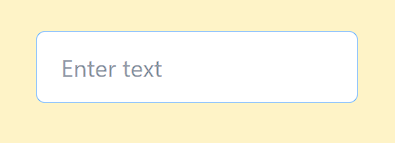
Example: The HTML code vertically centers an input field with a custom red placeholder text, styled with Tailwind CSS, on a full-screen yellow background.
Output: