|
VOOZH | about |
|
VOOZH | about |
Styling lists in Tailwind CSS enhances the visual appeal and usability of web pages by making lists more attractive and easier to navigate. By customizing the appearance of lists, you can improve the overall user experience on your website.
These are the following approaches to Style the list in Tailwind CSS:
Table of Content
In this approach, we use Tailwind CSS classes to style lists. Each class represents a different kind of list style. Some commonly used classes include:
<ul class="list-none">
 <li>Item 1</li>
 <li>Item 2</li>
 <li>Item 3</li>
</ul>
Example: This example shows the uses of classes to style the list.
Output:
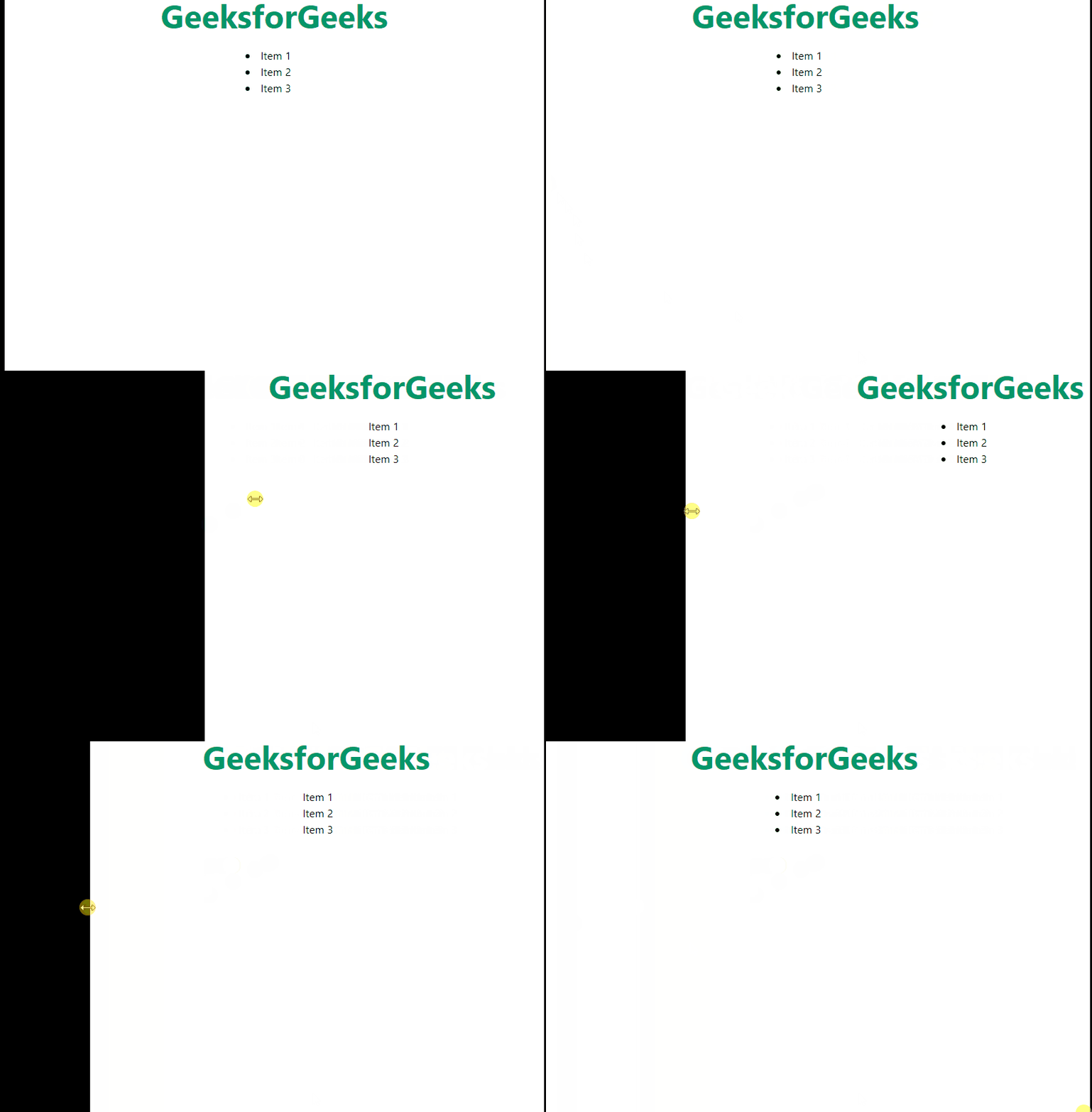
Breakpoints and media queries are essential for creating responsive web designs that adapt to various screen sizes.
In Tailwind CSS, breakpoints are predefined thresholds that trigger layout adjustments and style changes.
Tailwind CSS provides utility classes that allow you to apply styles based on breakpoints.
Example: This example shows the list in bullet point at big screen and no format at all in small screens.
Output:
Tailwind CSS allows for flexibility in styling elements with arbitrary values. You can set themes in the Tailwind configuration file to access them locally. For instance, you can customize the listStyleImage to use an image for list bullets.
Example: This example shows the customize list style type.
Output:
Styling lists in Tailwind CSS provides a variety of methods to enhance the appearance of your lists. Whether you're using standard list style classes, responsive design techniques with breakpoints, or customizing themes with arbitrary values, Tailwind CSS offers ways to create visually appealing and navigable lists.