|
VOOZH | about |
|
VOOZH | about |
The <textarea> element in HTML is used for multi-line text input, and it can be styled effectively within a grid column layout using CSS. To style it, you can control its appearance through properties like padding, border, and background color, and use grid layout properties to ensure proper alignment and responsiveness.
These are the following ways to style the textarea-element:
Table of Content
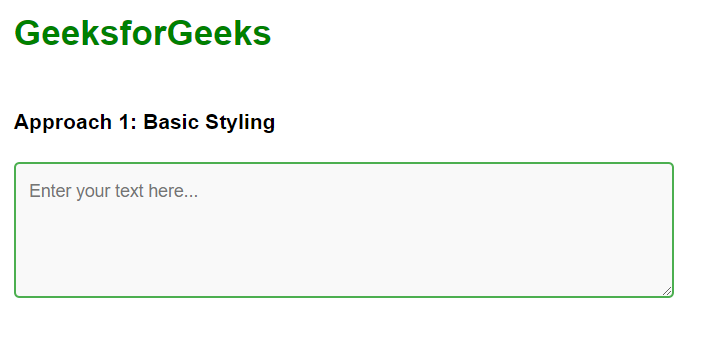
In this approach, we are using basic styling for the textarea element within a grid column layout. The textarea is styled with padding, a border, and a background color to ensure it is visually distinct and easy to use. It is contained within a responsive grid layout, which adjusts its width and spacing.
Example: The below example uses Basic Styling to style textarea-element in a grid column.
Output:
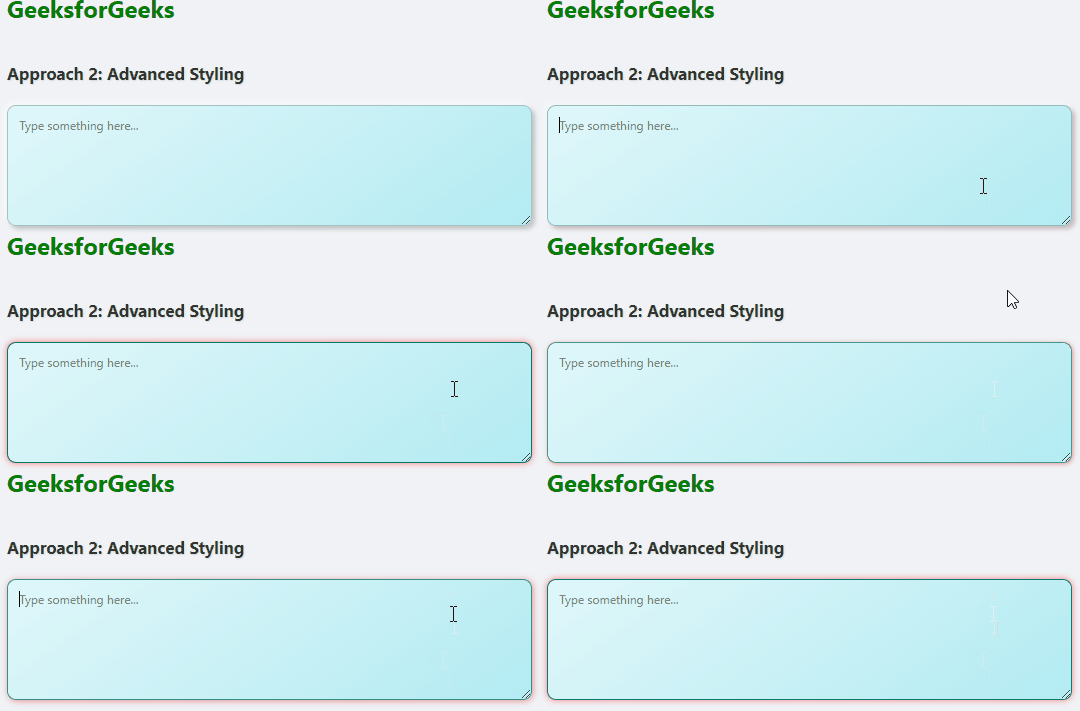
In this approach, we are using advanced styling techniques to enhance the visual appeal of the textarea element. The textarea features a gradient background, a prominent border with rounded corners, and a subtle shadow for a modern, three-dimensional effect. Additional focus styling includes a color change and glowing effect to improve user interaction and visual feedback.
Example: The below example uses Advanced Styling to style textarea-element in a grid column.
Output: