|
VOOZH | about |
|
VOOZH | about |
We know thatTailwind CSS provides a utility-first approach for styling web applications, which makes it easy to apply styles directly in HTML. This article guide will explain how to use custom percentages in padding within Tailwind CSS.
First to install a 'tailwind.config.js' file in project .for this file follow the below command line:
npx tailwindcss initThis configuration extends the default padding scale to include 'p-25p' and 'p-50p', which apply 25% and 50% padding.
Edit Your 'tailwind.config.js' file as follows:
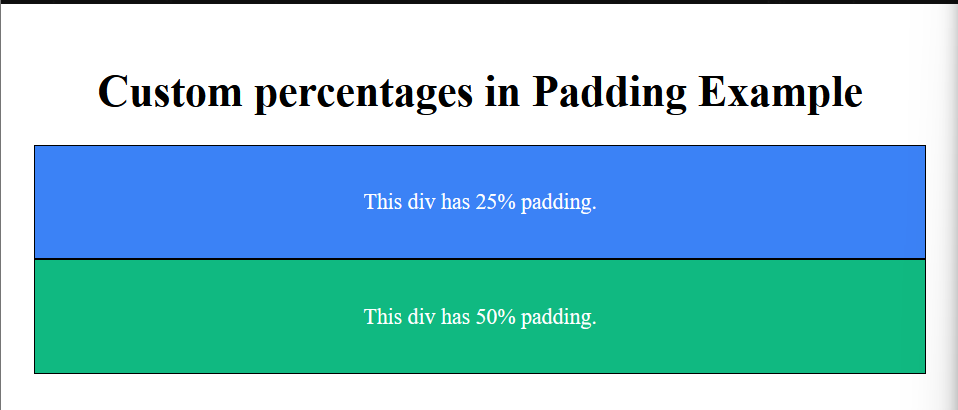
Example: The first HTML div will have 25% padding and a blue background. The second HTML div will have 50% padding and a green background. With configuration set up, you can now use the custom utility classes in your HTML. This file add a custom padding values ('25%' and '50%') in the 'tailwind.config.js'. Apply the custom classes ('p-25p' and 'p-50p') in your HTML.
Output: