|
VOOZH | about |
|
VOOZH | about |
Onsen UI CSS is used to create beautiful HTML components. It is one of the most efficient ways to create HTML5 hybrid components that are compatible with both mobile and desktop.
Checkboxes are used for instances where a user may wish to select multiple options, such as in the instance of a “check all that apply” question, in forms. In this article, we will discuss Onsen UI Checkbox CSS Components.
Onsen UI Checkbox CSS Components:
Syntax:
<label class="checkbox ...">
 <input type="checkbox" class="checkbox__input">
 <div class="checkbox__checkmark"></div>
 ...
</label>
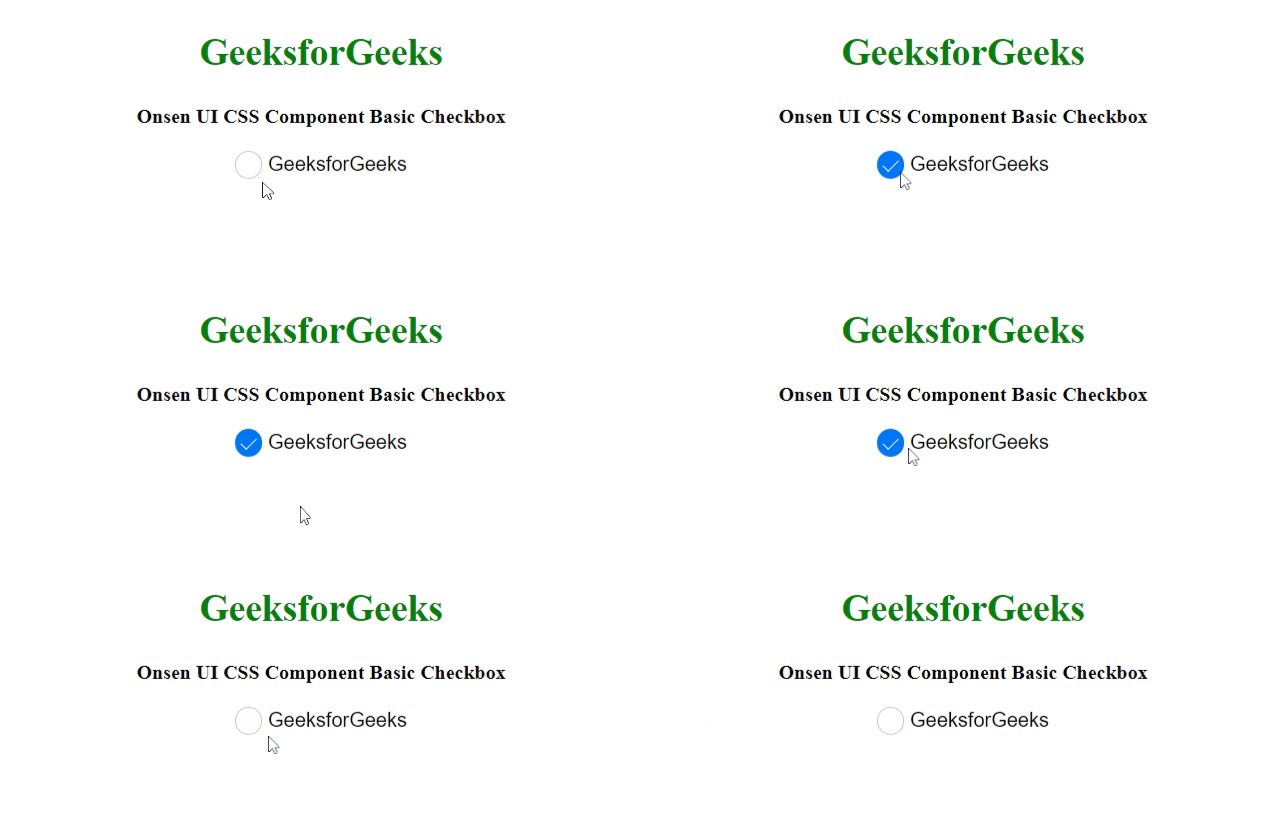
Example 1: The following example demonstrates the basic checkbox.
Output:
Example 2: The following example demonstrates the Onsen UI CSS Component No border Checkbox.
Output:
Example 3: The following example demonstrates the Onsen UI CSS Component Material Checkbox.
Output:
Reference: https://onsen.io/v2/api/css.html#checkbox-category