|
VOOZH | about |
|
VOOZH | about |
Onsen UI CSS is used to create beautiful HTML components. It is one of the most efficient ways to create HTML5 hybrid components compatible with mobile and desktop.
Onsen UI CSS Components are pre-built CSS components that may be used to create adaptive and attractive user interface layouts rapidly. Onsen UI CSS Component Material Tabbar (Icon and Label) is used to create the material tabbar with icons and labels using the below classes.
Onsen UI CSS Component Material Tabbar (Icon and Label) Classes:
Syntax:
<div class="tabbar tabbar--top
 tabbar--material">
 <label class="tabbar__item
 tabbar--material__item">
 ...
 <i class="tabbar__icon
 tabbar--material__icon ...">
 </i>
 <div class="tabbar__label
 tabbar--material__label">
 ...
 </div>
 </label>

 ...
</div>
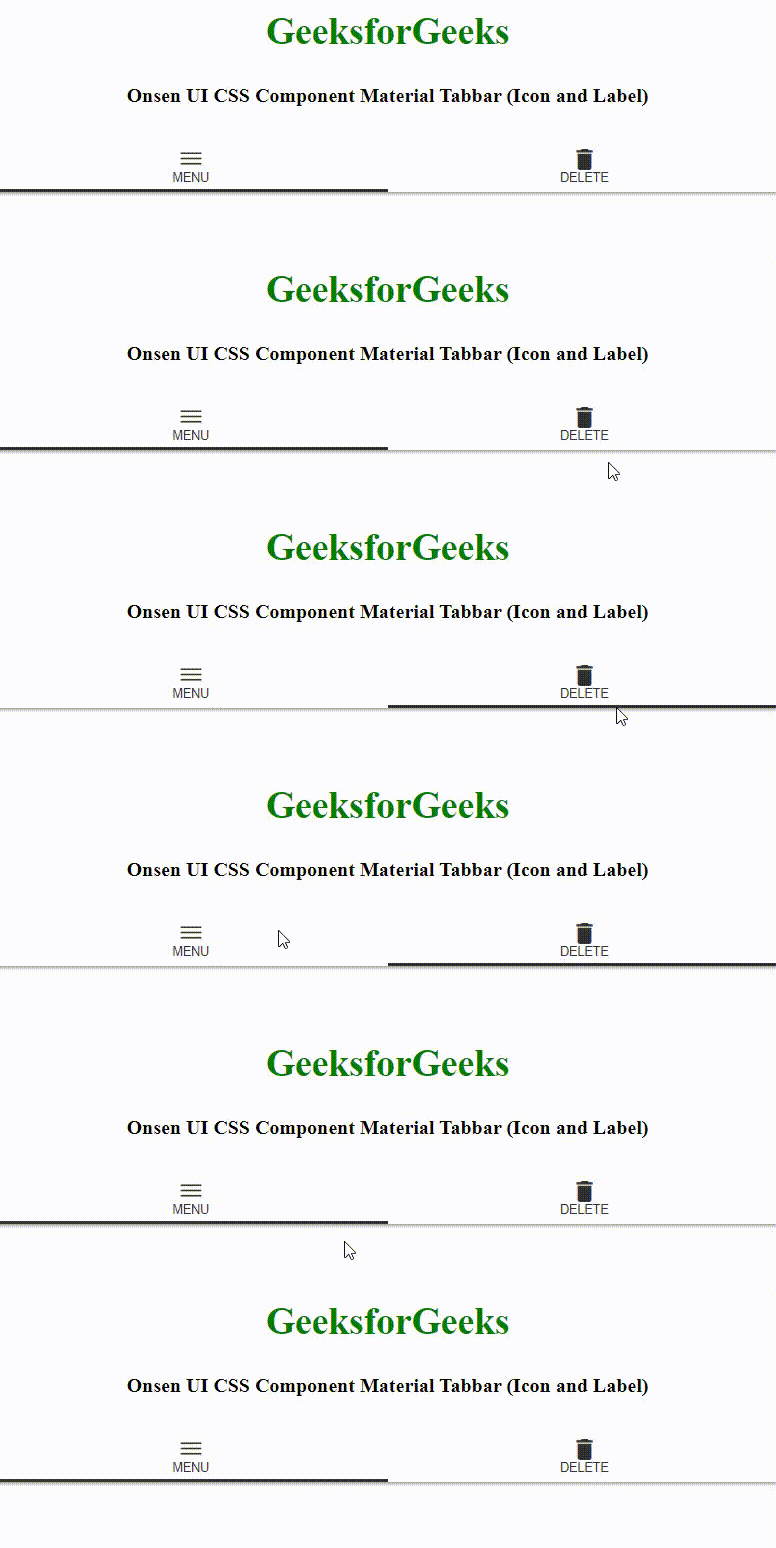
Example 1: The following example demonstrates the Onsen UI CSS Component Material Tabbar (Icon and Label).
Output:
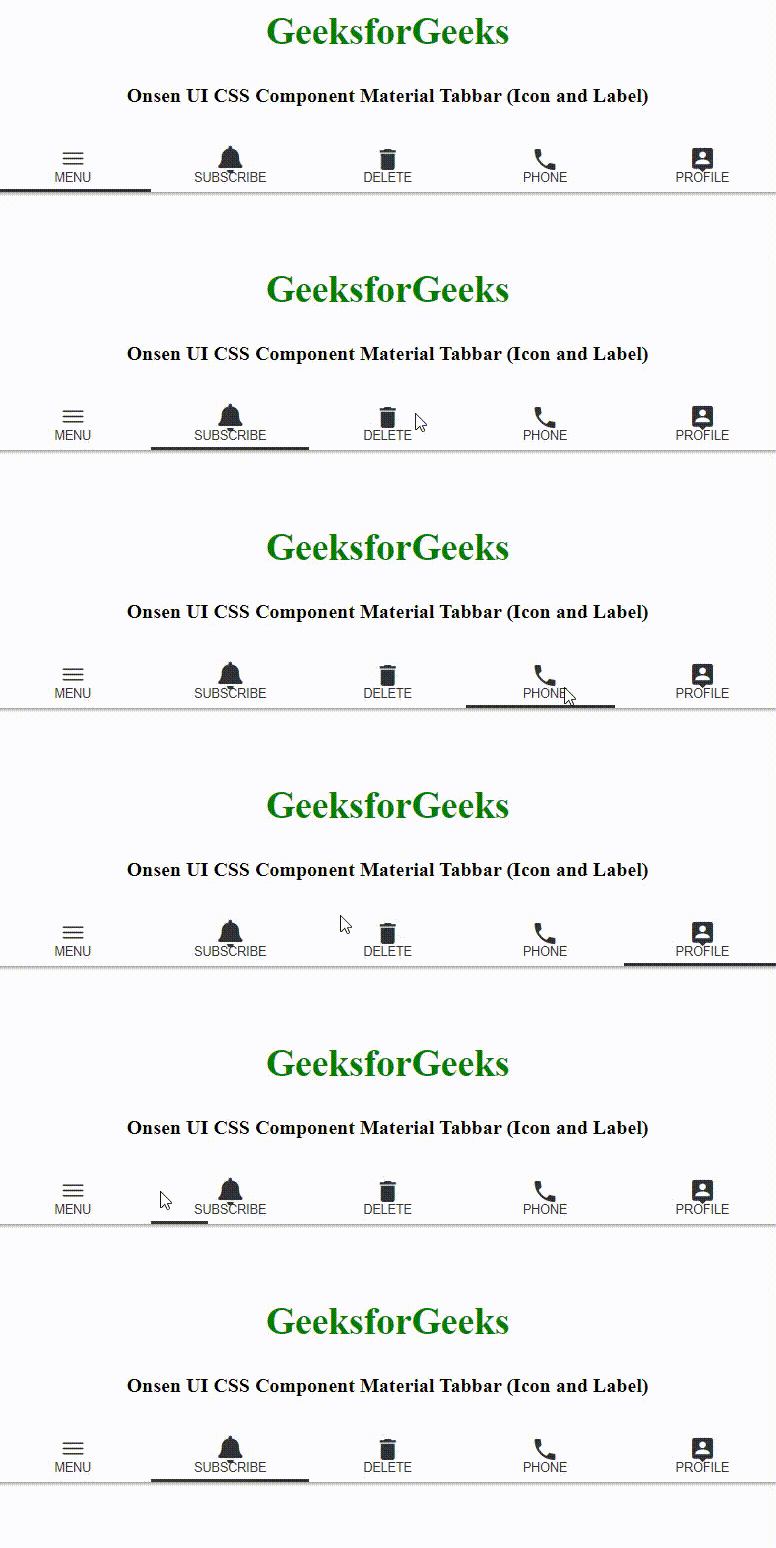
Example 2: The following example demonstrates the Onsen UI CSS Component Material Tabbar (Icon and Label).
Output: