|
VOOZH | about |
|
VOOZH | about |
Semantic UI is an open-source framework that uses CSS and jQuery to build great user interfaces. It is the same as a bootstrap for use and has great different elements to use to make your website look more amazing. It uses a class to add CSS to the elements.
A form is the section of a document that contains a number of input fields such as text field, password, checkbox, etc.
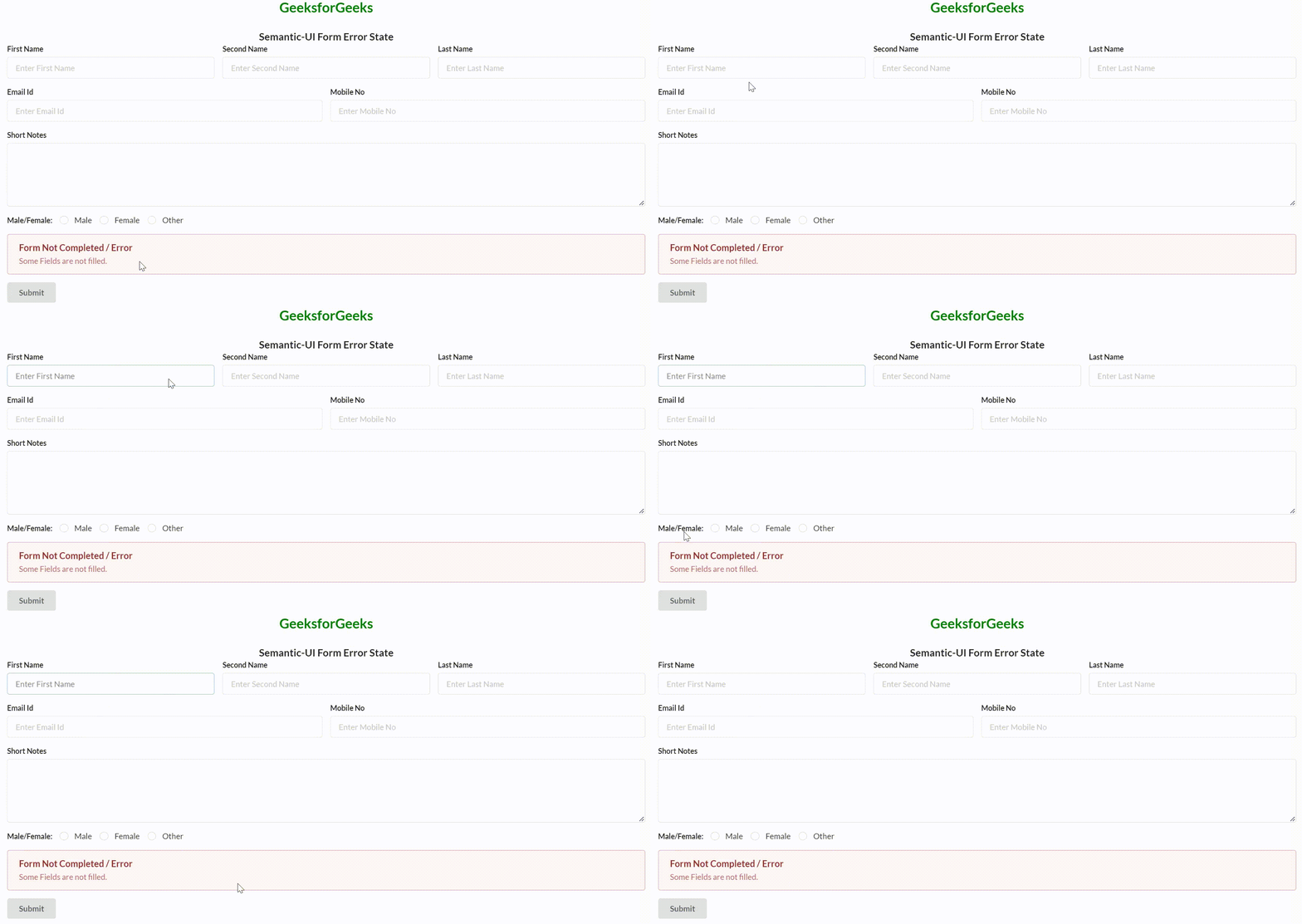
Semantic-UI form is used to create an attractive form using semantic-ui classes. It is very easy to design attractive forms. Semantic-UI Form Error State is used to display the error message box on the screen.
Semantic-UI Form Error State Used Class:
Syntax:
<div class="ui form error">
 ...
 <div class="ui error message">
 ...
 </div>
</div>
Example 1: In this example, we will describe the Semantic-UI Form Error State.
Output:
👁 ImageExample 2: In this example, we will describe the Semantic-UI Form Error State.
Output:
👁 ImageReference: https://semantic-ui.com/collections/form.html#error