|
VOOZH | about |
|
VOOZH | about |
Semantic UI is an open-source framework that uses CSS and jQuery to build great user interfaces. It is the same as a bootstrap for use and has great different elements to use to make your website look more amazing. Semantic UI provides us with a very easy way to style the web app instead of using CSS. Semantic-UI forms provide us with a structured way for displaying a set of related input fields. It offers Forms in different variations, types, groups, and states.
In this article, we will learn about Semantic-UI Form Text Area Content along with implementation and example code. Semantic-UI Form Text Area Content provides us a way to allow extended user input. We can make a specified sized text area by setting rows to attribute to specify the height of the text area.
Semantic-UI Form Text Area Content Class:
Note : Use the <textarea> HTML tag to provide text area in the form to enable extended user input.
Syntax:
<div class="ui form">
 <div class="field">
 <textarea></textarea>
 </div>
</div>
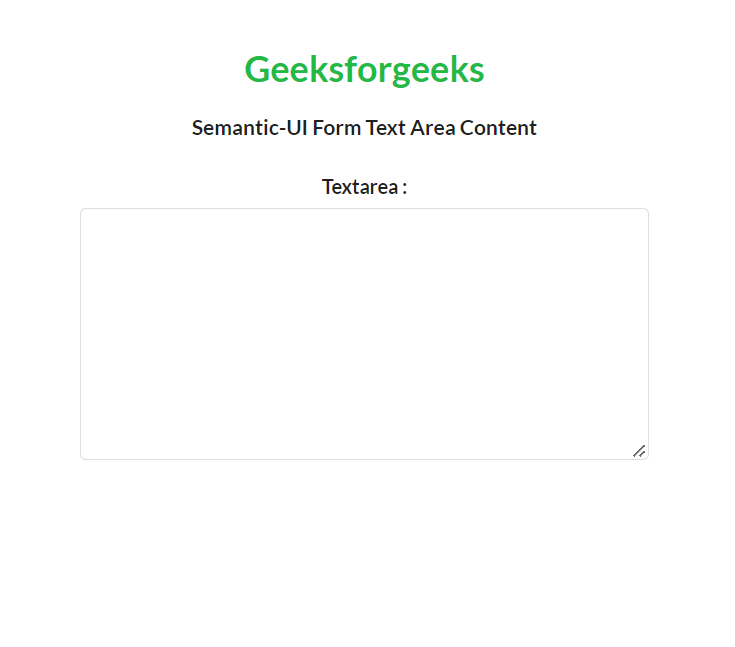
Example 1: Below is the example that illustrates the use of Semantic-UI Form Text Area Content.
Output:
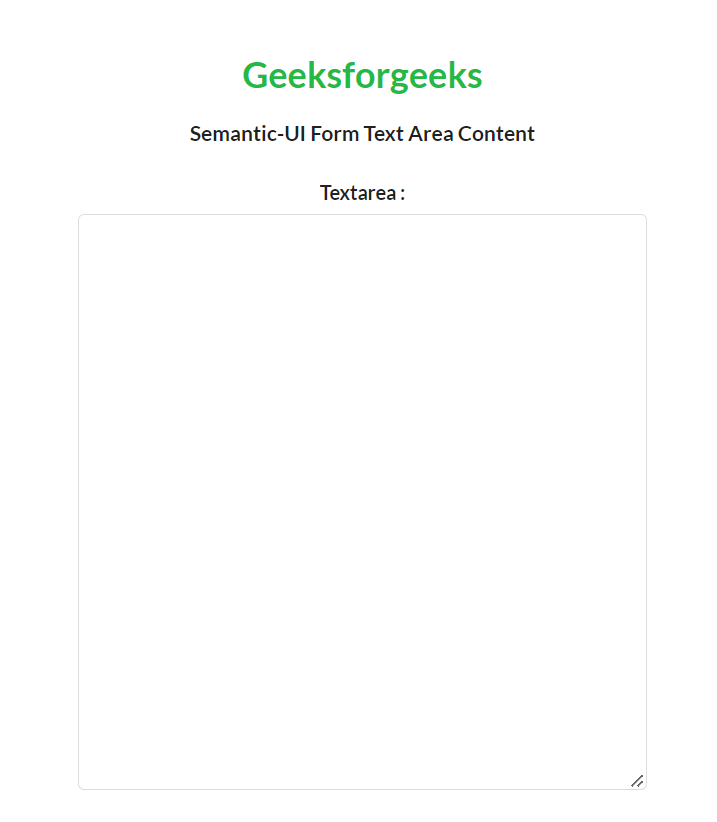
Example 2: If we want to make a specific sized text area, we can use the rows attribute of textarea as shown in the following example.
Output: We can observe a text area of 20 rows in the output.
Reference: https://semantic-ui.com/collections/form.html#text-area