 |
VOOZH | about |
|
VOOZH | about |
Semantic UI is a popular front-end framework for developing responsive, semantic, and user-friendly web interfaces. It provides a wide range of pre-designed UI components, such as forms, buttons, menus, and modals, that can be easily integrated into your web application. In this article, we will cover the installation and updating of Semantic UI.
Semantic-UI Installation: The Semantic-UI can be installed & used by installing the following:
npm install -g gulp
npm install semantic-ui
gulp build
<link rel="stylesheet"
 type="text/css"
 href="semantic/dist/semantic.min.css">
<script src="semantic/dist/semantic.min.js"></script>
Updating Semantic UI: To update Semantic UI to the latest version, you can manually download the updated source files from the website, and replace the contents of the semantic folder.
npm install semantic-ui@latest
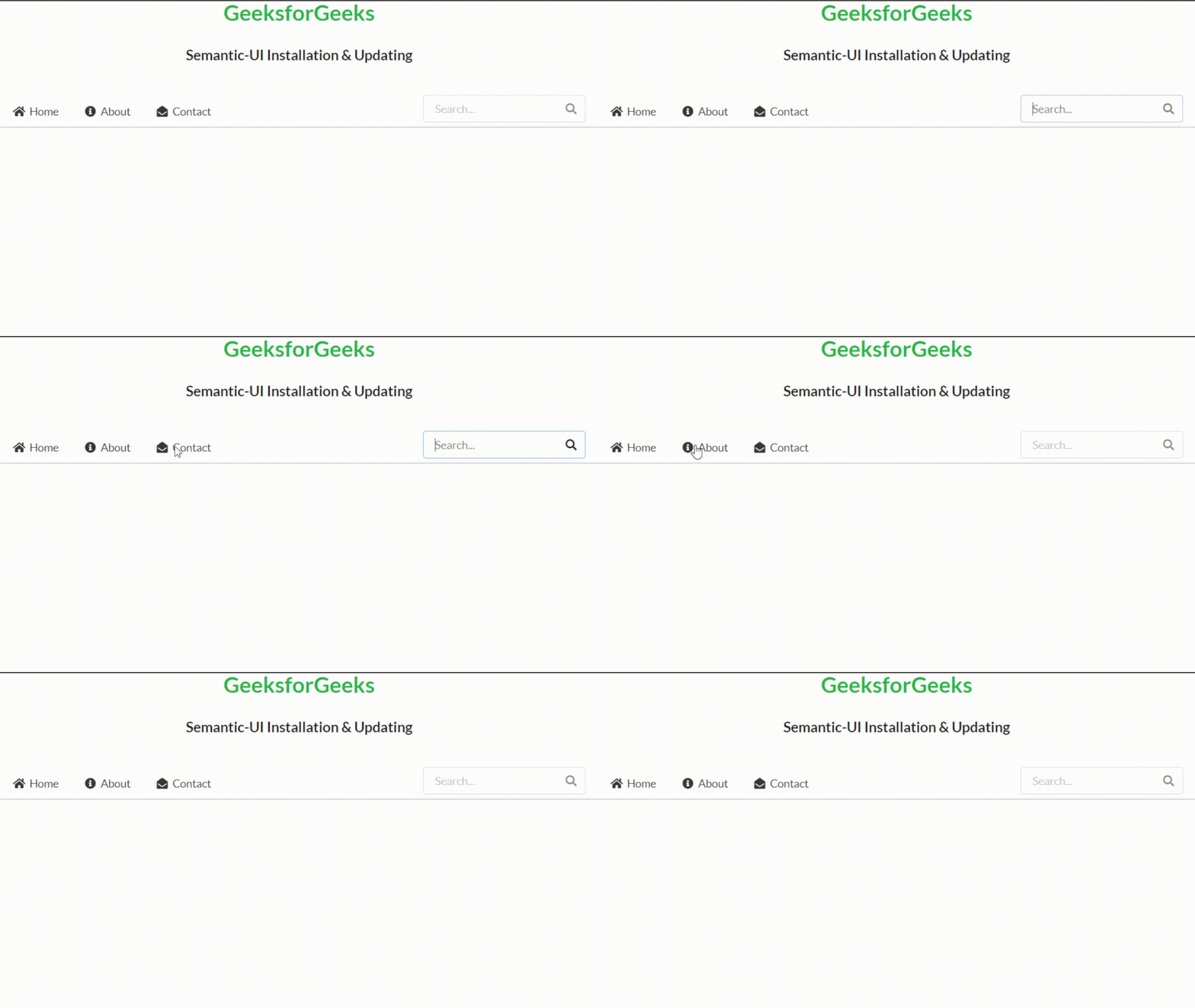
Example 1: This example describes the basic usage of the Semantic-UI by implementing a simple Menu. Here, we are using the ui secondary pointing menu class to create a simple menu with three items (Home, About, Contact) and search input. We are also using the right menu class to position the search input to the right of the menu and added some icons and descriptions for each menu option.
Output:
Example 2: In this example, we are using the ui form class to create a simple form that includes three fields, i.e., name, email, and password. We are also using the field class to create separate fields for each input, and the ui button class to create a submit button.
Output:
Reference: https://semantic-ui.com/introduction/getting-started.html

.gif)