|
VOOZH | about |
|
VOOZH | about |
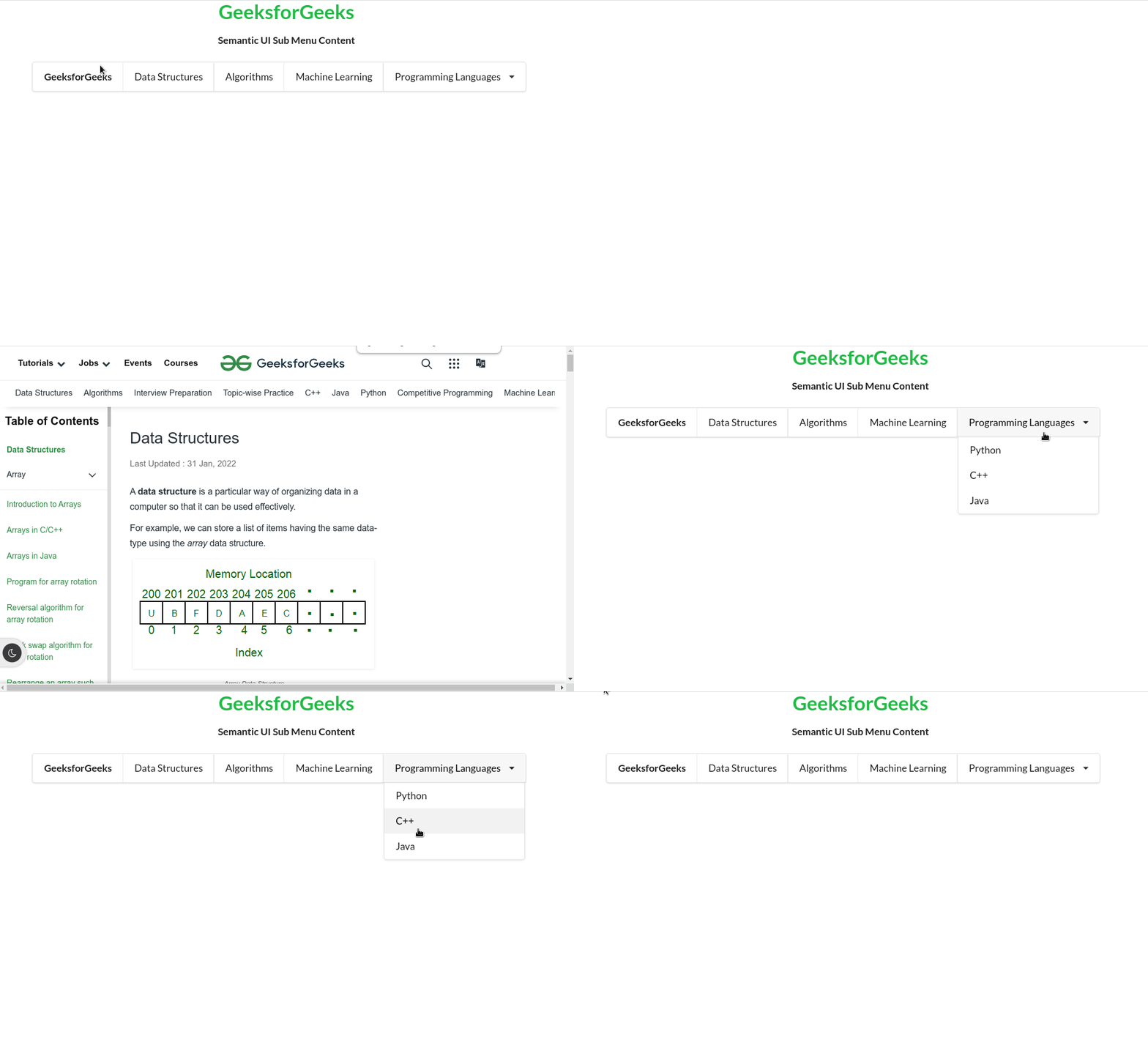
Semantic UI open-source framework gives icons or glyphs that are used to show pictures related to some elements using CSS and jQuery that is used to create great user interfaces. It is a development framework used to create beautiful and responsive layouts. Semantic UI Menu is a group of elements that displays different navigation actions. We can navigate to different pages of the website. A menu can be a combination of links, a search bar, and dropdowns. Semantic UI Sub Menu Content can contain another menu or nested menu inside the primary menu. The sub-menu can contain other extra links grouped under a category.
Semantic UI Sub Menu Content Classes:
Syntax: Create a container with a dropdown class and place it inside a menu to create a sub-menu as follows:
<div class="ui menu">
 ...
 <div class="ui dropdown item">
 ...
 </div>
</div>
Example: In the following example, we have a submenu containing the programming languages as other links.
Output
👁 ImageReference: https://semantic-ui.com/collections/menu.html#sub-menu